

13 Best Family Caregiver Apps for Different Care Needs
In this article
Care can break down in a small gap: a missed dose, an update buried in a family chat, or no clear way to get help during an emergency.
Family caregiver apps cover five distinct jobs, from shared planning to monitored response. This guide helps you match the app to the gap instead of comparing unrelated feature lists.
What does a family caregiver app actually do?
A family caregiver app helps you manage or understand one part of a relative's care. The right category depends on what you need to know, record, or arrange.
Five common categories cover:
Care coordination: Shared calendars, tasks, notes, and family updates.
Medication support: Schedules, reminders, dose records, and appointment tracking.
Daily context: Phone-generated location or activity information, with permissions enabled.
Emergency response: SOS or fall alerts sent to relatives or a monitoring service.
Paid help: Finding, booking, or scheduling home caregivers.
Coordination and medication apps usually depend on someone entering or confirming an update. A completed task or dose record shows what was logged, not what happened between check-ins.
Phone-based apps can create location or activity context automatically, subject to device settings and consent. Connected sensors add events such as a door opening when the app supports compatible devices.
Monitored emergency services route supported alerts to a response centre that follows an escalation plan. Coverage depends on the app, connected device, and subscription.
Some apps span categories. Confirm each capability in the product description.
13 family caregiver apps at a glance
The 13 apps fall into five jobs. Start with the care gap, then compare how each option gets its information and whether it needs extra hardware.
App or service | Best for | Information source | Extra hardware |
|---|---|---|---|
Guardian for Families | Daily family context | Agreed phone signals | No |
AngelSense | Wandering location | Dedicated GPS tracker | Yes |
Bay Alarm Medical | Monitored emergency help | Wearable or base unit | Yes |
Caring Village | Shared family record | Family entries | No |
Lotsa Helping Hands | Volunteer coordination | Helper updates | No |
CaringBridge | Family health updates | Organiser posts | No |
ianacare | Informal support circle | Member updates | No |
Medisafe | Medication schedules | Reminder confirmations | No |
MyTherapy | Medication routines | Reminder confirmations | No |
CogniCare | Appointment tracking | Family entries | No |
Care.com | Finding paid caregivers | Profiles and messages | No |
CareLinx | Arranging home help | Matching service | No |
Papa | Companionship and practical help | Service bookings | No |
How we evaluated the 13 apps
The 13 apps were evaluated by the care gap they address, how they collect information, and what the family must do to keep them useful.
Start with the app's primary job, then check participation, response, privacy, and hardware. The right option must work for both the family caregiver and the person receiving support.
Criterion | What to check |
|---|---|
Primary job | Name the care gap first: coordinating help, sharing updates, managing medication, tracking appointments, or responding to a safety event. |
Input method | Check whether information comes from manual entries, calendar updates, reminder confirmations, or connected devices. Manual records only stay useful when someone maintains them. |
Supported-person participation | Ask whether the person receiving care needs a smartphone, must respond to prompts, or can rely on a relative to manage the app. |
Response path | Follow a missed task or reminder from notification to action. Identify who sees it, who follows up, and what happens if nobody responds. |
Privacy | Review access controls, permissions, data deletion, and export options before adding health details or inviting a wider support circle. |
Hardware | Confirm whether the app works on existing phones or needs wearables, sensors, a hub, or a reliable home internet connection. |
Tools for location, wandering, falls, and emergency help
Safety tools solve different problems. A family visibility app supports check-ins, while a wandering tracker or monitored alert can help with a more specific risk.
The main difference is who notices the problem and who must respond.
Tool type | What it does | Who responds | Main limitation |
|---|---|---|---|
Phone-based family visibility | Shares agreed phone signals, such as location or home status | Family members decide when to check in | Depends on the person carrying a charged phone and consenting to sharing |
Dedicated GPS wandering tracker | Helps family follow the location of a person at risk of wandering | A family caregiver watches alerts and takes action | The tracker must stay worn, charged, and correctly placed |
Press-button medical alert | Sends an SOS after the wearer presses a pendant, watch, or other button | Family or a monitoring service, depending on the product | The wearer must recognise the emergency and press the button |
Automatic fall detection | Detects fall-like movement and sends an alert without a button press | Family or a monitoring service, depending on the setup | Detection and response arrangements vary by device and service |
Monitored emergency response | Connects an SOS device to a staffed monitoring service | The monitoring service answers and coordinates the next step | Coverage depends on the device, connection, and selected service |
1. Guardian for Families: daily context
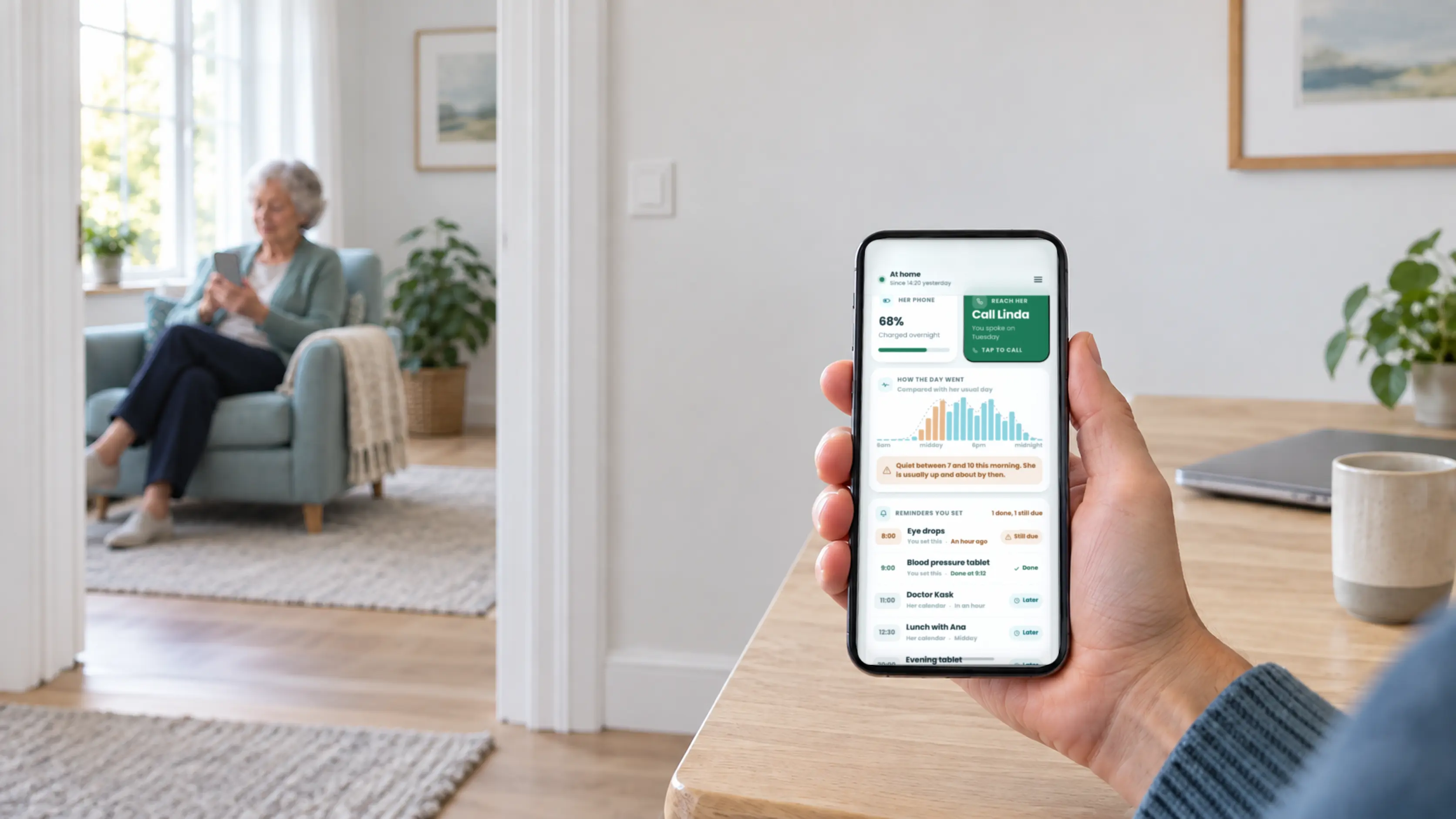
Guardian for Families is the first option for seeing agreed daily context before deciding whether to call. It shares location, home status, phone battery, activity patterns, and reminder completion.
Both people install the app and agree what to share. It uses their phones without extra hardware, but it does not detect falls or contact emergency services.
2. AngelSense: wandering location
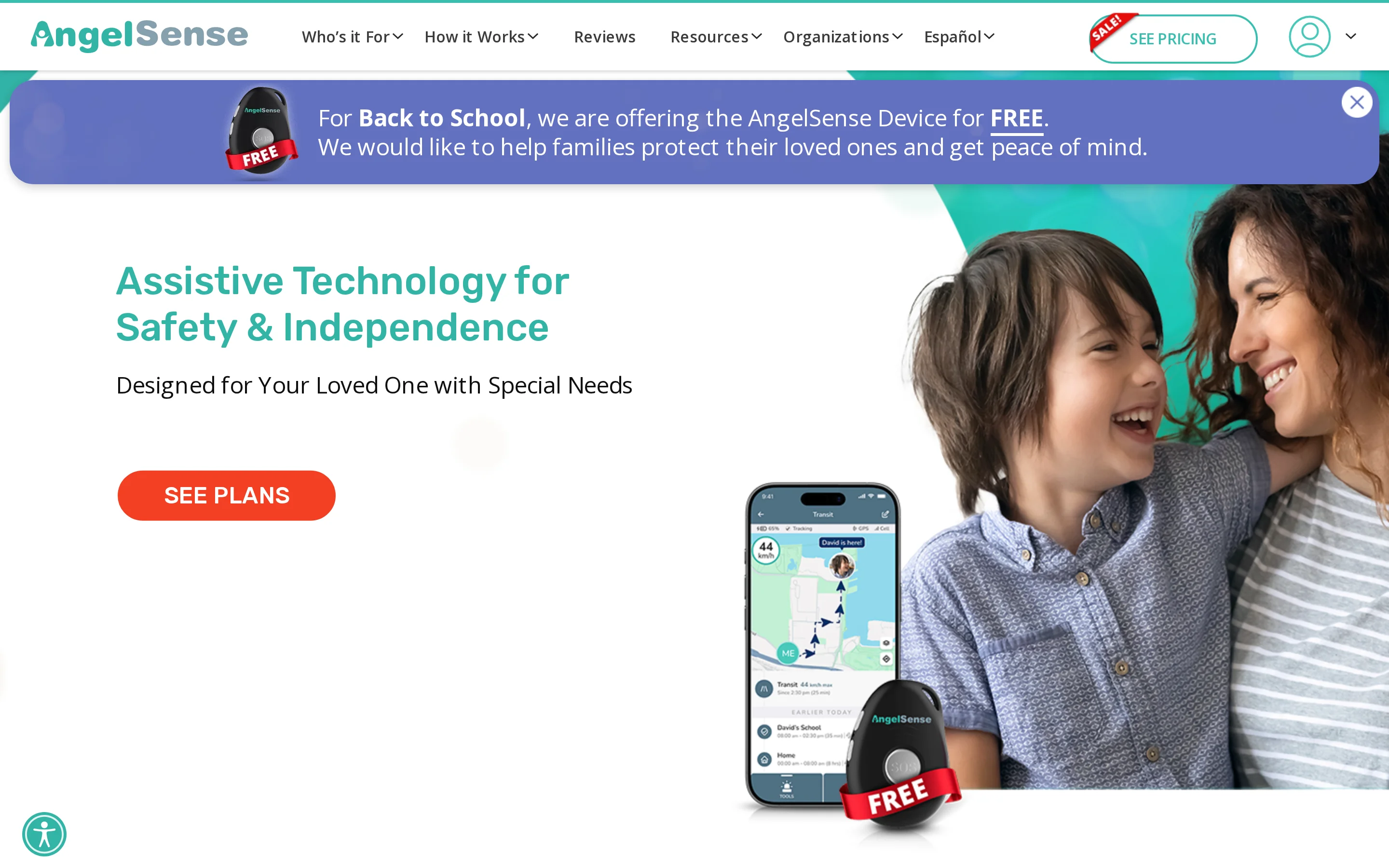
AngelSense is built for actively monitoring someone at high risk of wandering. Location comes from a dedicated wearable tracker rather than the person's phone alone.
A family caregiver must manage charging, placement, and alerts. Protection depends on the tracker staying worn, charged, and correctly placed.
3. Bay Alarm Medical: monitored emergency help
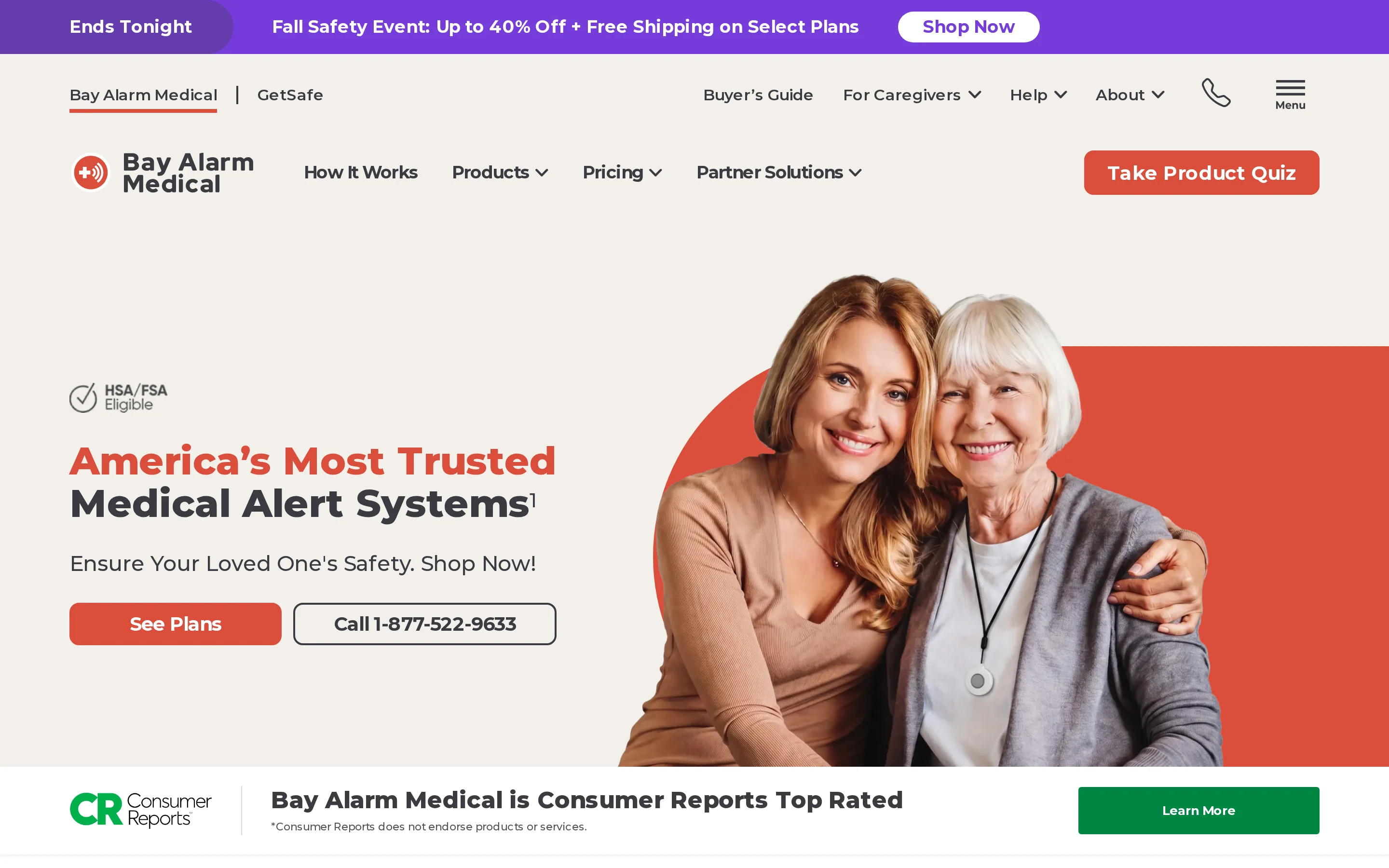
Bay Alarm Medical connects an individual to monitored emergency help. Its setups combine a pendant or SOS smartwatch with professional monitoring and a caregiver app.
The selected device must remain available and connected. Location protection depends on the equipment and service chosen.
Apps for care coordination, calendars, and family updates
Use these apps for shared plans and family updates. They organise information entered by relatives and volunteers; they do not independently confirm visits or monitor activity between them.
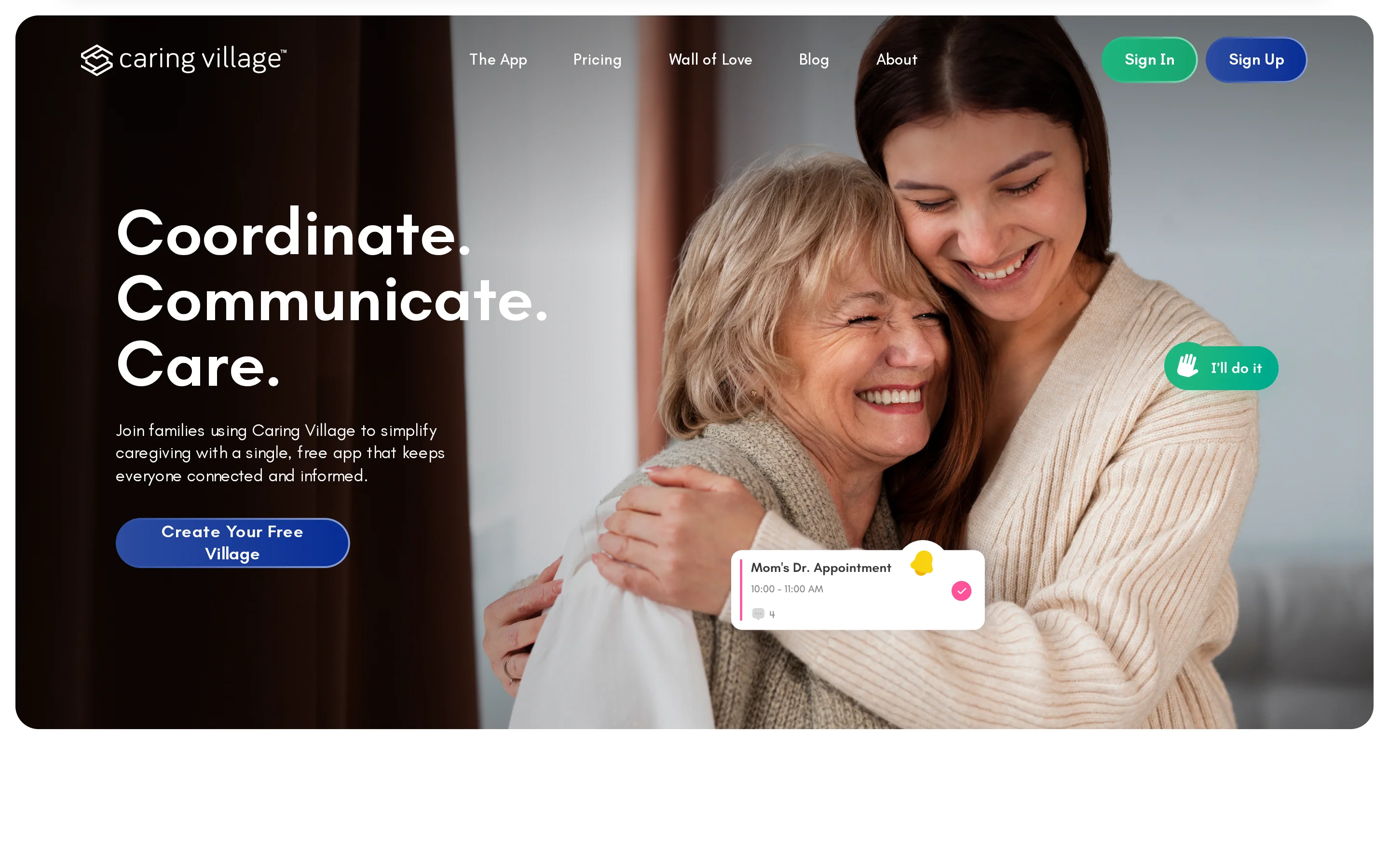
4. Caring Village: one family record
Caring Village keeps a shared calendar, care records, and private family messages in one place. It fits families that want one manually maintained record.
Relatives must keep entries current. The record shows what someone entered, so it does not independently verify visits or activity.
5. Lotsa Helping Hands: volunteer coordination
Lotsa Helping Hands organises practical support across a wider circle. Helpers can view requests, claim tasks, and post updates through a shared calendar.
The group must keep the plan current. The app coordinates entered commitments rather than confirming that a visit happened.
6. CaringBridge: family health updates
CaringBridge is centred on health updates and support requests for a wider community. An organiser publishes posts and requests for relatives and friends.
Someone must write each update. Its established role is broad communication rather than detailed medication management.
7. ianacare: informal support circles
ianacare coordinates tasks and reminders among relatives, friends, and neighbours. It suits an informal group sharing day-to-day care jobs.
Members must accept and update tasks. ianacare coordinates unpaid support rather than matching families with paid caregivers.
These tools work when the support circle keeps the plan current and agrees who will respond. Before moving an established calendar or update history, review plan terms, permissions, and data-export options.
Apps for tracking medication and appointments
Medication and appointment apps keep schedules visible and send prompts. Compare what each app tracks, who must record an outcome, and who follows up when an action is missed.
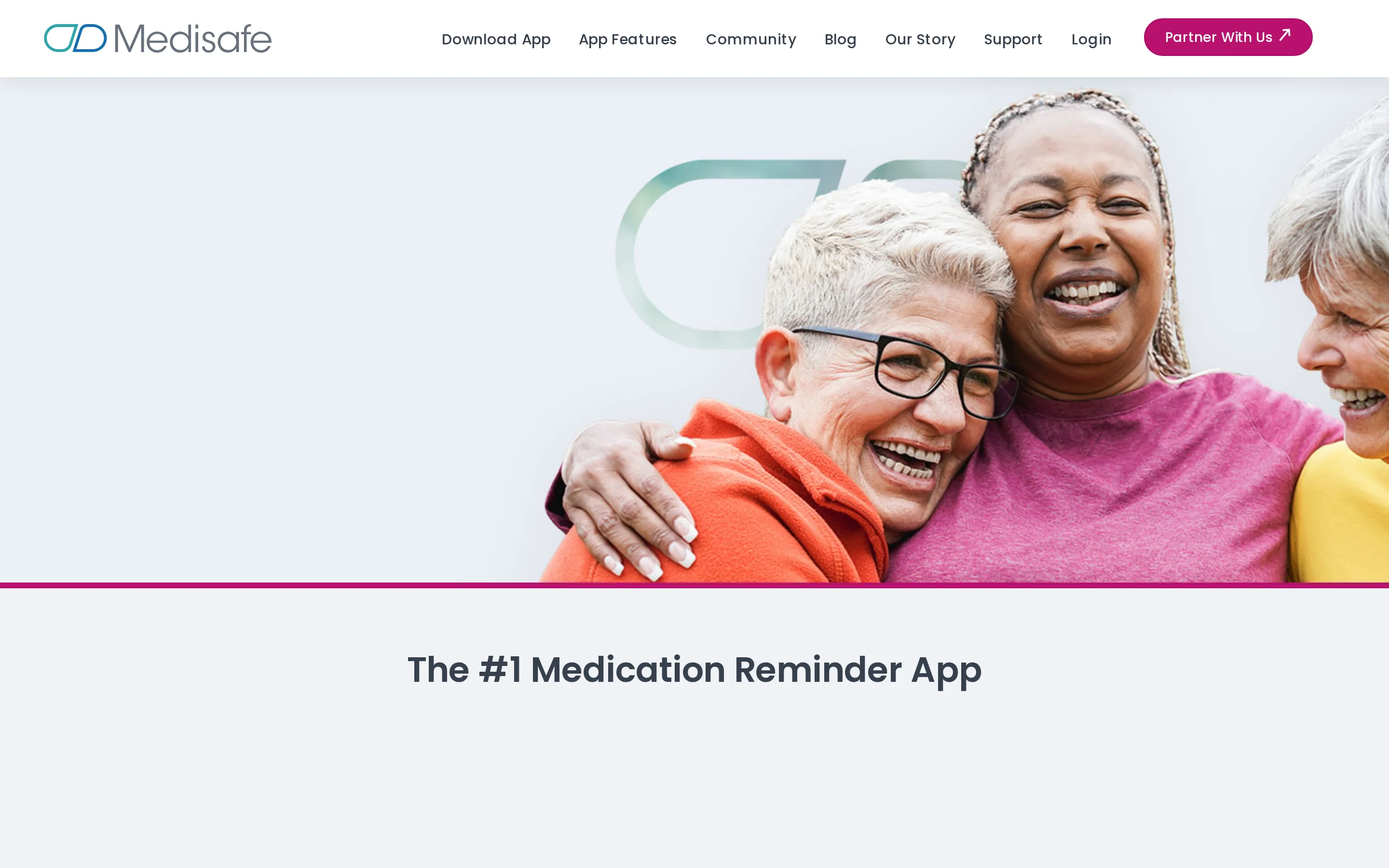
8. Medisafe: medication schedules
Medisafe manages medication reminders, refill prompts, and missed-dose alerts. It is focused on keeping a medication schedule visible.
The person taking medication or a caregiver records the response. A reminder or recorded response does not verify that medication was swallowed.
9. MyTherapy: medication routines
MyTherapy is a free app for following a medication routine. It sends medication reminders and missed-dose alerts.
The person taking medication or a caregiver records the response. Like other reminder tools, it cannot verify ingestion.
10. CogniCare: appointment tracking
CogniCare keeps appointment information organised for a family. A relative must maintain the schedule and update changes.
Its established function here is appointment management. Evaluate medication reminders separately if that is part of the care gap.
A reminder proves that an alert was sent, not that medication was taken or an appointment attended. Assign a person to follow up after a missed action; ongoing safety monitoring solves a separate problem.
Apps for scheduling caregivers and finding paid help
Paid-care apps help families find or arrange hired support when relatives cannot cover every visit. They solve a staffing need, while family calendars and updates handle coordination around that care.
11. Care.com: finding paid caregivers
Care.com is a marketplace for finding paid home caregivers. Families can review profiles, post a role, and contact potential hires.
The family remains responsible for screening and arrangements. Marketplace access does not show what happens between scheduled care visits.
12. CareLinx: arranging home help
CareLinx connects families with caregivers through a matching service and supports the care relationship. The family confirms duties, schedules, and payment arrangements.
Its scope is hired care. The service does not provide continuous context during the hours between visits.
13. Papa: companionship and practical help
Papa arranges companionship and practical support for eligible members. Bookings cover social and everyday needs based on the member's eligibility.
Available tasks depend on the service arrangement. Papa is not a clinical or hands-on personal-care service.
Before arranging care, confirm the permitted tasks and screening process. Establish the full cost and who is responsible for payment or employment administration.
These services can fill paid hours, but booking a caregiver does not give relatives continuous visibility into the rest of the person's day.
What these apps can't tell you between visits
Manually updated calendars, task lists, and medication logs only show what someone entered. They cannot show how the day is unfolding between a completed visit and the next family check-in.
A marked task confirms an update, not the wider context. A missed entry could mean someone forgot to tap “done,” their phone needs charging, or the family should check in.
With the supported person's agreement, Guardian for Families can add phone-based context:
Agreed location and home status: See the location information the person chose to share and whether they appear to be home.
Phone battery: Notice a low battery and send a prepared charging reminder before contact is lost.
Daily activity or rhythm changes: Spot a change from the person's usual phone-based pattern.
Reminder completion: Check whether an agreed reminder, such as taking tablets, was marked complete.
These signals help a relative decide whether to call or check in. Guardian for Families does not diagnose an emergency, detect falls, or contact emergency services automatically.
Which caregiver app fits your situation?
Match the first care gap to the relevant category, then check who provides the information and who responds.
Care gap | Apps to compare | Check before choosing |
|---|---|---|
Daily family context | Guardian for Families | Consent and phone participation |
Wandering or emergencies | AngelSense, Bay Alarm Medical | Charging and response path |
Family coordination | Caring Village, Lotsa Helping Hands, CaringBridge, ianacare | Who maintains updates |
Medication or appointments | Medisafe, MyTherapy, CogniCare | Who confirms missed actions |
Finding paid support | Care.com, CareLinx, Papa | Screening, eligibility, and duties |
See how their day is going with Guardian for Families
Guardian for Families gives you an agreed view of a loved one’s day before you decide whether to call. We built it for families who want context between check-ins without adding cameras or extra devices.
Sharing starts with a simple setup:
Install the app together: Add Guardian for Families to both compatible iPhone or Android phones.
Agree what to share: The supported person chooses which updates family members can see.
Check before calling: Review location or home status, phone battery, activity patterns, and completed reminders such as tablets.
Talk when needed: Use one-tap calling or hold-to-talk after an update suggests a check-in would help.
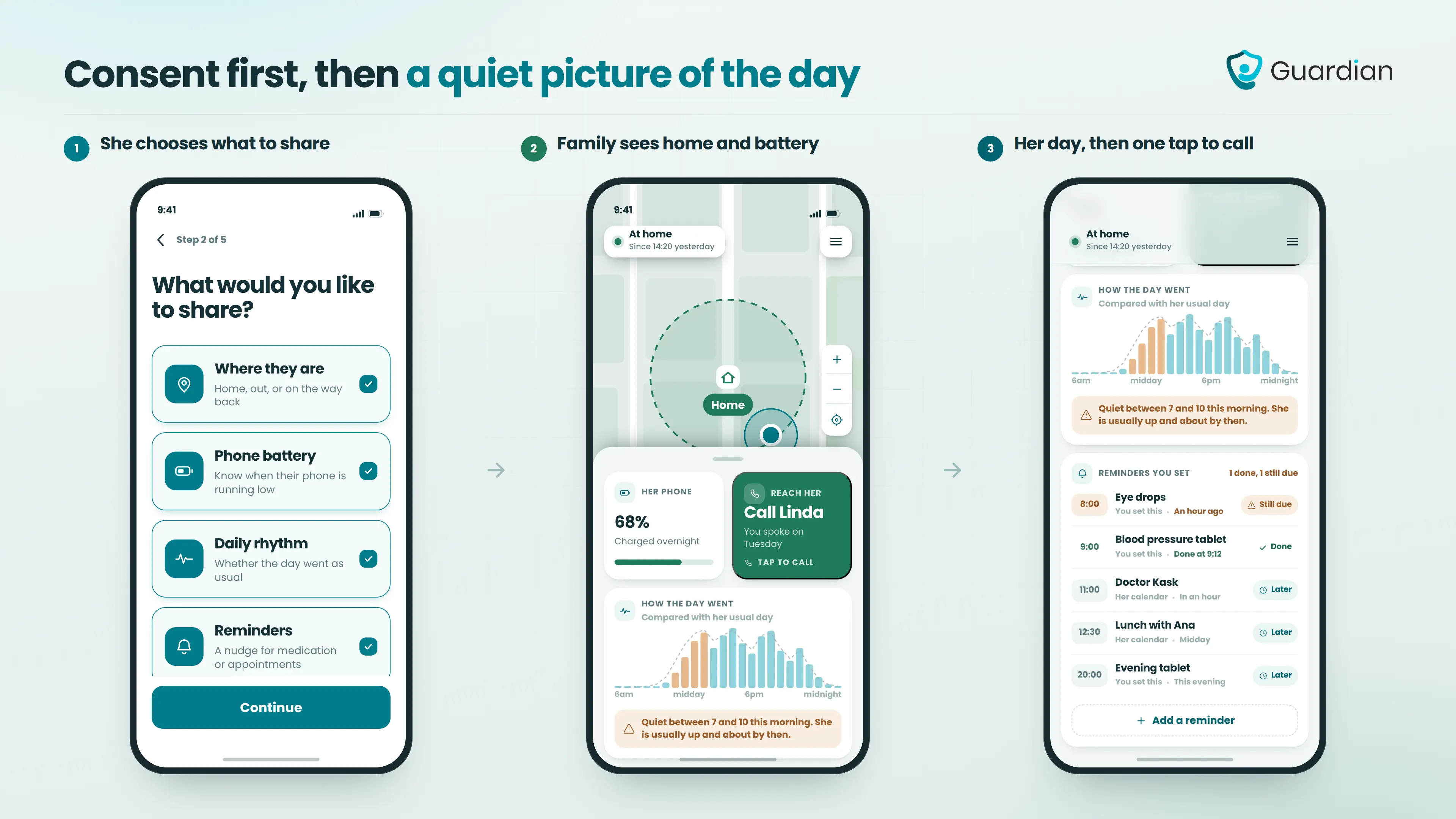
The supported person can see who is connected and stop sharing at any time. Guardian for Families should only be installed with their consent.
Guardian for Families is in early access. The app does not detect falls or contact emergency services automatically; it gives families context for deciding when to check in.
Some family caregiver apps are free for basic coordination. Medication tracking, paid-care marketplaces, connected hardware, or extra storage may carry separate charges.
Before registering, check user limits and whether alerts, data export, or provider support require payment.
Safety depends on the app's account controls and data practices. HIPAA does not cover every US consumer app, so check GDPR or the relevant privacy rules where your family lives.
Start with one app for the family's main need. Add another only when a required task, such as medication reminders or agency messages, cannot fit into the same system.
Some coordination apps can be managed entirely by the family caregiver. Dedicated pendants, wall buttons, and home sensors follow separate setup rules and may connect through their own hub or monitoring service.
Guardian for Families requires compatible iPhone or Android phones for both people. The app is installed on both phones, and the supported person must agree to the sharing setup.
Fall detection depends on the product and its hardware. Coordination apps generally organise schedules and updates; dedicated wearables or home sensors may include automatic detection.
Guardian for Families currently does not detect falls. Treat any app's fall claims separately from its location-sharing and calling features.
Location sharing gives approved relatives phone-based context, such as whether someone is home. Monitored emergency response sends an alarm to a staffed service that follows an escalation process.
A map pin alone does not confirm a fall or dispatch help. Check who receives alerts, whether coverage depends on the phone, and what happens if nobody responds.
Yes. In Guardian for Families, the supported person chooses what to share, can see connected people and active sharing, and can stop sharing at any time. Do not install the app without their agreement.
No. Guardian for Families currently does not automatically call or dispatch emergency services. It gives family members context and one-tap calling so they can decide whether to check in or seek help.
Keep a separate emergency plan with the right local number and a named family contact if the app shows something concerning.

Author
Aleks Timm
Aleks Timm leads Guardian and builds privacy-first operations technology for care homes and home care providers. Teams get location-aware alerts they can act on, clearer situational awareness, and measured insight into how care work actually runs.
Read MoreRecommended reads
Keep reading

Remote patient monitoring: a complete guide
Remote patient monitoring: the complete guide to sensors, benefits, and buying tips for safer care homes and better resident...
Read more
How to install a nurse call system: a step-by-step guide
How to install a nurse call system with less disruption: plan devices, wiring, testing, and handover step by step for a smoother...
Read more
WiFi nurse call system guide for care homes
WiFi nurse call systems explained: alerts, clean records, and no wiring—compare options and choose the right setup for your care...
Read more