

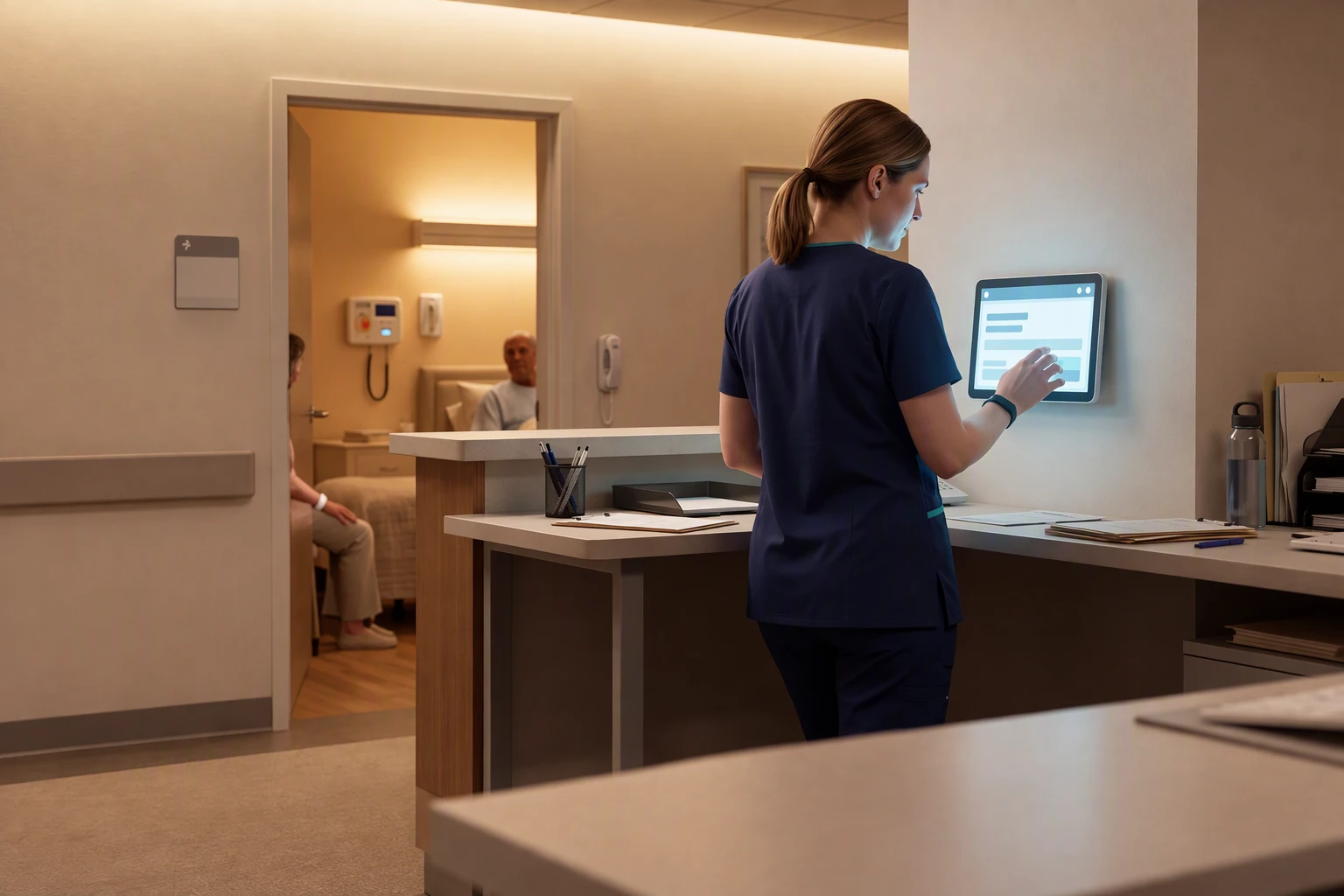
8 Best Nurse Call Systems for Hospitals & Care Facilities
In this article
A resident rings the call button at 2am. The call goes to a pager nobody is carrying, and the next morning the log has nothing in it.
That is the daily cost of the wrong system. A call that reaches a caregiver and a record that shows when they arrived are two different jobs, and a system can do one without the other.
Which nurse call system is best depends on your building and your team. A clinical ward, a care home, a home care fleet and one person living alone each need something different from the same alert.
What is a nurse call system?
A nurse call system, also called a call bell or call light system, lets a patient or resident ask staff for help. They press a bedside button, pull a cord or tap a wearable, and the call reaches a nurse station, a pager or a staff phone.
A manual call only works if the person is able to press or pull it. A bed, door or motion sensor raises an alert from what happens in the room, so the alert does not depend on the resident pressing anything.
That difference sorts the systems on this list into three kinds:
Clinical nurse call: wired or IP call points that connect patients or residents to facility staff. Some carry formal certification and clinical integration, which hospitals usually need.
Passive monitoring: sensors and wearables send alerts to staff from detected events, such as a resident getting out of bed at night or opening an exit door.
Personal alert services: a pendant or watch that typically links one person to an outside response centre. This suits someone living alone more than a staffed home.
A sensor platform and a certified call point can look alike on a spec sheet but do different jobs on a night shift. Before you compare features, decide whether your setting needs a certified call point, passive alerts or a personal alert service.
How we evaluated these systems
An alarm that sounds is not enough if staff cannot find the resident or the nursing manager cannot show what happened the next morning. A system needs to support the response during the shift and leave a clear record afterwards.
The comparison uses five checks:
Who receives the alert: whether it reaches the staff member responsible for responding and includes the resident’s name and room-level location.
What gets recorded: whether visits, shift times and response times are captured automatically or left for staff to write down.
Which events become alerts: whether resident-specific rules, such as a configurable bed-exit delay on bed sensors, can filter routine activity before notifications reach staff.
What installation involves: whether deployment requires cabling or uses wireless devices, and how the setup fits around daily care.
Whether it fits the setting: does the intended clinical use require certified call points? Does monitoring put cameras in resident rooms?
Certification is a purchasing requirement where the clinical use calls for it. Passive monitoring cannot substitute for a certified nurse-call system.
Cost is checked over the life of the system. Total cost includes hardware, installation, subscriptions, support and maintenance, and a wired project shows how fast that adds up: a Crest Haven bid ranged from $300,535 to $337,145, plus $8,000 to $12,000 for required maintenance in years 1 and 2.
If staff have started ignoring alerts, give the alert-rules check the most weight. If families or inspectors ask for response times, prioritise the records check. When reporting is the only gap, compare broader care software options by live alerts, visit proof and compliance evidence before shortlisting vendors.
1. Guardian
Guardian is a wireless, camera-free operations and safety monitoring platform built for care homes and home care providers. Most systems on this list do one thing: a pendant, a wall button, or a wander lock.
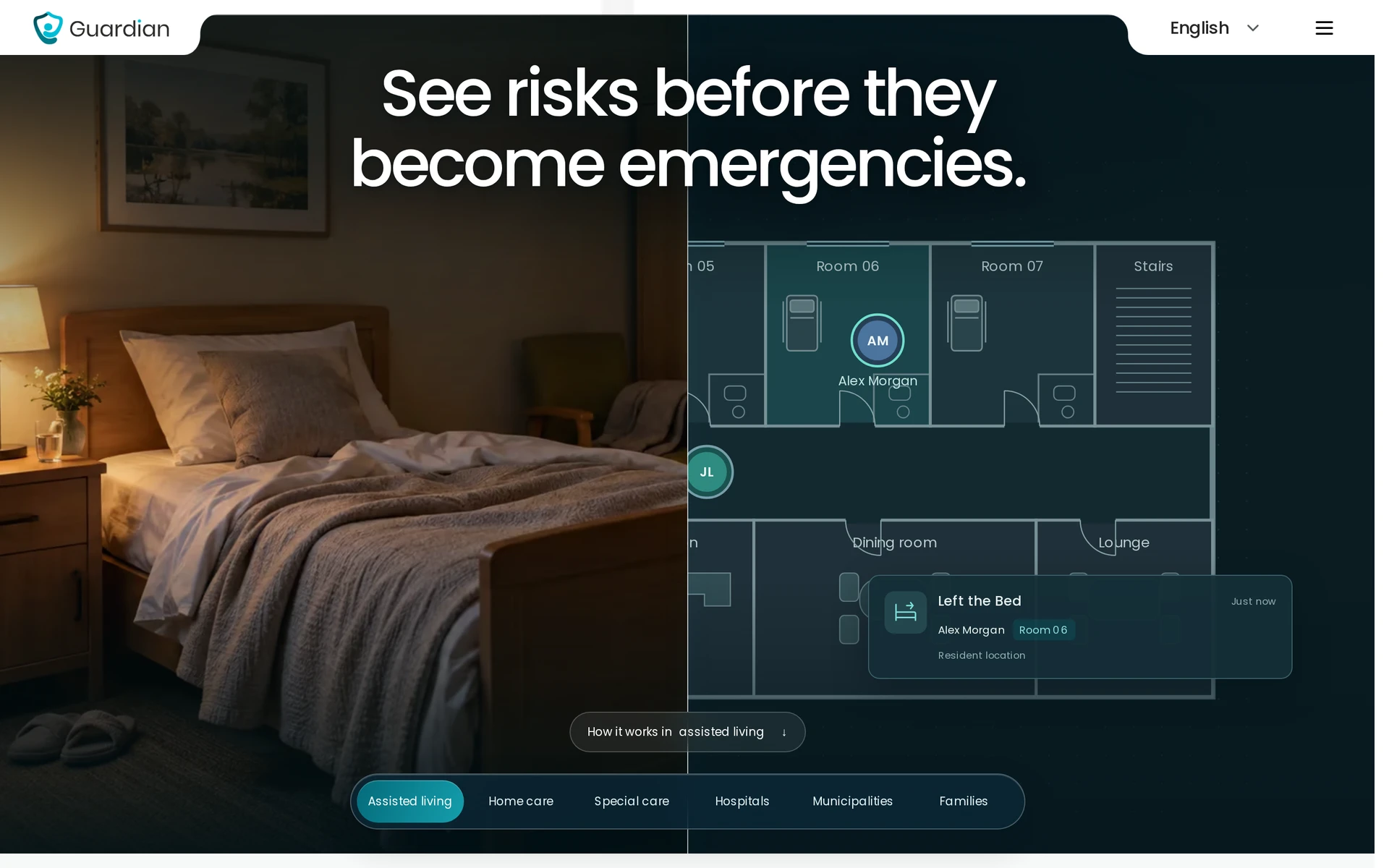
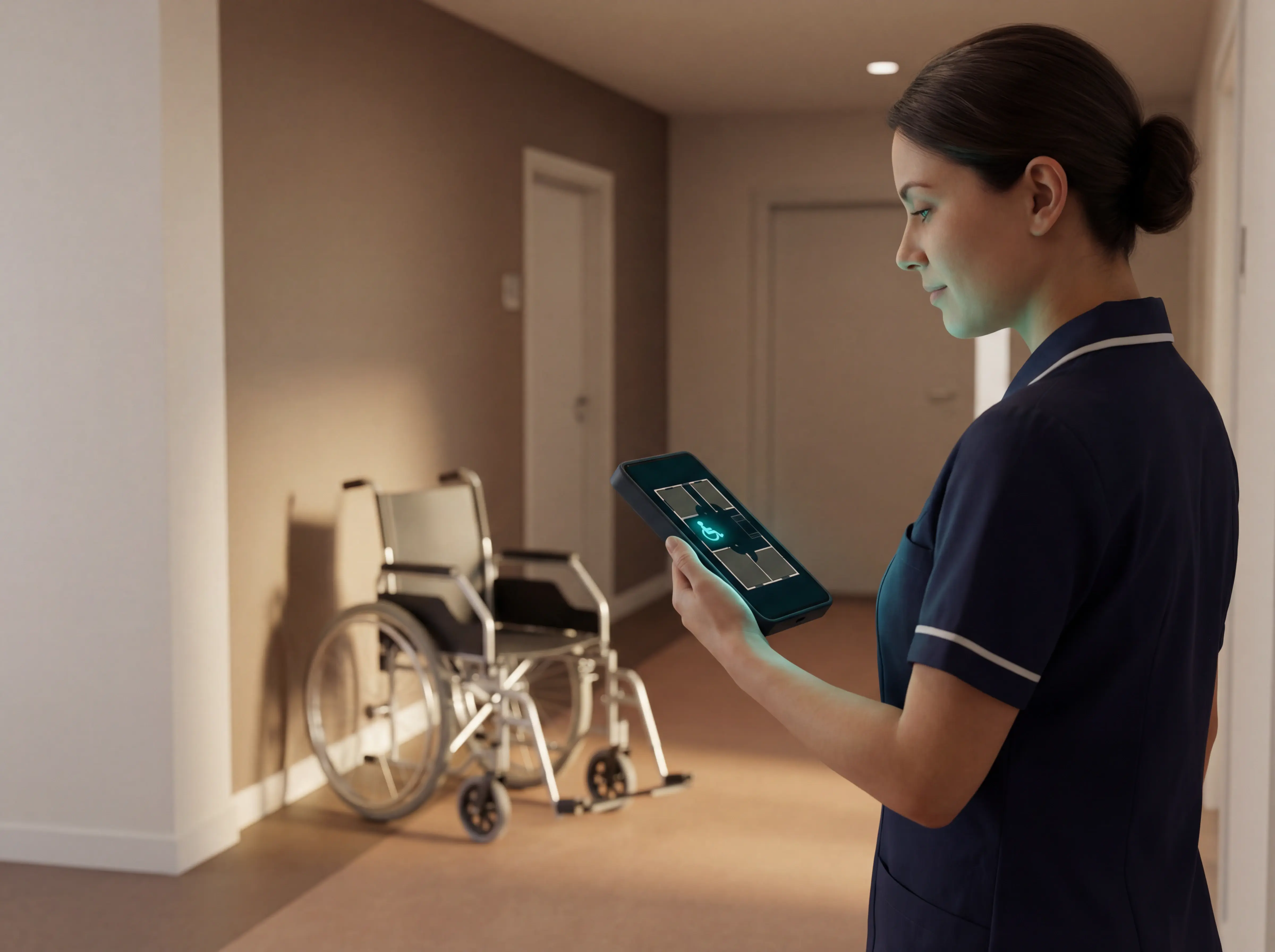
Guardian brings resident wearables, in-room sensors, vehicle and asset trackers and a live dashboard, Guardian Insight, into one platform. Each alert carries the resident's name and room-level location.
Nurse calls, detected falls, exits and restricted-area entries go to the phones, tablets or nurse station screens staff already use, so the home needs no pagers. Sensors monitor in the background, so residents do not have to press anything.
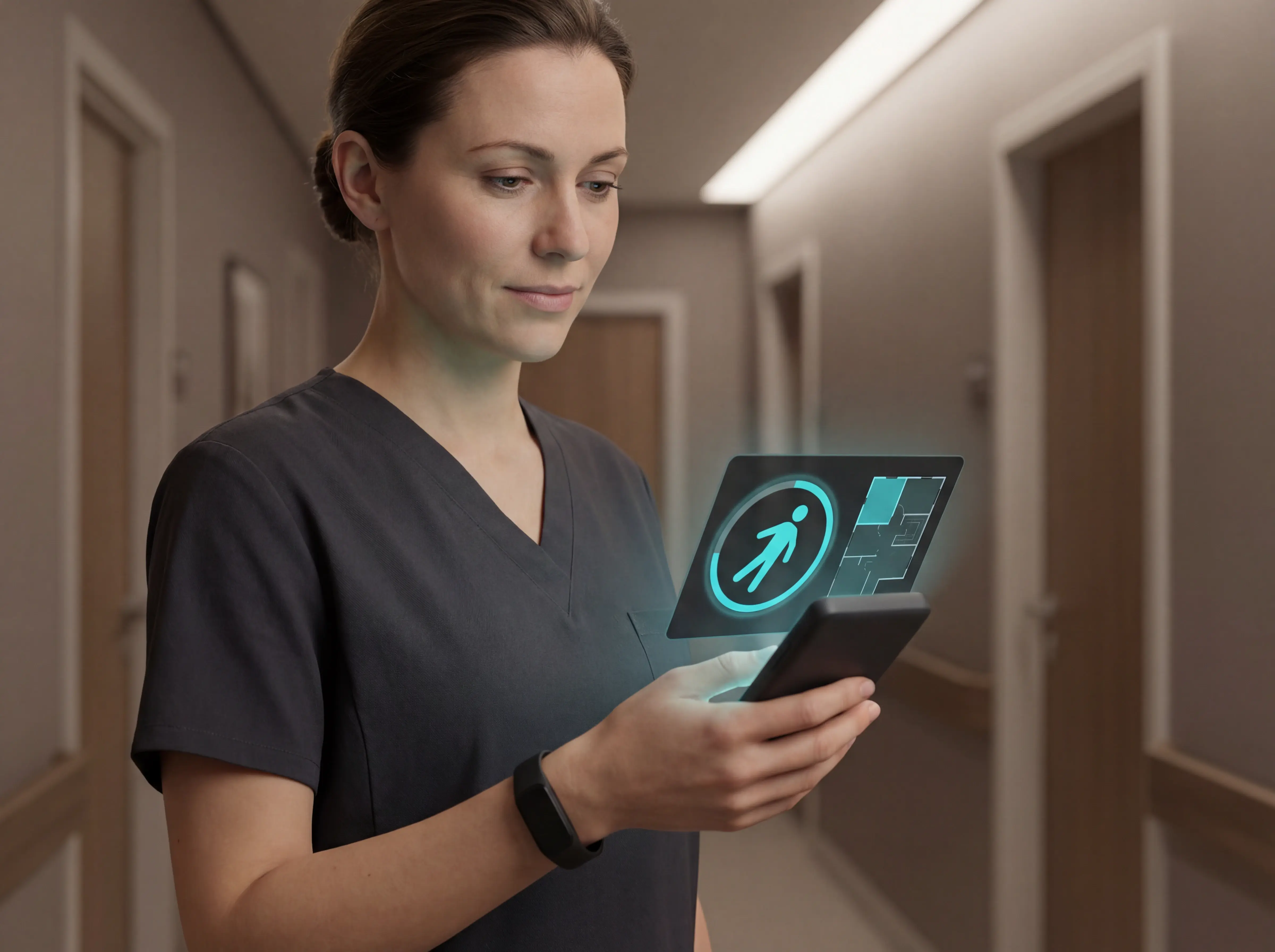
Guardian is passive monitoring, not a certified nurse-call system. It suits care homes and home care agencies, and hospitals that need certified call points need a certified clinical system.
Visits, shift times and response times are recorded during the shift, so the record is already written when the shift ends.
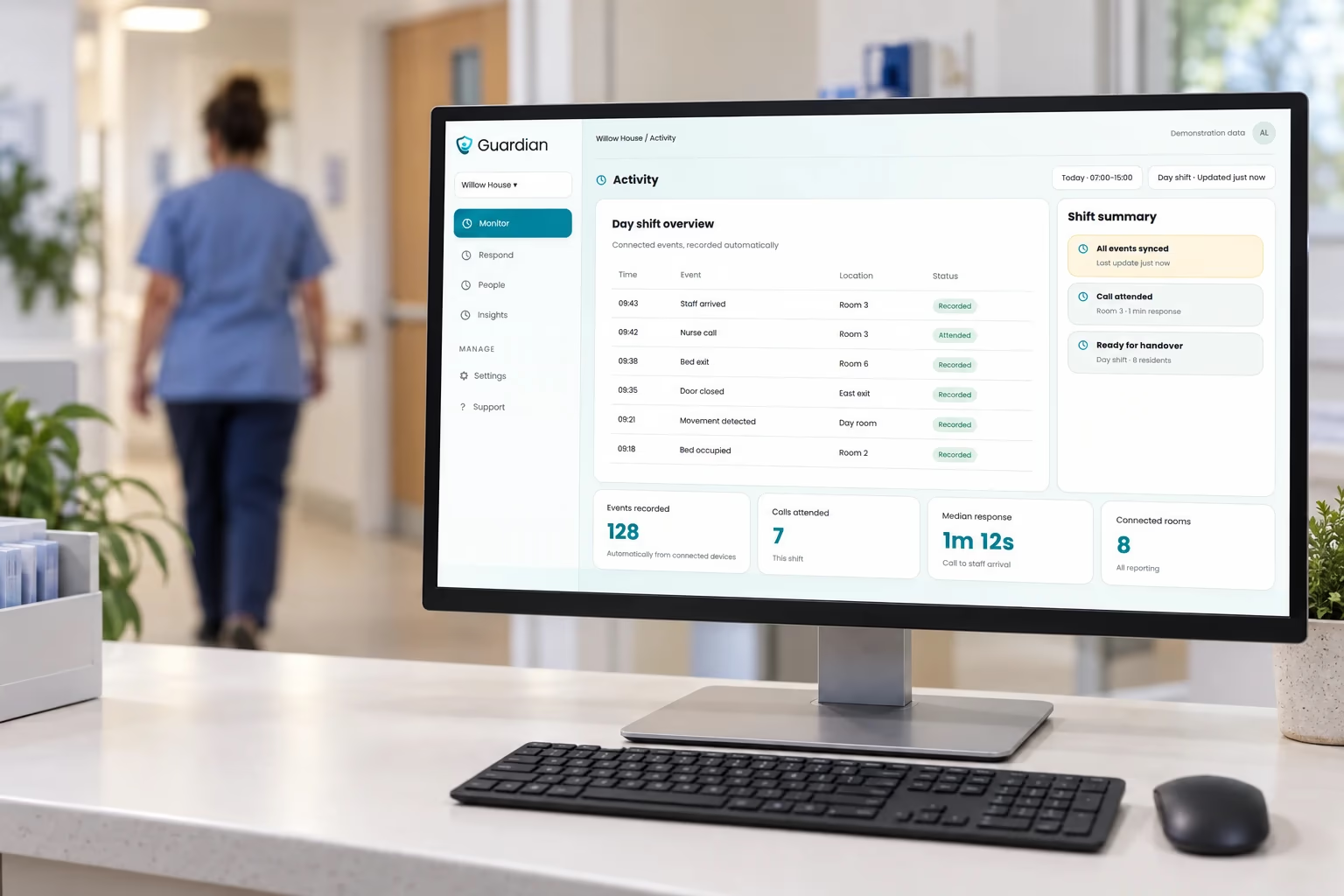
The Activity view in Guardian lists events by time, location and status beside a shift summary, shown here with demonstration data.
Alert rules decide which events reach staff. Under a rule such as "out of bed for >15 mins at night", a resident out of bed for more than 15 minutes at night triggers an alert, and a short trip out of bed does not.
Bed-exit delay and resident-specific thresholds are the most-used rules in real pilots.
Key features
Resident wristbands with nurse call and an accelerometer that, while worn, alerts with location when the resident cannot or does not press the button
Caregiver SOS bands that alert colleagues with the caregiver's location
Bed, motion, door, fridge and stove sensors for passive in-room monitoring, with 2 to 5 years of battery life depending on the sensor
Exit and restricted-area alerts that show where the resident is
Asset finder for tagged wheelchairs, lifts and medical devices, with a first equipment pilot typically tagging 10 to 30 items
Home care tools: arrival times and visit length, a live fleet map and a GPS safety watch for clients outside the home
Pros
Pre-configured wireless devices, so a ward goes live in about a week with no drilling, cabling or IT project
Camera-free monitoring keeps video out of resident rooms
In one care home pilot, Guardian freed up more than €1,000 per month of caregiver capacity and detected more than 20 incidents
Cons
Passive monitoring, not a certified nurse-call system, with no UL listing, so hospitals that need certified call points should look at Tunstall or another certified clinical system
No EHR or billing module, so clinical notes and invoicing stay in the systems you already run
Not built for private homes or for a family buying one pendant
Best for
Care homes, nursing facilities and home care providers, from a single home or ward to a caregiver fleet, that need clean, timestamped records to show families, funders and inspectors. Guardian also suits teams whose current alerts arrive without a location or bury staff in routine activity.
Pricing
Guardian has no published price and no self-serve plan. It starts with a scoped 6–8 week pilot in one ward, home or team.
The pilot ends with a written impact report on response times, incident data and staff feedback, along with an ROI calculation and a rollout plan. Rollout terms are agreed separately once the report is in.
To scope a pilot in one ward or team, you can try it now and tell us where you want to start. We usually reply within 2 business days.
2. Smart Caregiver
Smart Caregiver is the low-budget pager option for care facilities that want alerts from wireless call buttons and sensors. It is a component-based hardware purchase, so the central monitoring unit’s (CMU’s) price is only part of the cost.
Key features
Individual paging systems send alerts from up to six sensors to one portable pager, suitable for one-to-one care or a rehabilitation room.
Smaller CMUs use numbered assignments preprogrammed to facility room numbers, identifying the alert source rather than showing a resident’s live location.
The 433-PRB pager offers an LCD identification display and vibration or tone alerts.
A separate Large Facility CMU uses custom four-digit identifiers.
Pros
Published component prices make the hardware cost easier to build up.
The 433-PRB pager lets staff reset an alarm and review recent alerts without returning to the monitor.
Cons
Smaller monitors list 40 or 60 channels, counted sometimes as residents and sometimes as devices. Size the configuration around connected devices before relying on a resident count.
Pager compatibility is model-specific. The TL-4015 uses a separately listed pager.
Support runs Monday to Friday, 7:00 a.m. to 3:30 p.m. Pacific Time.
Best for
Small-budget facilities needing numbered pager alerts, plus one-to-one caregivers or rehabilitation-room teams needing alerts from several sensors on one portable pager.
Pricing
Monitor only | Price |
|---|---|
40-channel CMU | $99.95 |
60-channel CMU | $139.95 |
Large Facility CMU | $499.95 |
A 40-channel CMU plus a $16.95 call button costs $116.90 without a pager. Adding the compatible $49.95 pager brings the calculated subtotal to $166.85 before tax and shipping.
Optional sensors cost $69.95 for a wireless bed pad, $29.95 for a door/window sensor and $129.95 for a wireless floor mat.
3. Alarm.com Wellness
Alarm.com Wellness is a cloud-based sensor platform for senior living communities. Passive sensors learn each resident's daily routine and raise a wellness alert when that routine changes, so nobody has to press a button.
Alarm.com's homepage leads with home and business security.
It sits in the enterprise tier with Tunstall Healthcare and Lifeline and serves multi-resident communities rather than home care. Unlike those two, it relies on passive sensors instead of pull cords or wearable buttons.
Key features
Passive wireless sensors that track daily routines such as sleep, meals and bathroom visits, with no cameras or wearables required
Wellness Insights, which flags a change against each resident's learned baseline so staff can step in before a situation escalates
An enterprise dashboard for real-time monitoring and reporting across residents and sites
Optional Wellcam video with two-way communication for when sensor data alone is not enough
Over-the-air sensor updates, with deployment through authorised providers
Pros
Alerts come from changes in routine, so residents do not have to press anything
One dashboard covers many residents and several sites
Connects to Alarm.com's security and smart building platform, which suits operators already using it for access control or building monitoring
Cons
No pull cords, wearable emergency buttons or UL-listed nurse call panels, so residents cannot call for help themselves
The optional Wellcam puts video in resident rooms. That can draw regulatory scrutiny, and families may object where camera-free monitoring is expected
Best for
Assisted living, independent living and memory care operators who want quiet, predictive monitoring of daily routines. It is not built for hospital wards or high-acuity settings that need UL-listed call systems. If residents must be able to call for help themselves, look at Tunstall Healthcare or Lifeline below.
Pricing
Alarm.com does not publish prices for its wellness platform. Quotes come through authorised providers on request.
4. Tunstall Healthcare
Tunstall Healthcare offers two routes: managed personal alarms and installed room-call equipment. Personal alarms reach a 24/7 monitoring centre, where trained staff coordinate the response. Its strongest fit is a call answered by monitoring staff, or a clinical site needing installed call points and pull cords.
The Tunstall landing page presents its connected care and nurse call range.
Key features
Gem4 and Gem5 mobile alarms include GPS, automatic fall detection and manual SOS.
The Australian catalogue includes fall, activity, smoke, epilepsy and bed sensors.
One Irish Flamenco installation combines speech-enabled bedroom units, over-door lights, bedside devices and bathroom pull cords, with selected bed-leaving sensors and pendants connected wirelessly.
Room-call hardware includes pull cords, cardiac alarms, WC call switches and two-way VoIP speech, so staff can assess a situation before walking to the room.
Integrations with EHR, fire alarm, PA and telecare systems sit alongside audit trails and KPI dashboards that support CQC-style compliance reporting.
Pros
Monitoring staff coordinate personal-alarm responses through family, caregivers or emergency services.
Institutional equipment provides fixed bedside and bathroom call points.
Facilities can move from legacy analogue nurse call to IP/VoIP without full rewiring.
Cons
Personal alarm calls reach Tunstall’s monitoring centre rather than floor-staff phones. Visit and incident records need a separate workflow.
Standard in-home alarms work within about 20 to 30 metres of the base. Some older units require a landline.
Fixed room-call systems require wiring and installation.
Personal alarms typically cost about $140 to $500 upfront, depending on the package, plus monthly monitoring fees. Institutional room-call systems are priced per project.
Tunstall Healthcare UK holds 2 out of 5 on Trustpilot from 21 reviews, with complaints mostly about service.
Best for
Hospitals and clinical sites wanting installed call points, and individuals wanting monitored alarms. Small residential homes and home care teams will find the institutional system disproportionate to their needs. In Australia, eligible NDIS and DVA participants can fund alarms and monitoring.
Pricing
Institutional systems are quoted per project. These Australian personal-alarm prices exclude facility installation:
Device or bundle | Upfront price |
|---|---|
Gem4 or Gem5 | About $399 |
Lifeline Digital with Gem pendant | About $599 |
Lifeline with Vibby | $499, including three months of monitoring |
5. Lifeline
As a monitored emergency button for one person, Lifeline works well at home or out and about, provided the resident wears it, keeps it charged and presses it.
The button connects to a 24/7 response centre. That routing makes the consumer service a poor substitute for care-home nurse call, because an outside operator receives the call instead of your floor staff.
Its separate CarePoint platform serves senior living communities with emergency calls, caregiver notifications, wander management and reporting.

Lifeline’s landing page shows its personal medical alert range.
Key features
Home System, Mobile Systems and Smartwatch lines cover personal alerts at home and on the go. The range includes GPS tracking and heart rate monitoring.
CarePoint’s Smart Assistant accepts Alexa help requests, sends keyword-tagged alerts to staff and lets them acknowledge verbally.
CarePoint centres on UL-2560 certified wearables with automatic fall detection.
PointClickCare sync via an ADT feed pushes alert and resident data into the EHR without manual re-entry.
Lifeline named a CarePoint Essential deployment with Alexa at The Manor Village Desert Ridge in Phoenix in its July 2023 release.
Pros
Around-the-clock monitoring gives an individual senior an outside responder for emergency button calls.
CarePoint offers communities a voice-request option alongside resident emergency calls.
Cons
The consumer button service depends on the resident wearing the device, keeping it charged and pressing it.
Best for
Individuals and families seeking a monitored emergency button should consider the personal service. Senior living operators needing staff notifications and optional voice requests should evaluate CarePoint separately. Ask which CarePoint generation is on offer and whether it holds the certification your region requires.
Pricing
CarePoint facility pricing is not published, so a community has no list figure to use for budgeting.
6. Nomosmartcare
Without an overnight record between visits, the gap is clear: “From the office, a fall and a late start look identical.” Nomo Smart Care, Envoy at Home and SensorsCall each serve one household watched by family, rather than an agency’s fleet of clients.
Nomo Smart Care works as household monitoring. Its sensor kit tracks activity and sends panic alerts, giving families a reason to check in when routines change. Activity signals cannot verify medication intake or meals.
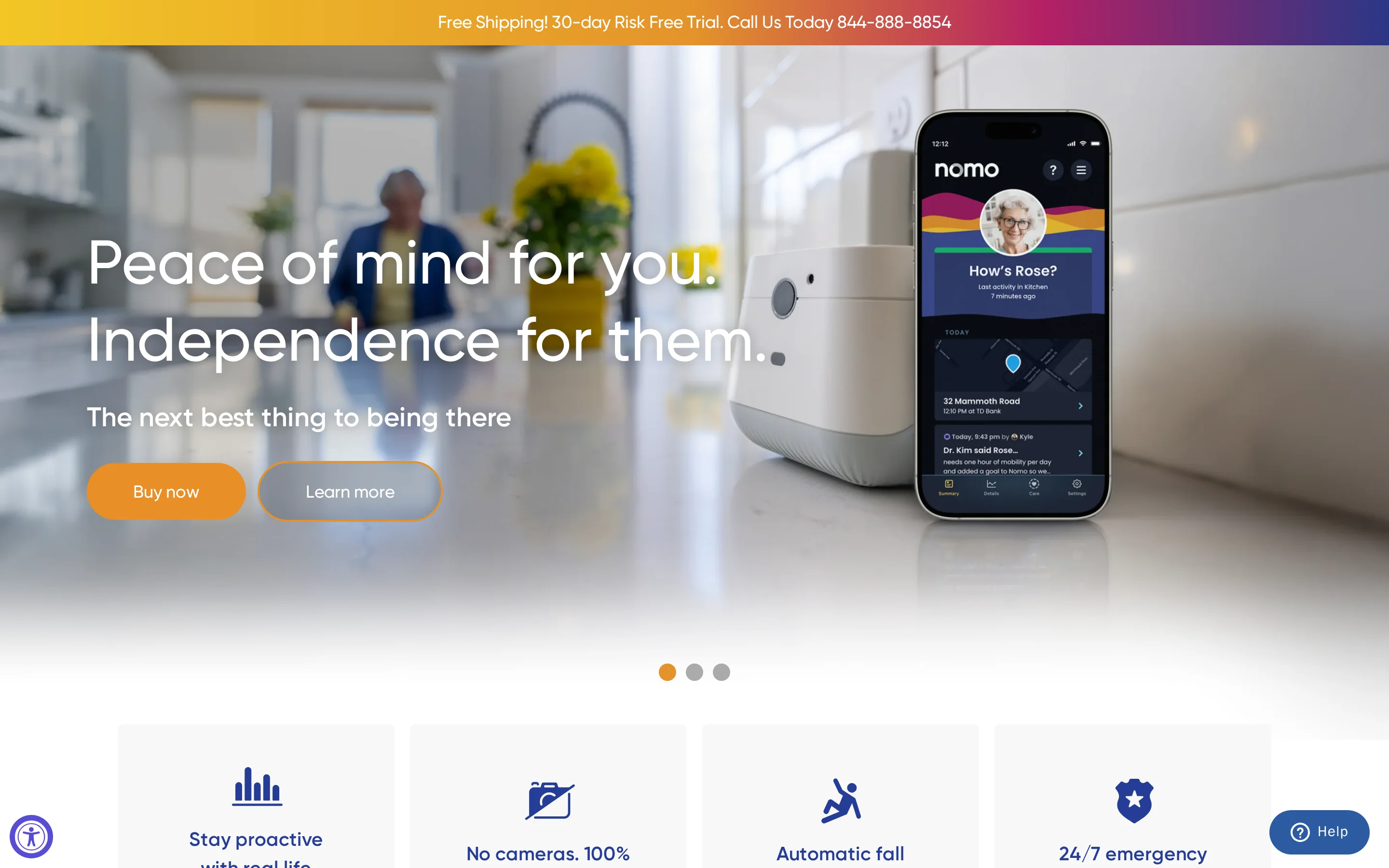
The Nomo Smart Care landing page presents its home sensor kit for remote monitoring.
Key features
General activity monitoring uses no cameras or wearables.
Automatic fall detection requires the Tag configured as a pendant and worn on its lanyard, with Essential+ active.
Panic alerts can be handled through the app or by phone, with options to connect to the Hub, escalate to central monitoring or cancel.
Caregivers can be invited to the account and given an access level.
The kit requires 2.4 GHz Wi-Fi.
Pros
Care Circle supports two-way caregiver communication.
When an alert option goes unanswered, the system repeats calls every five minutes and escalates to central monitoring after three attempts.
Cons
Fall-detection sensitivity cannot be adjusted for the person wearing the device.
Each kit covers one household. An agency cannot use it to see caregiver visits across all its clients on one screen.
Best for
Families and household caregivers sharing routine monitoring, panic alerts and communication for one person living at home.
Pricing
The consumer Essential Care Kit costs $199.99. Required Essential+ costs $19.99/month or $199.99/year with annual payment. These prices cover household use, not a hospital or facility deployment.
7. Envoy at Home
Motion and contact sensors give Envoy at Home a picture of one senior’s daily routine. When movement or door activity changes, it sends real-time mobile alerts to family caregivers, rather than facility staff.
That gives a family a detailed, camera-free picture of one relative’s day with nothing to wear or press. A care home or agency needing staff calls with a room location will need a different system.
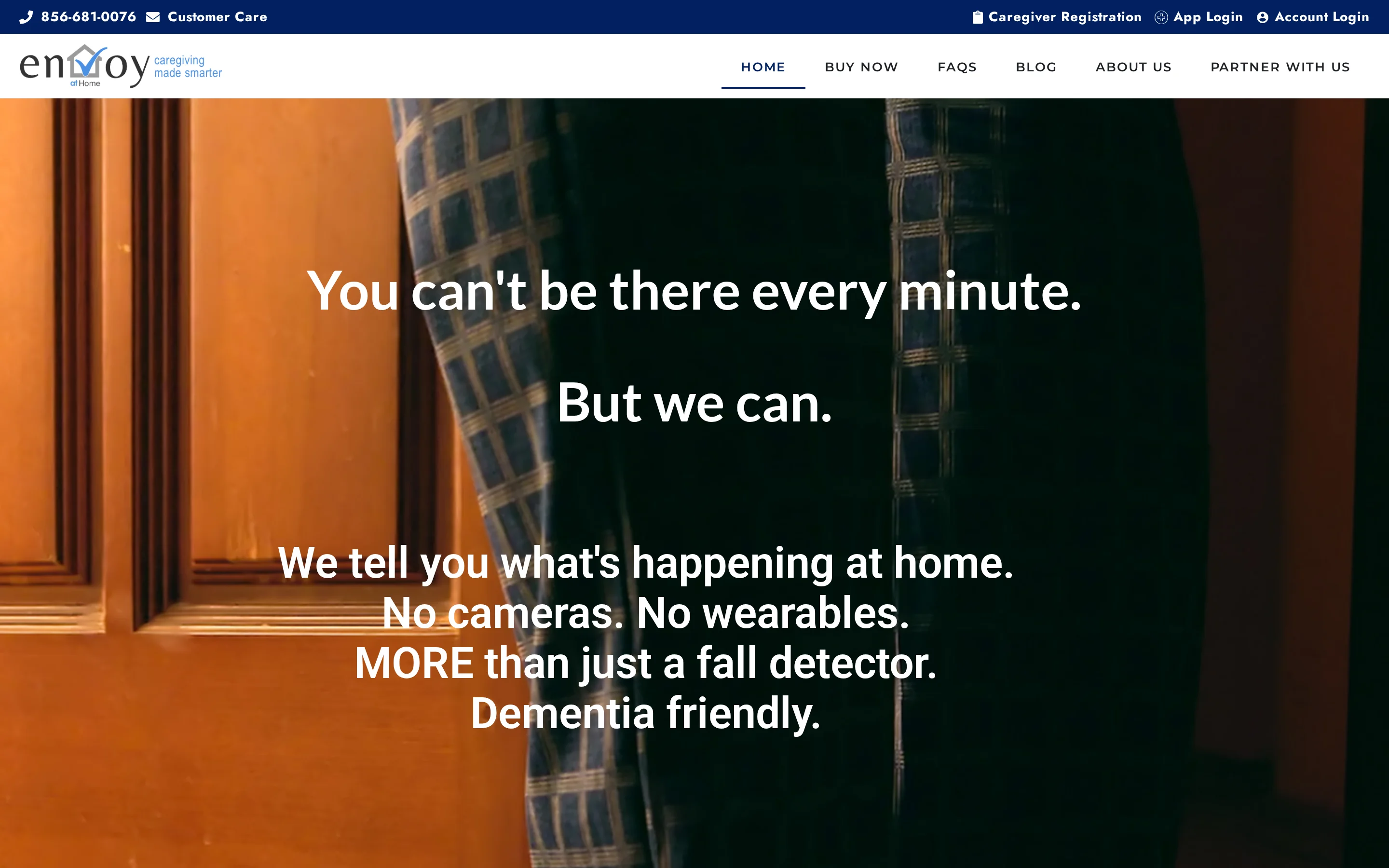
The Envoy at Home landing page presents passive monitoring for dementia care at home.
Key features
More than 35 tracked behaviors include meal skipping, changes in activity and potential fall risks inferred from routine data.
Custom rules use sensor data, such as tracking hydration through how often the refrigerator door opens.
Pros
Routine-change alerts give family caregivers a reason to check in between visits.
Cons
No staff nurse-call workflow with room-level location.
One-household monitoring gives an agency no shared record of caregiver visits.
Potential fall-risk alerts come from routine data. They are not fall detection.
Best for
Family caregivers watching one older adult living alone, including someone with dementia. It supplies routine information families would otherwise gather through check-in calls and visits, while personal contact and care still need to continue.
Pricing
Envoy at Home publishes no price for its sensors or monitoring service.
8. SensorsCall
CareAlert, the plug-in nightlight sensor from SensorsCall, works as a wellbeing-monitoring and communication tool. It is not a substitute for professional nursing home care or immediate medical attention. It sends caregiver app notifications and lets caregivers speak with the person through an intercom.
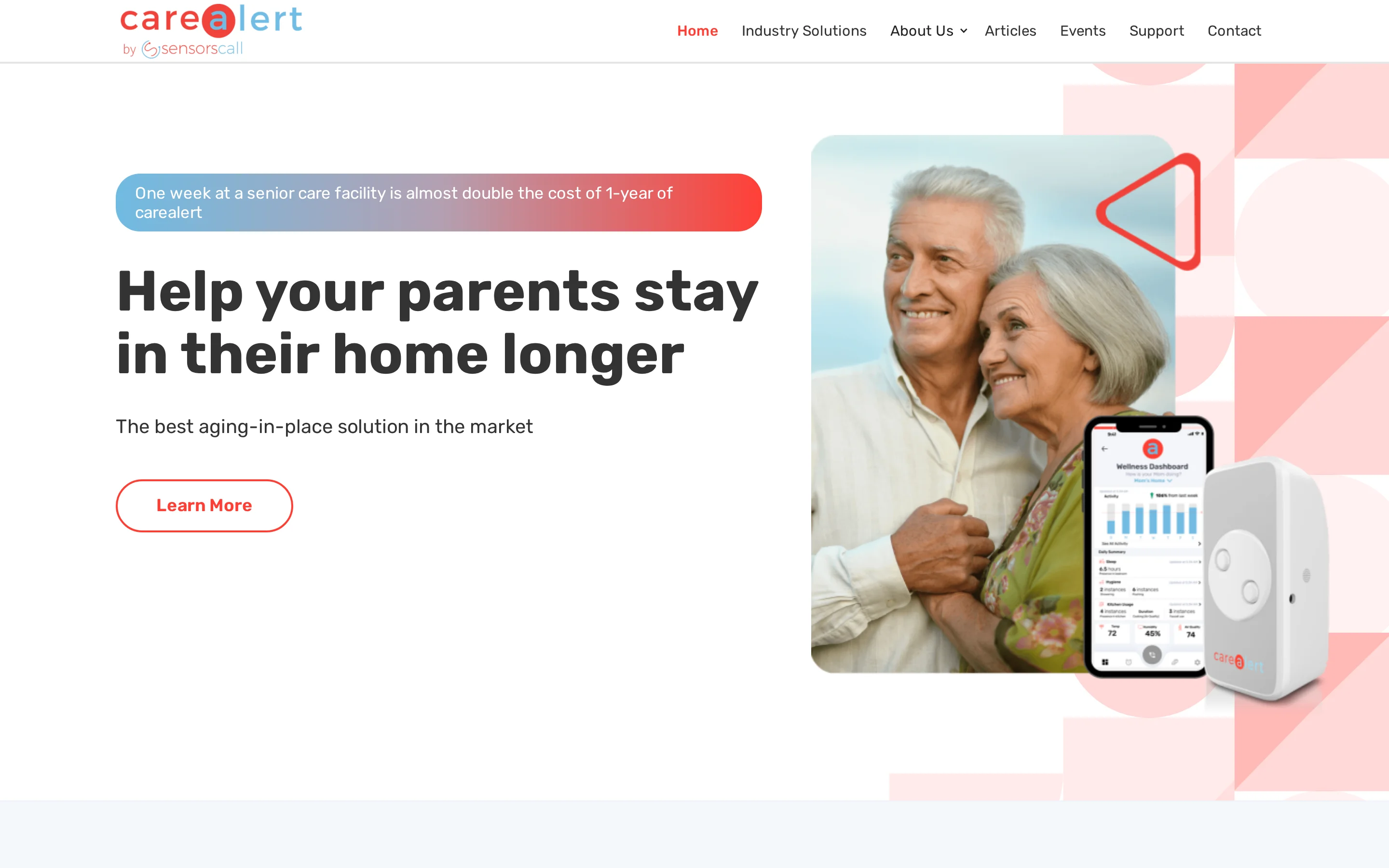
The SensorsCall landing page presents CareAlert’s plug-in monitoring device.
Key features
Plug-in sensors provide passive monitoring in the rooms where they are installed.
SensorsCall lists an enterprise dashboard for independent and assisted living.
Pros
App-controlled intercom communication lets caregivers speak with the person being monitored.
Listed integrations include pulse oximeters, scales, blood-pressure monitors and call buttons.
Cons
Household notifications reach a caregiver app, so the plug-in devices alone should not be treated as a staff nurse-call system.
Storefront and homepage list different monitoring terms for the three-device package.
Falls are inferred from vibration and sound, with no native fall detection, so it is less reliable than purpose-built fall detection.
Best for
Home caregivers wanting a self-installed wellbeing sensor and a way to speak with a relative. Independent and assisted-living operators can evaluate the dashboard for passive monitoring and communication. Pair CareAlert with a nurse call or emergency alert system for urgent help.
Pricing
The household storefront packages include lifetime monitoring:
CareAlert devices | Storefront price |
|---|---|
One | $149 |
Two | $280 |
Three | $415 |
The homepage separately lists three devices for $416 plus $19/month. These are household offers, not enterprise dashboard prices.
Nurse call systems compared: features, facility fit and deployment
Facility call systems send requests to care teams. Personal alert services connect individuals with outside responders. Passive monitoring raises notifications from activity signals.
System | Type | Alerts reach | Records | Deployment | Price |
|---|---|---|---|---|---|
Guardian | Passive monitoring, not certified nurse call | Staff devices, name and room location | Automatic visits, shifts and response times | Wireless, about a week per ward | Scoped 6–8 week pilot, rollout terms agreed separately |
Smart Caregiver | Paging hardware | Monitor and compatible pagers | Recent-alert review on the 433-PRB pager | Wireless | $166.85 for monitor, button and pager |
Alarm.com Wellness | Passive sensor platform for senior living | Staff dashboard, as wellness alerts | Dashboard reporting across residents and sites | Wireless sensors, through authorised providers | Quoted through authorised providers |
Tunstall Healthcare | Personal alarm and installed room call | 24/7 monitoring centre (personal alarms) | — | Fixed room-call wiring, plus personal alarms | Personal alarms about $140 to $500, room call quoted per project |
Lifeline: CarePoint | Senior-living emergency call | Assigned caregivers | Reporting | Receivers and resident devices | — |
Nomo Smart Care | Household monitoring | Caregivers, with escalation | — | Wi-Fi home kit | $199.99 kit plus Essential+ |
Envoy at Home | Passive home monitoring | Family caregivers | — | Motion and contact sensors | — |
SensorsCall: CareAlert | Wellbeing monitoring | Caregiver app and dashboard | — | Plug-in | From $149 for one device |
Which system fits your setting?
Hospital: consider Tunstall room-call systems, with site-required certification checked for the proposed configuration.
Senior living: compare senior living platforms, including CarePoint for calls to assigned staff.
Small-budget facility: build a complete, compatible Smart Caregiver kit.
Care home or agency needing automatic records: shortlist operations platforms, and compare wireless facility-grade systems if the building has no existing wiring.
One household: consider home-care tools such as Nomo Smart Care, Envoy at Home or SensorsCall.
On one night shift, check who receives the alert, who acknowledges it and where the response record sits the next morning.
Five steps take you from the table to a shortlist:
Write down what is failing now: false alarms, missed rounds, or visit records you cannot produce on request.
Check environment fit in the table above. Facility-grade, wireless and home-care tools do not cross over.
Compare total cost of ownership: install, per-bed or monitoring fees, and maintenance in years 1 and 2.
Ask each vendor for live response-time data from a setting the size of yours.
Run a scoped pilot on one ward or team before you commit to a site-wide rollout.
Pilot Guardian in one ward before you roll out
Hospitals that need certified call points should buy a certified clinical system, and one household is better served by a home kit. For a care home or home care team, the choice comes down to two things: a location on every alert, and records nobody has to write up afterwards.
For those teams, Guardian sends alerts with the resident's name and room-level location to the devices staff already carry.
It records visits and response times in the background and installs wirelessly with no drilling or cabling. You get one live view of the floor and records that are already written when the shift ends.
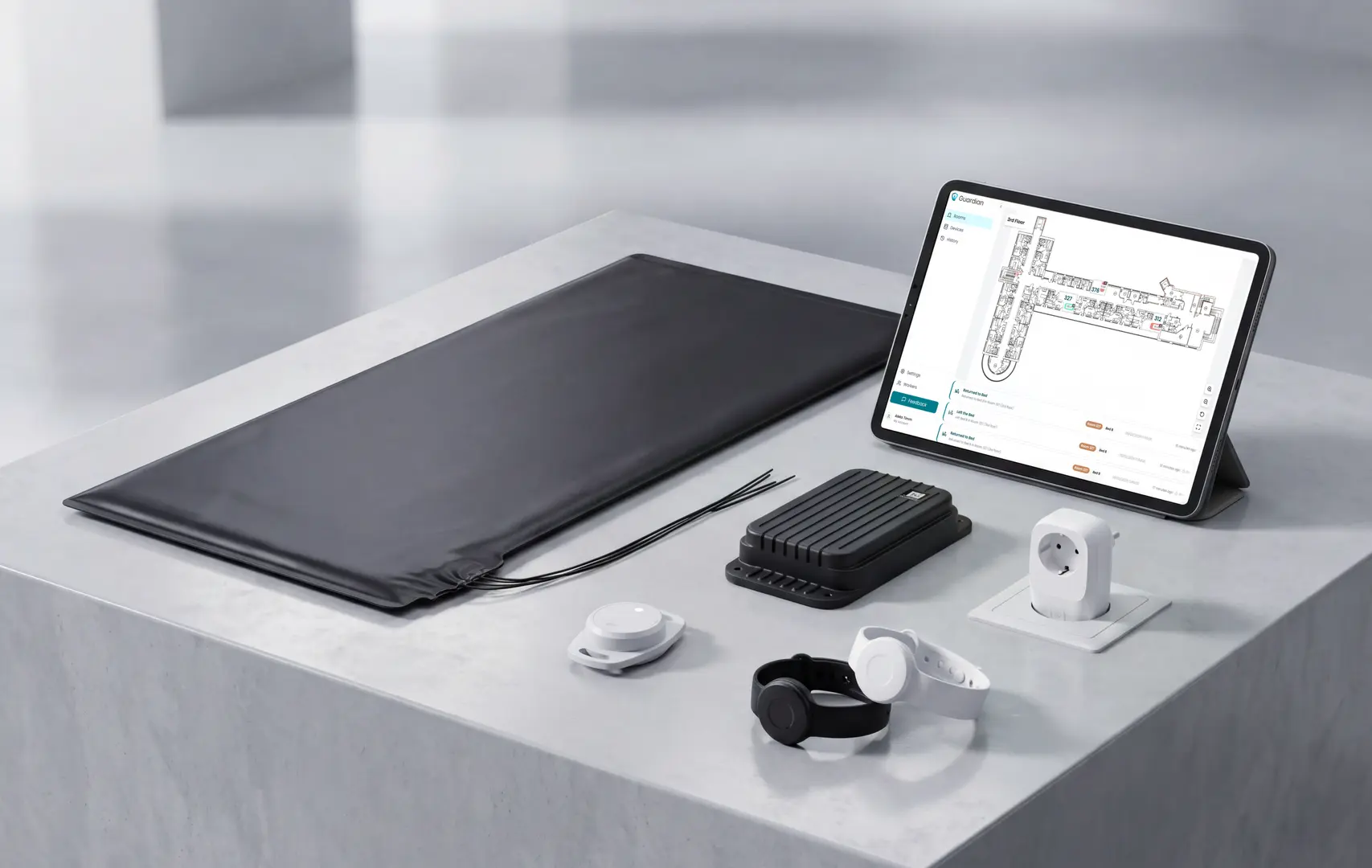
Guardian's live view of a care setting, with alerts and records in one place.
There is no published price for Guardian, so the next step is a pilot measured against your own starting baseline. Assess Guardian in one ward over 6–8 weeks, with a written impact and ROI report and a rollout recommendation before expanding.
Wireless fits most care homes, and wired suits hospitals that need hardwired reliability and UL 1069 compliance. Wireless held 62.65% of global nurse call revenue in 2025, with an 11.67% CAGR projected through 2031.
Wireless systems need routine checks after installation. Low-battery alerts and scheduled site reviews help facilities catch device and coverage issues before an alert fails.
Nurse call system costs vary by room count, hardware, installation, software, and maintenance.
Annual software maintenance agreements typically run 15-18% of the initial system cost.
Integration ranges from the EHR links in Tunstall Healthcare and Lifeline CarePoint to none at all in hardware-only and household kits. Guardian has no EHR module and routes alerts to staff devices via the Guardian Insight web portal, without requiring an EHR connector.
For most small care homes, the absence of EHR sync is irrelevant. If your operator group shares a single EHR across sites, check integration capability before signing anything.
Yes. Modern nurse call systems can integrate with EHRs, fire alarms, PA systems, health platforms, and smart-building software.
Integration depth varies by system:
Smart Caregiver and Envoy at Home have no documented third-party integrations. Guardian routes alerts to staff devices and combines wearables, sensors, and vehicle trackers in Guardian Insight, but it does not publish HL7 or EHR connector documentation.
Small care homes may not need EHR sync. Operator groups using one EHR across multiple sites should confirm connector support before signing.

Author
Aleks Timm
Aleks Timm leads Guardian and builds privacy-first operations technology for care homes and home care providers. Teams get location-aware alerts they can act on, clearer situational awareness, and measured insight into how care work actually runs.
Read MoreRecommended reads
Keep reading
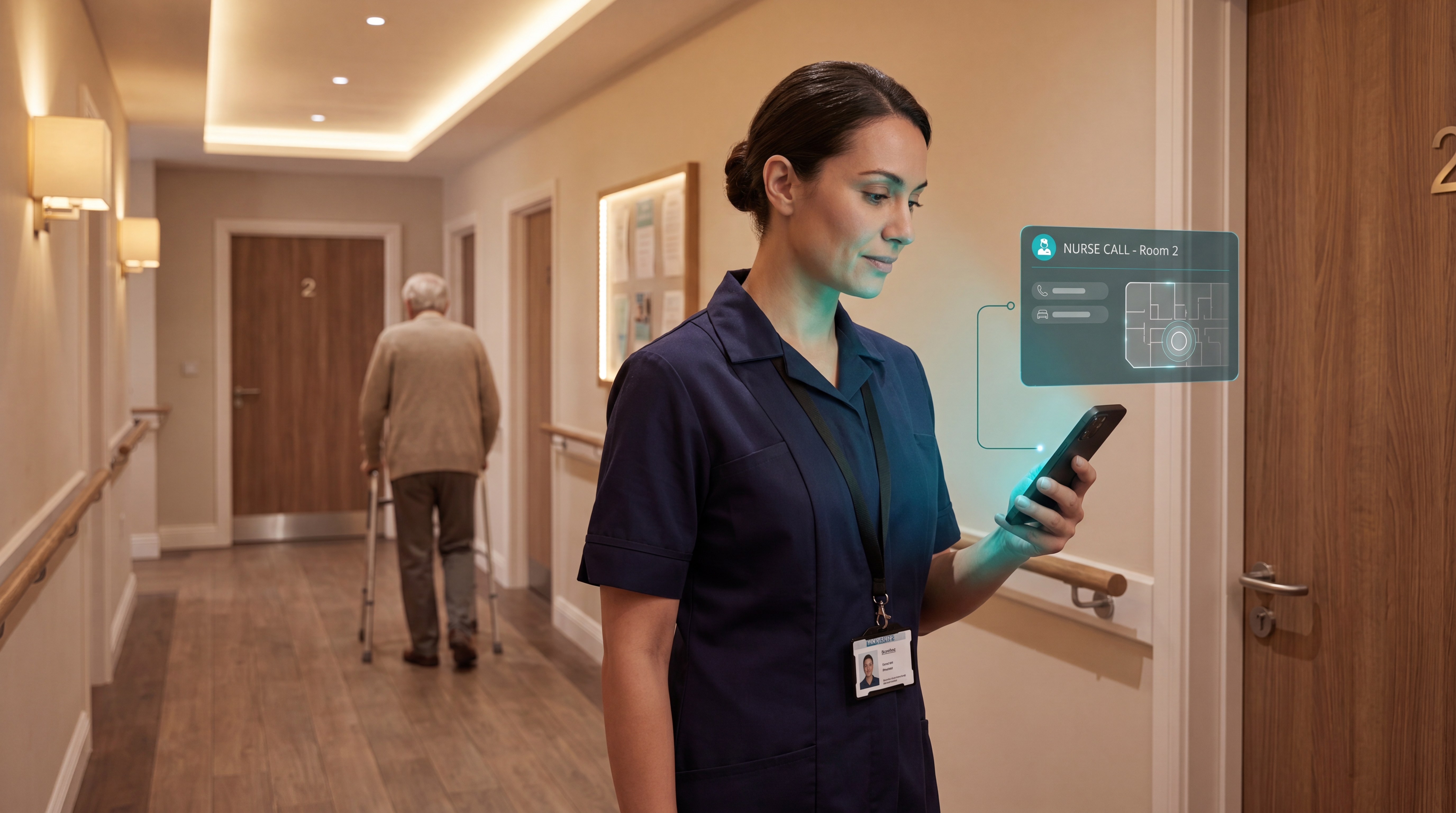
Smart Nurse Call Systems for Care Homes and Home Care Providers
Smart nurse call systems for care homes and home care providers: compare features, improve response times, and choose the right...
Read more
WiFi nurse call system guide for care homes
WiFi nurse call systems explained: alerts, clean records, and no wiring—compare options and choose the right setup for your care...
Read more
Remote patient monitoring: a complete guide
Remote patient monitoring: the complete guide to sensors, benefits, and buying tips for safer care homes and better resident...
Read more