

7 Home Health Monitoring Devices for Caregivers
In this article
Home health monitoring devices often track one reading at a time. A cuff reads blood pressure, while a finger clip reads oxygen.
The gap between readings matters when caregivers need verified visits and fast response to falls or wanders. Families and inspectors also need records they can check.
Four buying questions decide which device fits a given resident:
What the device measures
How much user effort the device needs
What the device usually costs
Where the device fits in a care setup
What home health monitoring devices include
Home health monitoring devices give caregivers either a health reading or a safety signal.
The table below groups 7 device categories by the signal each device gives caregivers.
Device category | What it monitors |
|---|---|
Thermometers | Body temperature |
Blood pressure monitors | Blood pressure and heart rate |
Scales | Body weight |
Pulse oximeters | Blood oxygen and pulse |
Glucose devices | Blood sugar |
Wearables | Activity, heart rate, sleep, and fall detection |
Passive safety monitoring systems | In-home movement and safety events |
1. Digital thermometer
Start with the use case: fever checks. A digital thermometer gives one body-temperature reading, using infrared or contact sensors.
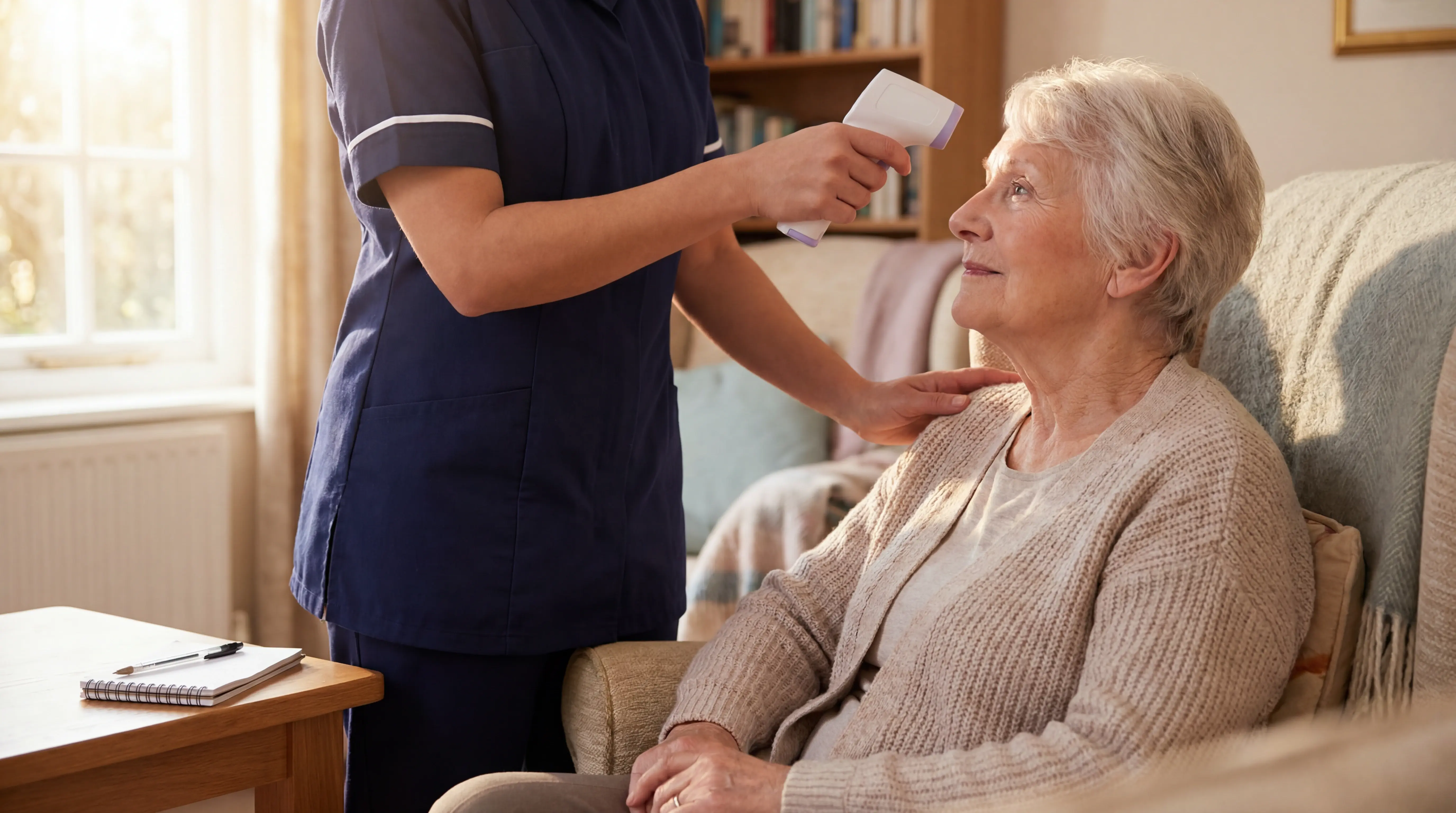
Treat each number as a timestamped observation, not continuous monitoring. Write the reading into the resident record before moving to the next task.
Set the thermometer workflow before staff start rounds.
Use one measurement site per resident where possible.
Clean contact tips between residents.
Record fever readings beside symptoms and the next action.
Fever can be the first visible sign of respiratory illness, including COVID-19 or flu. Repeat an unexpected high reading before escalating care.
The failure mode is a clean-looking log with empty gaps. Thermometers collect nothing between checks, so deterioration can sit unnoticed until the next round.
Smart, app-connected models usually cost $30 to $75. Pay for Bluetooth only if readings reach the person who acts on them.
Aspect | Digital thermometer | Compared tool |
|---|---|---|
Primary metric | Body temperature | Pulse oximeter: oxygen saturation |
Reading style | Manual spot checks | Smartwatch: background tracking |
Wearable | No | CGM and smartwatch: yes or partial |
Typical price | $30 to $75 for smart models | Cross-section article pricing |
2. Blood pressure monitor
For hypertension care, the cuff still matters. An upper-arm monitor records blood pressure and heart rate during a manual session.
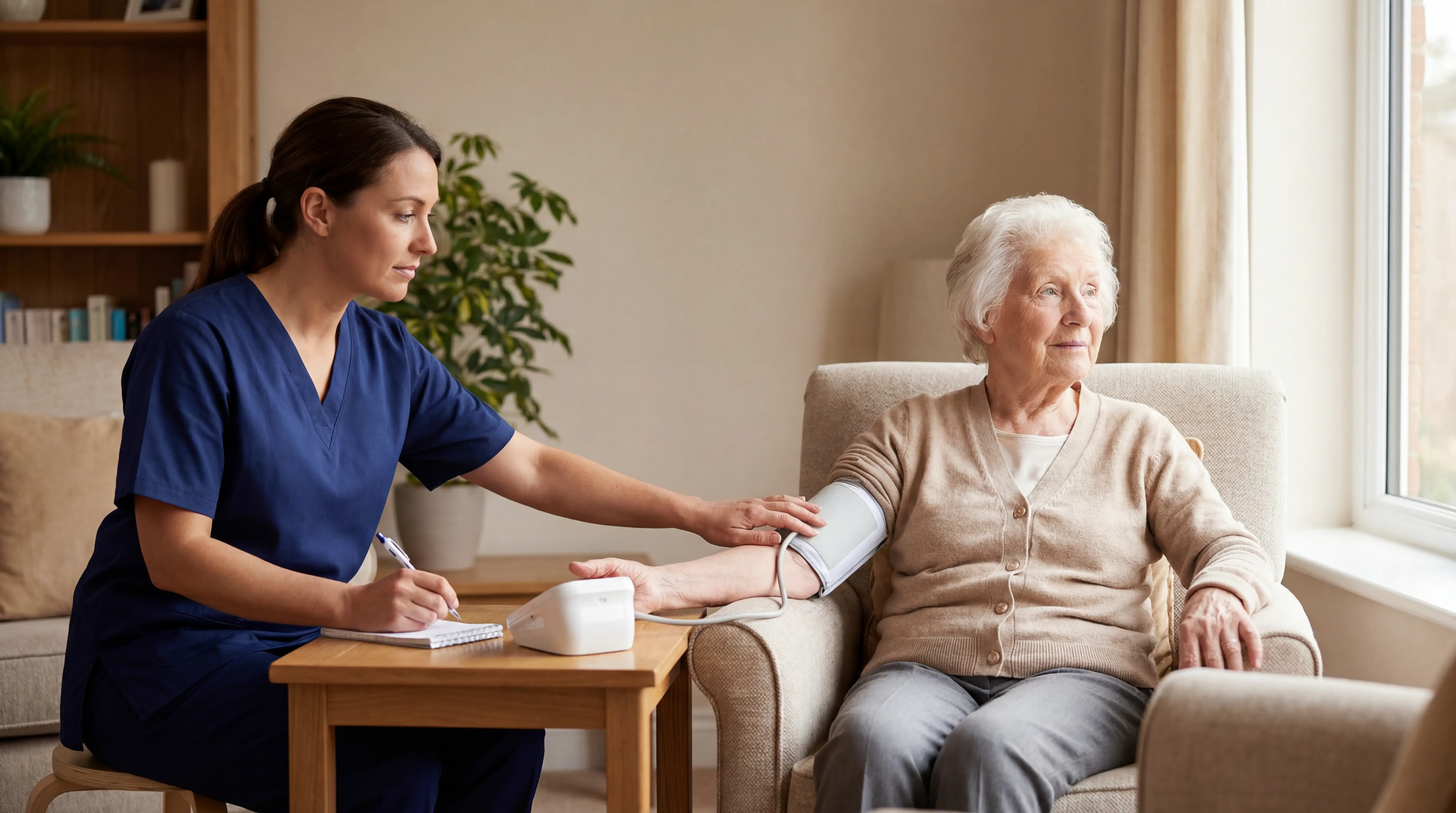
Pick cuff size before app features. A cuff that is too small can inflate readings, and a loose cuff can hide risk.
Use the monitor when blood pressure trends affect the care plan.
Hypertension: Compare home readings with clinic readings.
Diabetes: Flag sustained pressure changes for review.
CHF: Read pressure alongside weight and symptoms.
Kidney dysfunction: Share repeated readings with the clinician.
Take readings at the same time of day and after a rest period. Repeated home numbers can reveal white coat or masked hypertension that one clinic reading misses.
The weak point is human setup. Check the basics before trusting the number.
Arm position: Keep the arm supported at heart level.
Resident movement: Ask the resident to sit still and stay quiet.
Reading pattern: Recheck if the cuff slips or the result looks unusual.
Entry-level cuffs start around $30. Connected models can reach $150+, mainly for Bluetooth sharing rather than passive monitoring.
Configuration check
Buy the cuff around the resident, not the app.
Validation: Use a clinically validated upper-arm model.
Fit: Keep cuff sizes that match resident arms.
Ownership: Name the person who reviews shared readings.
3. Digital scale or smart scale
Weight can move before symptoms are obvious. A digital scale measures body weight, and some smart scales estimate body composition.
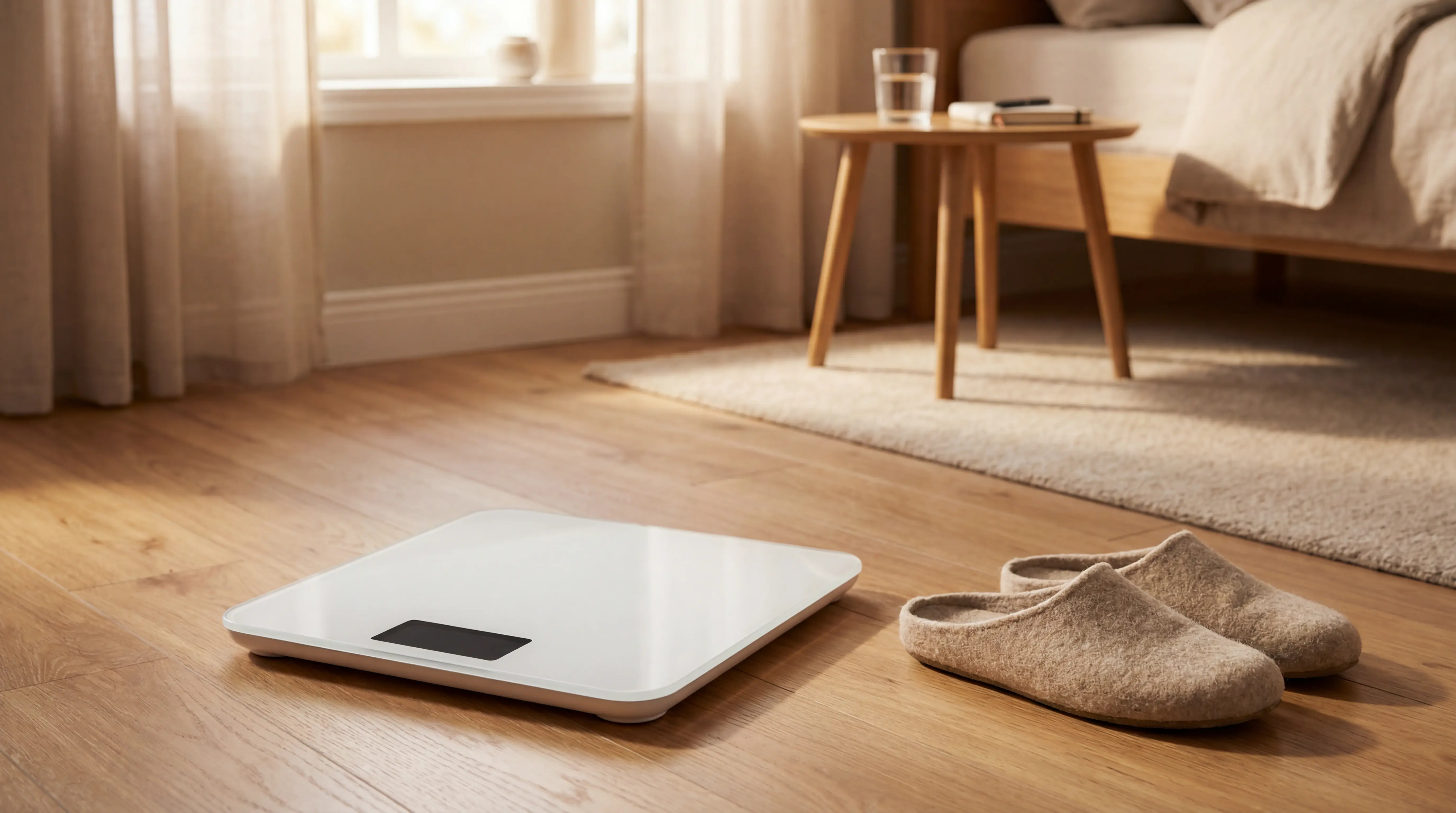
A scale only creates data when someone stands on the platform. Guardian's room sensors detect activity and safety events without asking residents to do anything.
Set up the weigh-in before chasing body-composition extras.
Surface: Place the scale on a hard, level floor.
Timing: Use the same time of day where possible.
Support: Keep help nearby for residents with balance risk.
Gaps: Record missed weigh-ins instead of filling them later.
Trend matters more than the morning number. Rapid gain can point to water retention in CHF, so Bluetooth scales only help when someone reviews the alerts.
Bioelectrical impedance estimates fat and muscle mass, but hydration can skew those numbers. Use body-composition data as context, not as the urgent trigger.
Standard smart scales usually cost $50 to $130. Segmental analysis models can reach about $600, so reserve them for cases where body-composition estimates change care decisions.
Use a scale for weight trends, not whole-home oversight.
Night risk: The scale does not show whether a resident left bed.
Routine changes: The scale does not show room activity between weigh-ins.
Alerting: Staff only see risk after the weigh-in is taken and reviewed.
Guardian fills that monitoring gap with passive room sensors and a centralized dashboard for resident activity and safety events.
4. Pulse oximeter
For respiratory checks, SpO2 is the number to watch. A pulse oximeter clips to a finger and estimates blood oxygen saturation with light.
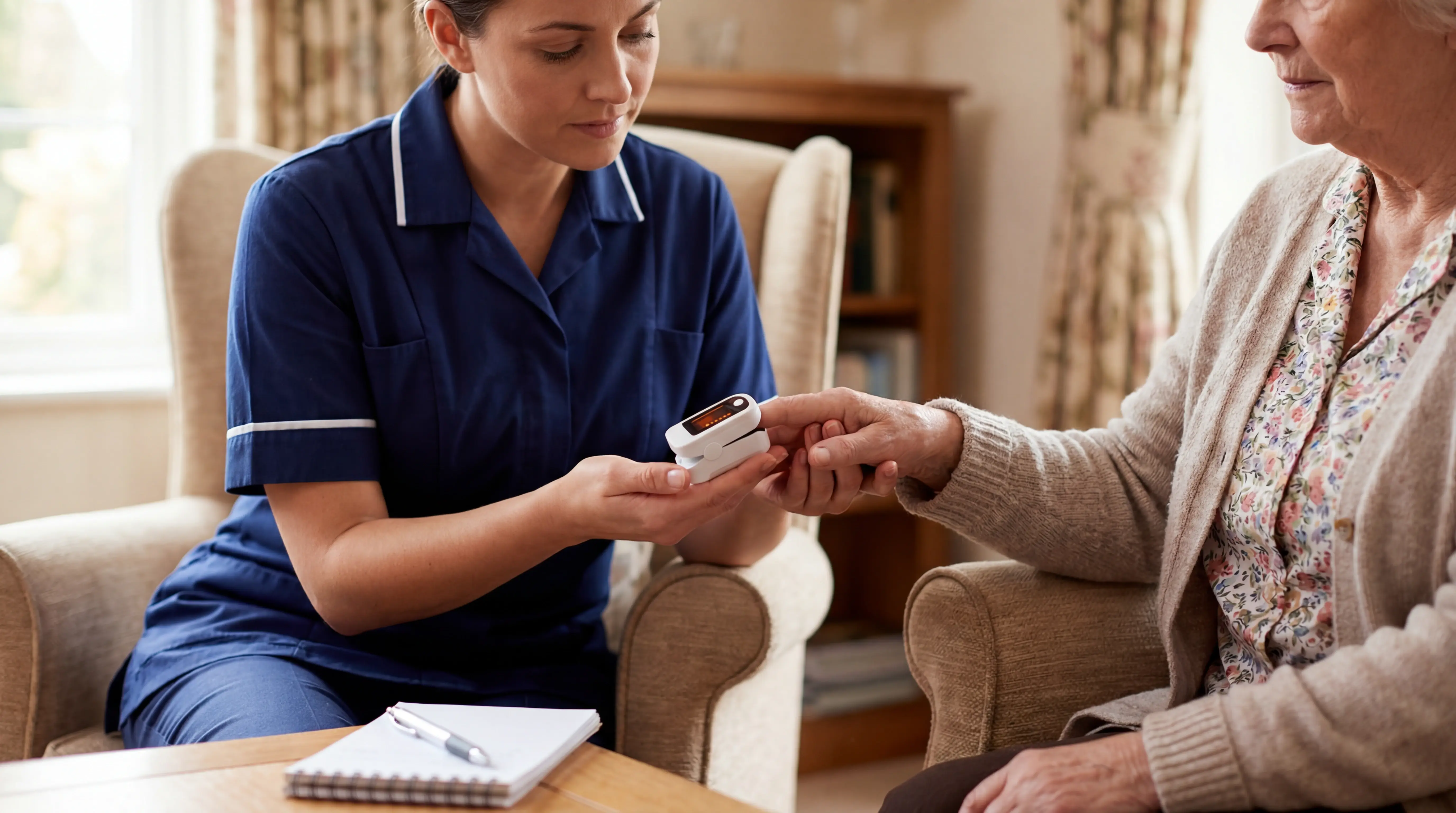
The reading also includes pulse, which helps explain whether low oxygen appears with a fast or slow heart rate. Temperature needs a separate thermometer.
Fit and circulation decide whether the number is usable.
Cold fingers: Warm the hand before measuring.
Nail polish: Remove polish or use another site.
Movement: Keep the hand still during the read.
Unexpected lows: Recheck before escalation.
Use the device when the care plan includes respiratory oversight.
COPD or asthma: Check oxygen during breathlessness episodes.
Pneumonia or COVID-19: Track SpO2 during screening and follow-up.
CHF: Read oxygen alongside pulse and weight.
Do not treat the clip as continuous monitoring. It collects nothing until someone applies it and records a stable reading.
Consumer units run around $40. Clinical-grade models can climb above $300, usually because they are built for heavier use and clinical workflows.
Device | Sensing model | Wearable requirement | Oversight scope | Typical price |
|---|---|---|---|---|
Pulse oximeter | Manual spot check for SpO2 and pulse | No | Individual reading | About $40 consumer, $300+ clinical |
Smartwatch or wearable tracker | Background tracking for heart rate, activity, sleep | Yes | Individual wearer | Varies by model |
Guardian | Ambient room sensors for safety alerts and behavior deviations | No | Multiple residents via centralized dashboard | Custom system pricing |
5. Glucometer or continuous glucose monitor
Use glucose monitoring when blood sugar decisions drive daily care. A glucometer gives fingerstick readings at set times; a CGM uses a wearable subcutaneous sensor for ongoing glucose trends.
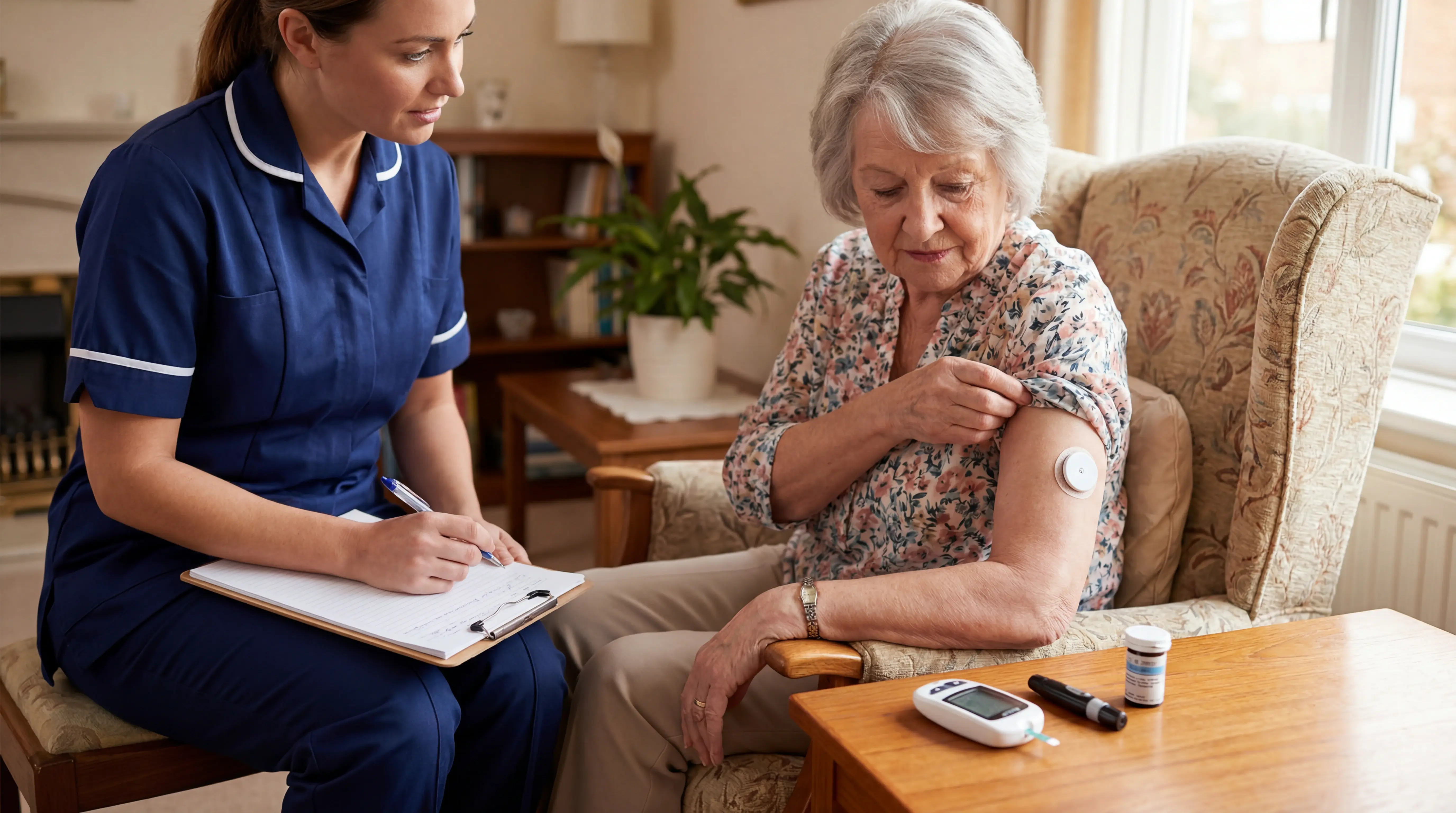
Pick the format around who will act on the data:
Glucometer: Best for scheduled checks tied to medication logs and lower recurring upkeep.
CGM: Best when trend alerts will change meals or medication conversations.
Caregiver view: Useful only when caregiver app access and review responsibility are clear.
These are FDA-cleared diabetes devices, so treat alarms as clinical prompts. Confirm unusual CGM readings with a fingerstick when symptoms do not match the sensor trend.
Set thresholds with the clinician managing diabetes care. Default high and low alarms can create alert fatigue overnight when nobody tunes them to the person's care plan.
The common failure is data stranded in one patient app. Before buying, check whether the caregiver can receive alerts and who replaces the glucose supplies.
Insurance can reduce monthly out-of-pocket cost to about $0 to $20. Cash-pay CGM sensors can cost $200+, far above a spot-check meter's strip-and-lancet upkeep.
Cost context | Typical amount | What drives it |
|---|---|---|
With insurance | $0 to $20 per month | Coverage for strips or sensors |
Cash pay | $200+ for sensors | Recurring CGM sensor replacements |
Relative to other devices in this article | Highest recurring consumable cost | Test strips or sensors replaced regularly |
6. Smartwatch or wearable tracker
Start with adherence before features. A smartwatch or wearable tracker monitors wrist-based health signals while the device stays on.
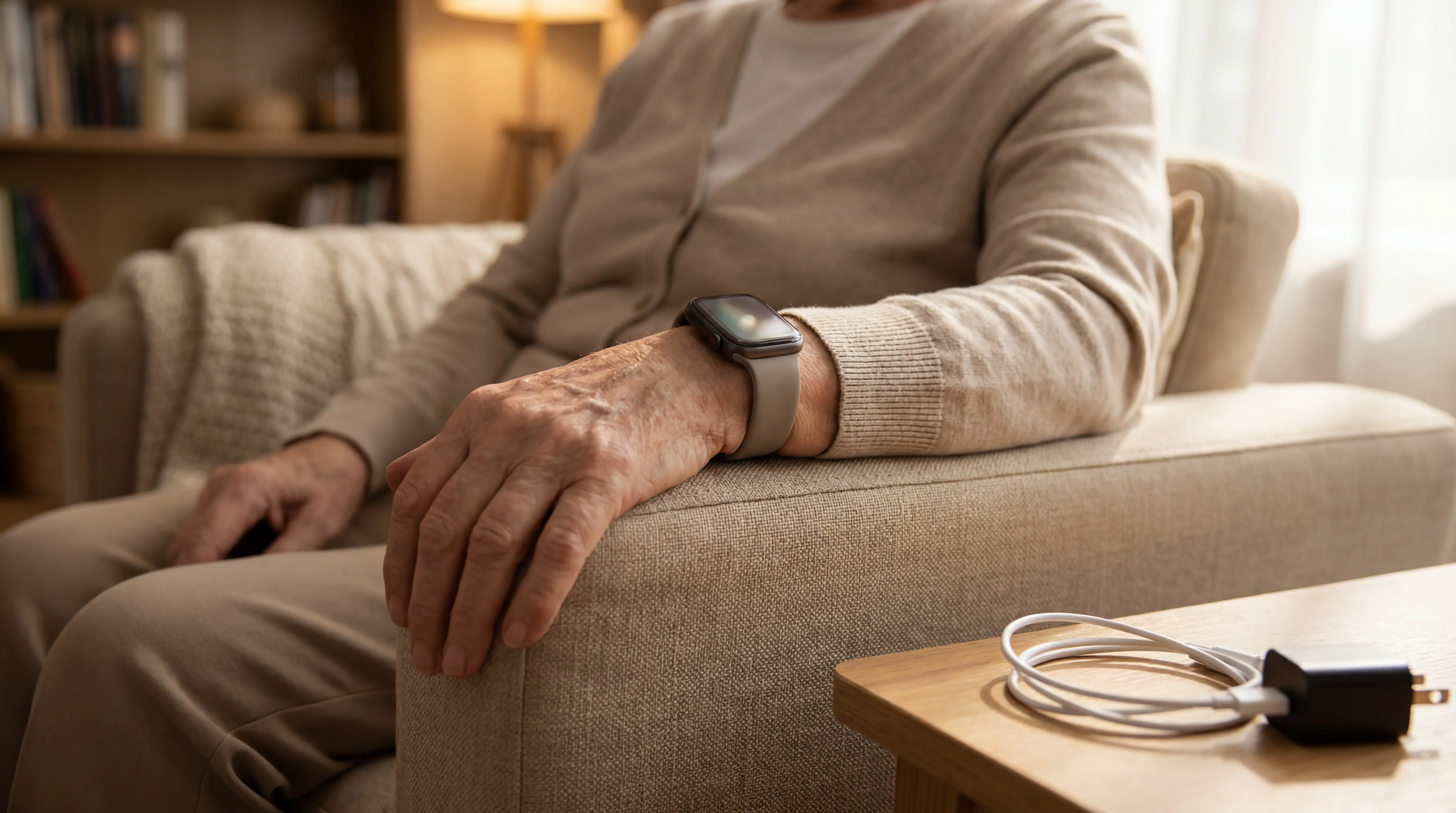
A watch helps only when the person will wear and charge it. If the device sits on the bedside table, fall alerts and heart-rate trends disappear.
Feature sets vary by model:
Consumer watches: Cover everyday health trends, with ECG or blood oxygen on supported models.
Medical-alert wearables: Dedicated models add GPS tracking with fall detection and a manual SOS button.
Outdoor safety: GPS only helps when the wearer leaves home with the device charged.
Wrist data works best as trend evidence. ECG is the exception for supported models; routine sleep and activity scores are wellness signals.
A smartwatch monitors one wearer. It cannot cover the room or hallway when the watch is charging or removed.
Consumer watches usually cost $200 to $500+, with cellular models at the higher end. Dedicated medical-alert watches are usually sold as an upfront device cost plus a monitoring subscription.
Use this quick check before relying on wearable caregiver-alert systems for safety alerts:
Overnight wear: Falls and wandering risk can happen while the watch is charging.
Staff visibility: Consumer app notifications may not fit a care team workflow.
Outdoor GPS: Mobile alerts need current emergency contacts and a charged device.
Battery failure: Tie charging to meals or medication rounds so gaps are predictable.
7. Medical alert or passive safety monitoring system
Passive safety monitoring matters when the person will not reliably press a button or wear a pendant. The system uses camera-free emergency triggers and ambient sensors to detect safety events.
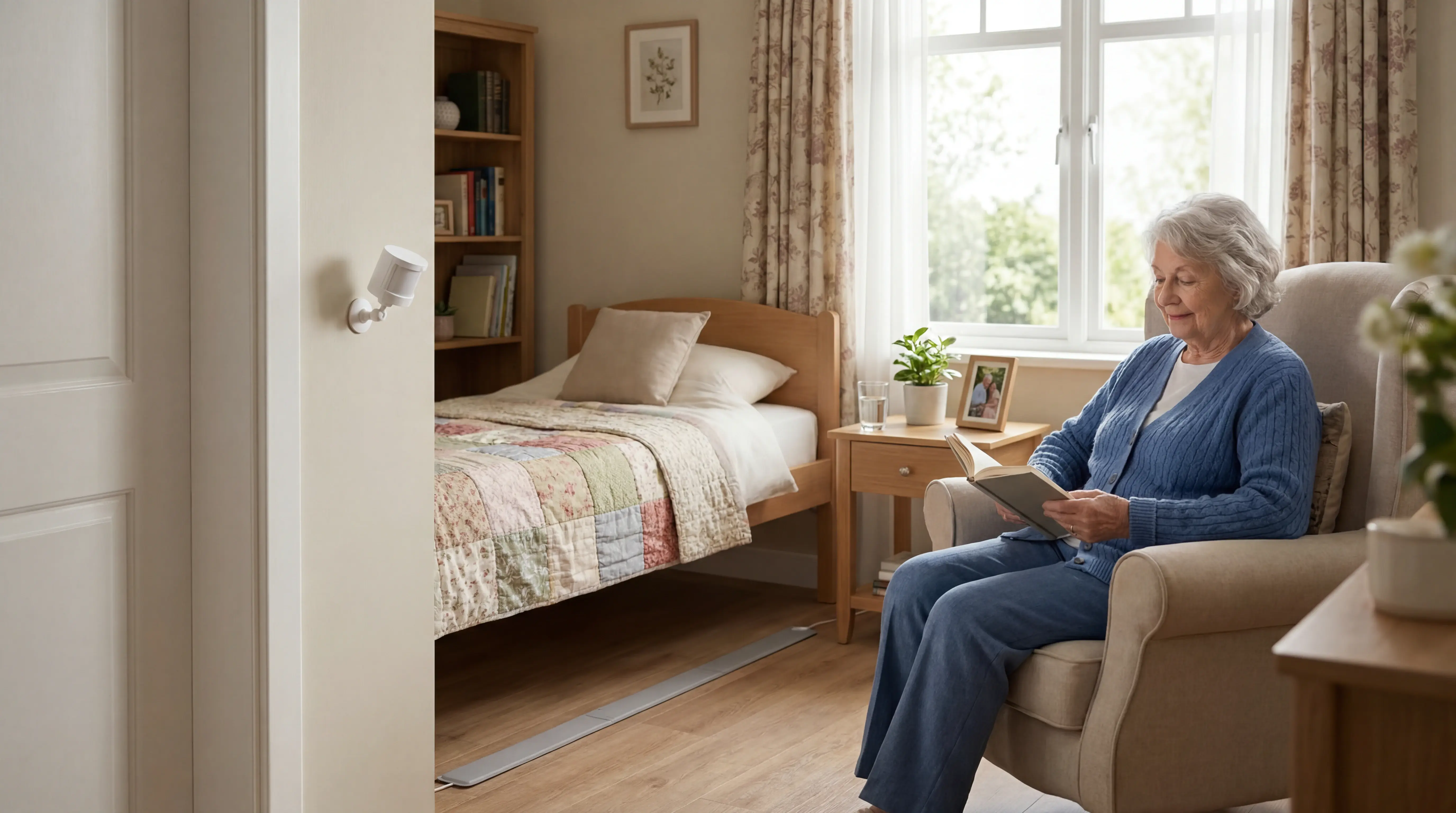
A pulse oximeter gives one clipped-finger reading. Passive monitoring covers safety events over time, so caregivers watch risk windows between manual checks.
Use passive monitoring for residents with predictable safety risk:
Fall risk: Bed-exit or floor sensors can flag unsafe movement before harm escalates.
Wandering risk: Door or motion patterns can show activity at unsafe times.
Wearable refusal: Ambient sensors keep working when pendants stay in drawers.
Match the sensor to the risk, then test the alert route on shift:
PIR motion: Good for room activity and absence patterns.
Bed-exit: Use for residents who get up without help.
Floor-based: Place where a fall or exit event needs immediate review.
Thermal or infrared: Use when camera-free presence detection matters.
mmWave radar: Consider where movement detection is needed without video.
Guardian connects those signals to a caregiver workflow with room and resident context.
Who: Resident name.
Where: Live location and floor-plan position.
Trigger type: Motion, bed-exit, or SOS.
Response route: Staff phone alerts with dashboard and emergency-contact support.
Do the walk-test before go-live:
Trigger each sensor: Confirm the alert names the right resident and bed location.
Check quiet hours: Night alerts need routing rules that match actual staffing.
Watch for blind spots: Open doors, moved beds, and unplugged hubs can break coverage.
Review routines: Activity reports only help if someone checks pattern changes.
How to choose the right device
Choose the device by the risk you need to watch and the effort the person can manage. Then decide whether clinical-grade readings or passive safety oversight fits the care setup.
The five checks below prevent buying a device the person will not use or trusting readings the device was never built to provide.
What health signal needs tracking? Match the device to one primary measurement.
Temperature: digital thermometer for fever checks.
Blood pressure: cuff for systolic and diastolic pressure.
Oxygen or glucose: pulse oximeter, glucometer, or continuous glucose monitor.
Daily patterns: smartwatch for heart rate, sleep, and activity.
How much user action can the person handle? Spot-check devices need someone to start each reading.
A continuous glucose monitor tracks without a fingerstick for each result, but a smartwatch only works when worn. Guardian's ambient sensors need no resident action.
Do you need clinical-grade data or trend tracking? Choose FDA-cleared or clinically validated models when the reading will guide care decisions.
Smart scales and smartwatches can show patterns, but wellness readings should not override symptoms or a clinician's advice.
What maintenance can the caregiver sustain? Maintenance failures can make a good device unreliable.
Spot-check devices: replace batteries and check cuff, strip, or probe fit.
CGMs: plan for sensor replacements every 10 to 15 days.
Smartwatches: charge daily or weekly, depending on the model.
Passive systems: confirm installation, connectivity, and alert routing before relying on passive alerts.
One person, or ongoing oversight? Individual devices cover one reading or one wearer.
In this comparison, Guardian is the only option with floor-plan oversight for multiple residents, using unobtrusive sensors instead of cameras. The setup supports privacy in bedrooms and shared routines.
Criterion | Best-matching device types |
|---|---|
Single vital sign or symptom | Thermometer, blood pressure monitor, pulse oximeter, glucometer |
Weight and trend monitoring | Digital scale or smart scale |
Continuous wearable trend tracking | Smartwatch, CGM |
Passive safety oversight without wearables | Guardian or another passive monitoring system |
Multi-person centralized oversight | Guardian or another floor-plan based monitoring system |
When home readings are not enough
Home readings are not enough when results fall outside the person’s usual range, change suddenly without explanation, or symptoms persist or worsen.
Use a simple escalation ladder before the situation feels urgent.
Repeat the reading with fit, placement, battery, and connection checked.
Compare with baseline to see whether the number changed from the person's normal range.
Escalate when symptoms and readings do not line up.
Contact a provider when readings stay abnormal with symptoms, or when a number changes sharply without a clear cause.
Wheezing, chest tightness, or severe breathlessness needs medical advice. A peak-flow result in the person's red zone does too.
Falls need a separate escalation rule.
The CDC reports that 1 in 4 adults over 65 falls each year. The CDC also says 37% of those falls cause injury that needs treatment or activity restriction.
Call a clinician after a fall when any warning sign is present:
Head risk: head impact, confusion, or anticoagulant use.
Body change: pain, dizziness, weakness, or new trouble walking.
A reassuring home reading cannot rule out injury.
After that escalation check, the fall-response device roundup weighs wearables, passive alerts, and care-team records.
Baseline makes a reading meaningful.
A person with COPD may sit outside a generic normal range, so escalation should track a clear change from that person's usual state.
Two terms often appear in escalation plans:
RESTORE2: RESTORE2 guidance describes a care-home process for spotting deterioration, recording observations, and escalating concerns.
NEWS2: RCP NEWS2 is the National Early Warning Score 2, based on physiological observations.
Use local policy for thresholds. NHS RESTORE2 materials link a NEWS2 score of 7 or above with emergency escalation.
Frailty, recent discharge, or several conditions lower the threshold for calling a clinician.
In a 2009 Medicare study, Jencks, Williams, and Coleman found 19.6% of beneficiaries were readmitted within 30 days.
The same study found 56.1% were rehospitalized within 1 year, so recent discharge should make caregivers more cautious.
Trigger | What it means |
|---|---|
Outside usual range | Contact a provider if readings stay abnormal or do not return to baseline |
Sudden unexplained change | Check with a clinician even if there is no obvious cause |
Symptoms worsen | Seek medical attention when symptoms do not match a reassuring home reading |
See home care events as they happen with Guardian
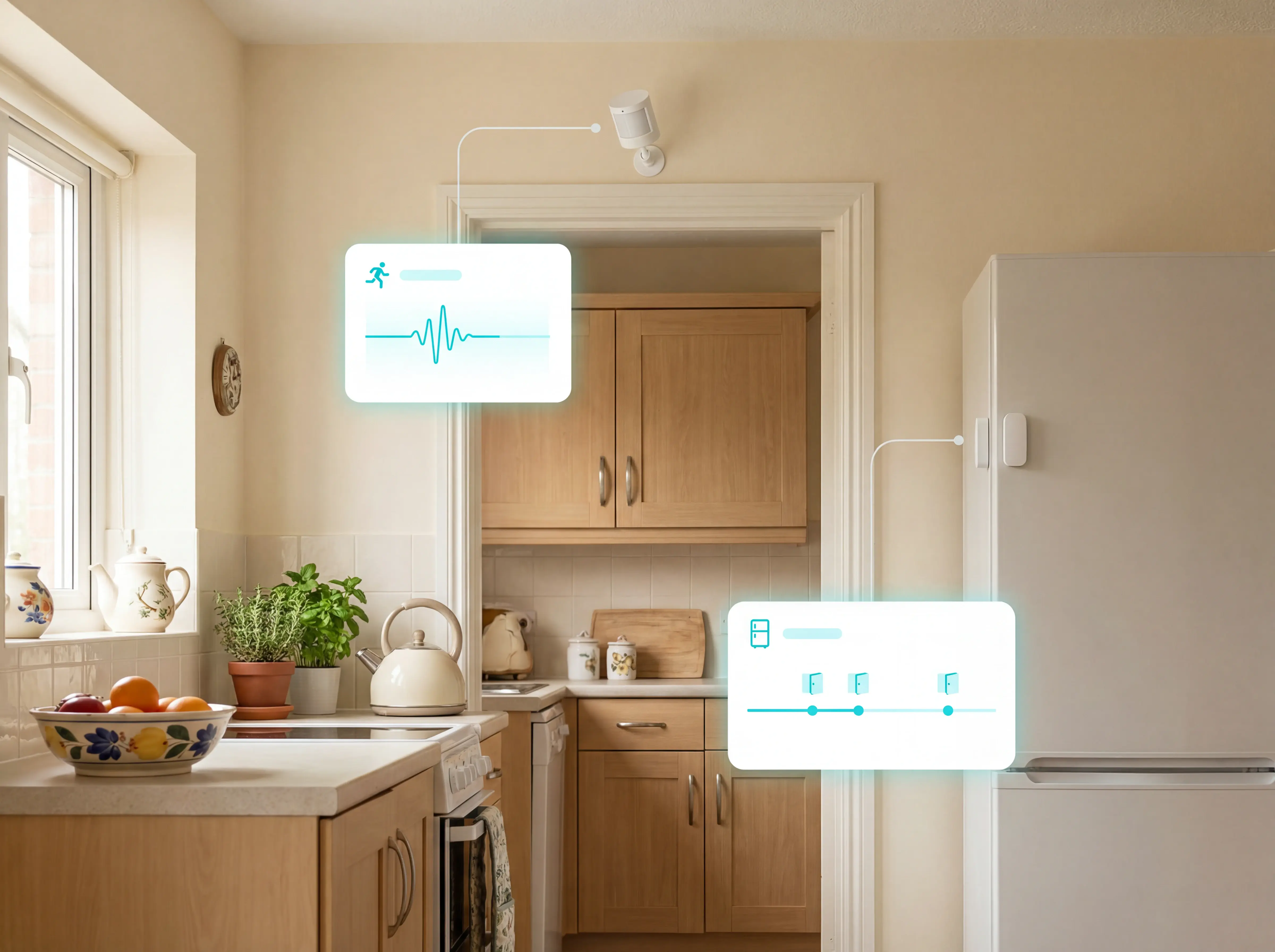
Guardian is an operational monitoring system for homes and care facilities. Ambient sensors read activity patterns without cameras or wearables, then the Portal sends alerts when routine changes need attention.
Guardian can cover one private home or a multi-resident facility. The sensor mix changes by setting, so the setup matches the care environment.
For private homes, Guardian is sold through home care providers. Relatives or care teams receive alerts based on the notification setup agreed for that home.
How passive monitoring detects care events without manual checks
Manual systems leave gaps between readings. Spot checks capture one measurement at a time, while watches only help when the resident keeps the device on and charged.
Guardian detects changes without a wearable or a button press.
The Guardian Portal looks for routine breaks such as:
No movement for a set period.
Bed activity outside the usual routine.
A fridge that has not been opened by the expected morning routine.
During a morning routine, Guardian can flag when a resident has not left the bedroom by the expected time. A caregiver or relative can check in before the situation escalates.
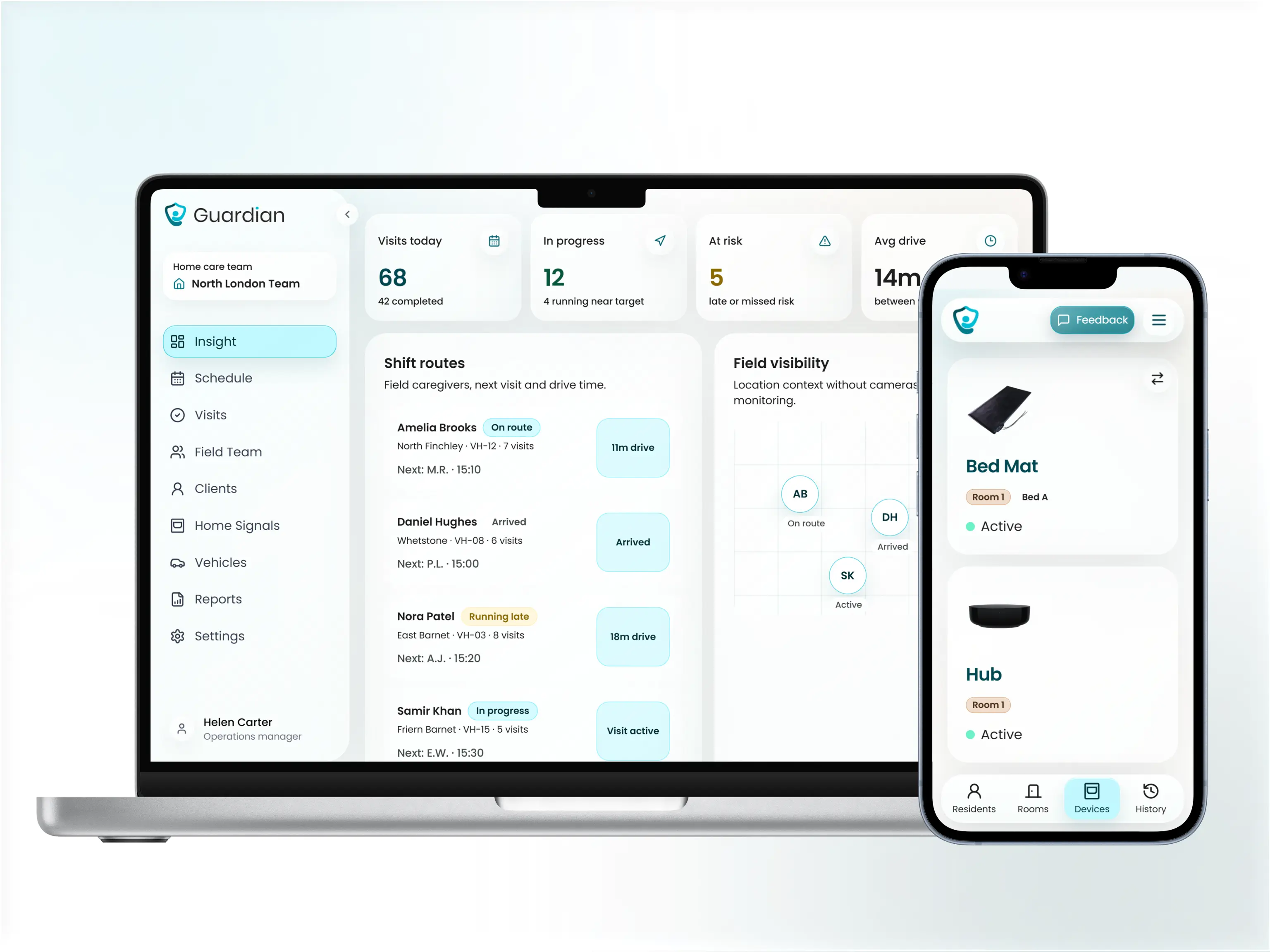
What caregivers get when a change is detected
Guardian alerts show who needs attention, where the event is happening, and what changed. The Portal keeps activity signals in one place, instead of forcing caregivers to compare separate device apps.
Caregivers set custom alerts around daily routines and inactivity rules inside the Portal. The same screen controls who gets notified for each alert type.
In a private home, relatives can receive Guardian alerts directly. Family members can act when Guardian flags missed morning movement or another agreed routine break.
How passive monitoring cuts false and non-actionable alerts
Repeated non-actionable notifications make caregivers less likely to trust an alert. Guardian filters sensor data against the routines you set, so alerts are reserved for changes that need a check.
Care teams can set routine rules such as:
Movement gaps.
Missed fridge activity.
Inactivity when the resident is usually active.
The Portal then reports deviations, not every sensor trigger.
Filtering matters because staff learn which alerts deserve a check. Research in npj Digital Medicine reports 31% lower hospital costs and 49% fewer ambulance calls with early intervention monitoring.
Use the 6 to 8 week pilot to compare baseline alert volume and response times with Guardian's filtered alerts. Request a pilot.
Monitoring approach | How data is captured | User or caregiver action required | Oversight scope |
|---|---|---|---|
Spot-check home devices | Single readings from cuffs, clips, scales, or thermometers | A reading must be started manually each time | Individual measurement |
Wearable tracker | Background tracking from a wrist device | The device must be worn and charged | Individual wearer |
Guardian | Ambient room and activity sensors | No wearable or manual reading is required | Ongoing home activity monitoring with centralized alerts |
Medicare covers remote patient monitoring (RPM) devices only when a clinician orders them as part of reimbursable medical care, not as a standalone purchase.
Medicare Part B reimburses RPM when a clinician orders it for an acute or chronic condition that medically warrants monitoring, usually with an established patient relationship and one billing practitioner per 30-day period. Billing splits into setup and education (99453), device supply (99454), and treatment management with interactive communication (99457/99458, with 99470 arriving in 2026).
Coverage centres on FDA-defined medical devices that upload data automatically, so blood pressure monitors and glucometer-linked systems fit RPM billing more readily than a general wellness tracker. Patient-entered manual readings generally are not billable, and consumer smartwatches usually fall outside RPM as wellness devices. Home safety systems address supervision and incident response rather than the physiological data RPM rules are built around. Under the 2026 update, the data-transmission threshold is at least 2 days in a 30-day period, down from the prior 16-day norm.
There is no single best home health monitoring device for everyone. The best choice depends on the problem you need to monitor: thermometers for fever, blood pressure monitors for hypertension, pulse oximeters for oxygen levels, glucose devices for diabetes, wearables for activity and fall awareness, and passive monitoring systems for ongoing safety oversight without user action.
Match the device to the concern:
Fever: digital thermometer.
Cardiovascular management: blood pressure monitor.
Oxygen saturation: pulse oximeter.
Blood sugar: glucometer or CGM.
Activity and fall awareness: wearable tracker.
Safety and routine changes: ambient sensors.
The second question is spot checks versus continuous monitoring. Thermometers, cuffs, scales, and oximeters need a reading started by hand. Smartwatches track continuously but only while worn, and adherence is a real limit. Ambient monitoring reduces the compliance problem because the resident does not need to remember a device. Guardian uses environmental sensors to detect routine changes and safety issues with no wearable and no user action.
Blood pressure monitors are the most commonly purchased and used smart health monitoring devices in MedM connected health data, followed by weight scales. In that dataset, blood pressure monitors account for 57% of connected health devices, while weight scales account for 30.8%.
Scales stay common because weight is cheap to track and easy to act on, but a scale does not tell you whether hypertension is under control. The University of Michigan National Poll on Healthy Aging found that 48% of adults aged 50 to 80 with a blood pressure-related condition regularly check blood pressure at home.
Connected cuffs fit ongoing review because they can share trends during appointments, which makes them more relevant than scales when the main risk is cardiovascular.
Read home health data by taking measurements consistently, comparing each result to the person's baseline, tracking changes over time, and escalating unusual readings through a clinician or monitoring portal.
Guardian reads activity against the resident's own baseline rather than a universal norm, because someone with a chronic condition can sit at a persistently abnormal level without any acute change, so thresholds are set and documented per person. The system builds those baselines from ambient sensors, with no wearable and no manual reading, and caregivers configure alerts around daily routines or inactivity (for example, no movement detected for a set period).
Manual monitoring means tracking readings in apps or logbooks and hoping the pattern is legible when a provider finally sees it. Guardian focuses on actionable events instead of raw data streams: each sensor is tied to a specific room or bed on a digitized floor plan, so an alert already carries its location, and rules do the interpreting. A caregiver can set 'out of bed for more than 15 minutes at night' so movement becomes a response-ready event rather than a line to review later.

Author
Aleks Timm
Aleks Timm leads Guardian and builds privacy-first operations technology for care homes and home care providers. Teams get location-aware alerts they can act on, clearer situational awareness, and measured insight into how care work actually runs.
Read MoreRecommended reads
Keep reading

Remote patient monitoring: a complete guide
Remote patient monitoring: the complete guide to sensors, benefits, and buying tips for safer care homes and better resident...
Read more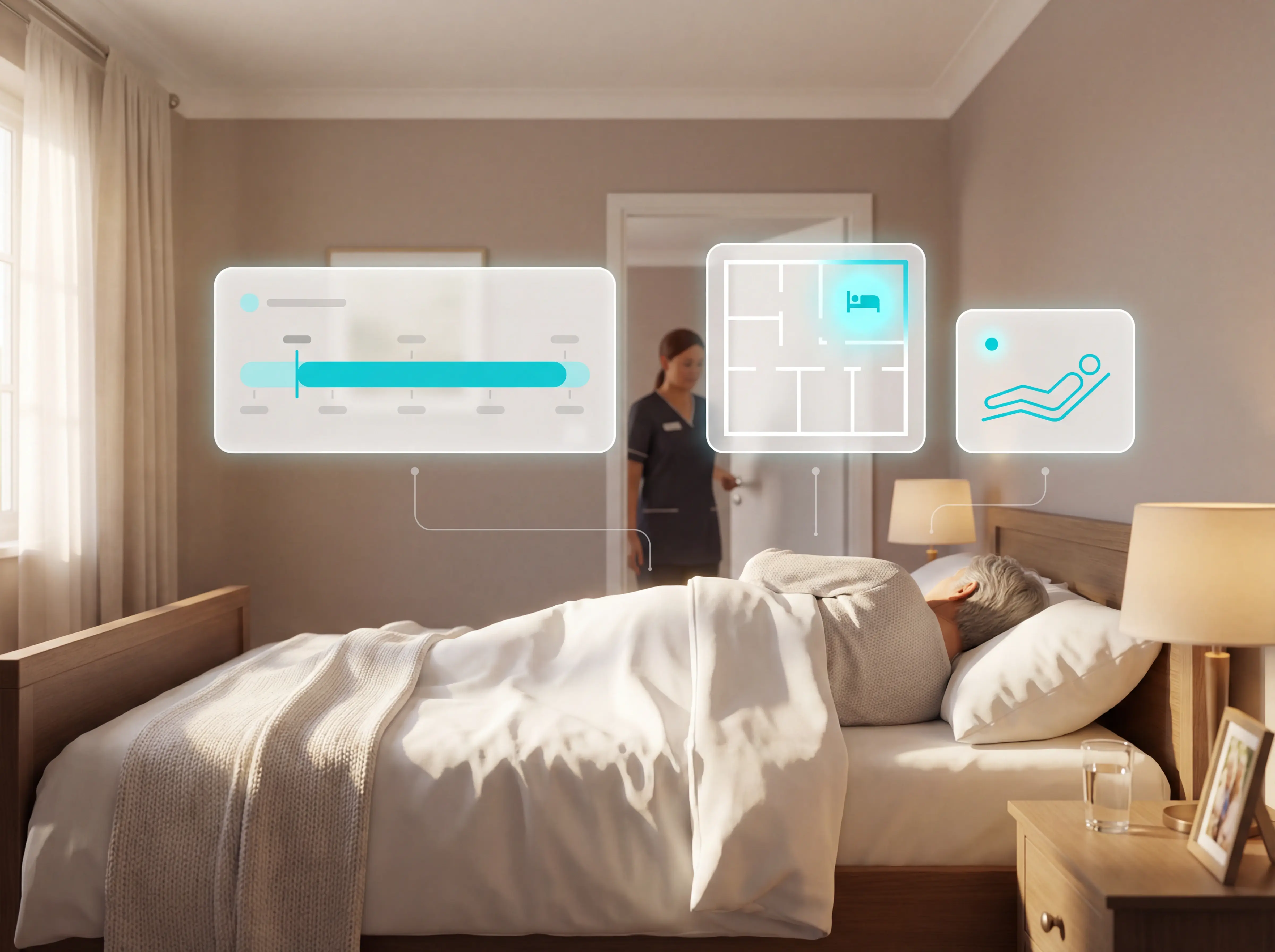
Patient bed alarms for elderly & hospital care
Patient bed alarms help prevent falls in elderly and hospital care. Compare alarm types, choose the right sensor, and protect...
Read more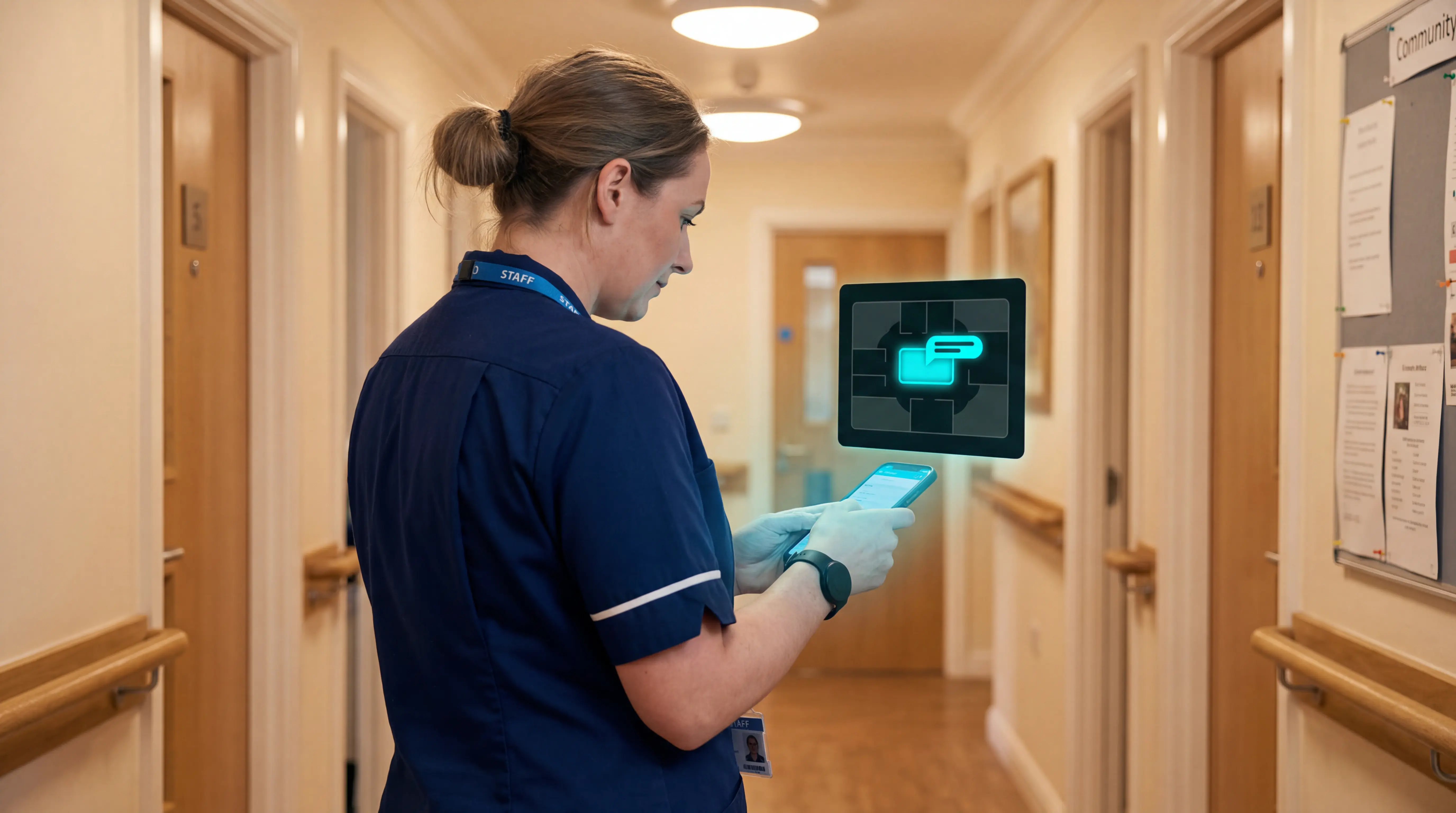
Indoor positioning systems for care homes
Indoor positioning systems for care homes help staff locate falls, exits, and nurse calls by room or bed, improving response,...
Read more