

6 Lifeline Alternatives Compared for Home and Care Use
In this article
Medical Guardian, Bay Alarm Medical, MobileHelp, Medical Alert, LifeStation, and LifeFone are six U.S. alternatives to Lifeline. They differ in home coverage, mobile GPS, caregiver access, and first-year cost.
Most serve one person through a wearable and monitoring center. Staffed care settings need a wider response chain across residents, rooms, staff, and shifts.
Guardian is built for care homes and home care providers, not individual consumers. It adds passive sensors, room-level alerts, and automatic response records across the care operation.
If you run a care home or home care service, see how Guardian handles alerts, location, and response records across the operation. Explore Guardian for care providers.
6 Lifeline alternatives compared
Start with the setting and coverage model. Published prices below were checked on provider pages in July 2026 and may change with billing terms, promotions, equipment, or add-ons.
Topic | Included in this guide |
|---|---|
Lifeline alternatives | Yes |
Pricing and first-year cost factors | Yes |
Feature and monitoring tradeoffs | Yes |
Home use versus facility monitoring | Yes |
How Lifeline sets the baseline
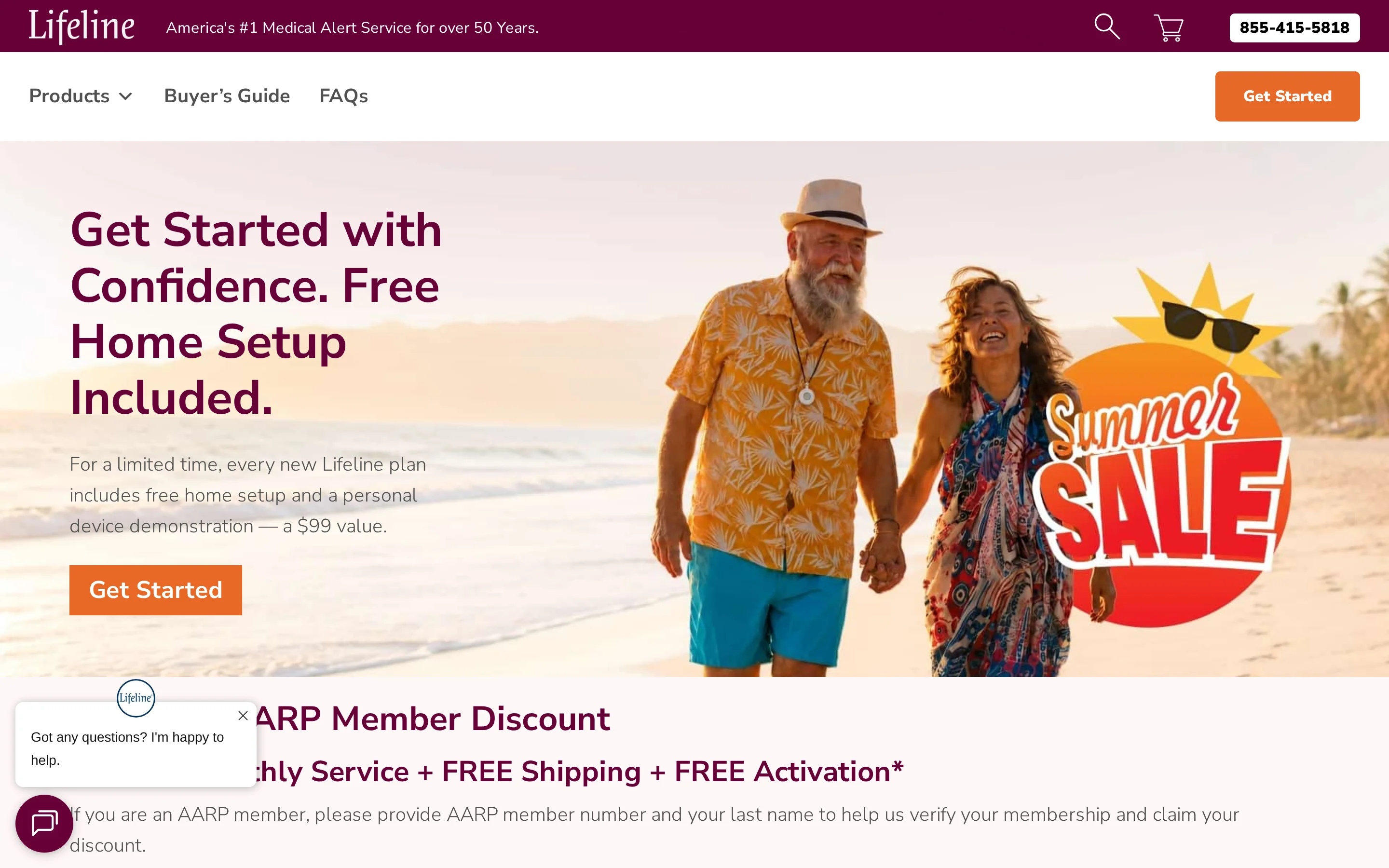
Lifeline shows the standard personal medical alert model: one user, a wearable help button, and a monitoring center that follows an individual response plan.
Comparison factor | Why it matters in this guide |
|---|---|
Monthly cost | Lifeline starts at $34.95/month for home systems and mobile plans range from $39.95 to $49.95/month. |
Upfront fees | Lifeline can add activation, programming, and shipping charges that exceed $175 for a standard setup. |
Mobile GPS support | Several alternatives include GPS-based mobile units for users who leave home regularly. |
Caregiver tools | Some alternatives include caregiver apps, portals, or SMS alerts beyond basic emergency monitoring. |
Fall detection terms | Automatic fall detection availability and pricing differ across providers. |
HomeSafe no longer requires a landline. The practical decision is whether the user needs home-only range or GPS coverage away from home, then whether optional fall detection and setup charges fit the first-year budget.
6 Lifeline alternatives to compare
Each provider below serves the U.S. personal-alert market. Compare the same plan type, billing period, caregiver features, equipment terms, and fall-detection setting.
1. Medical Guardian
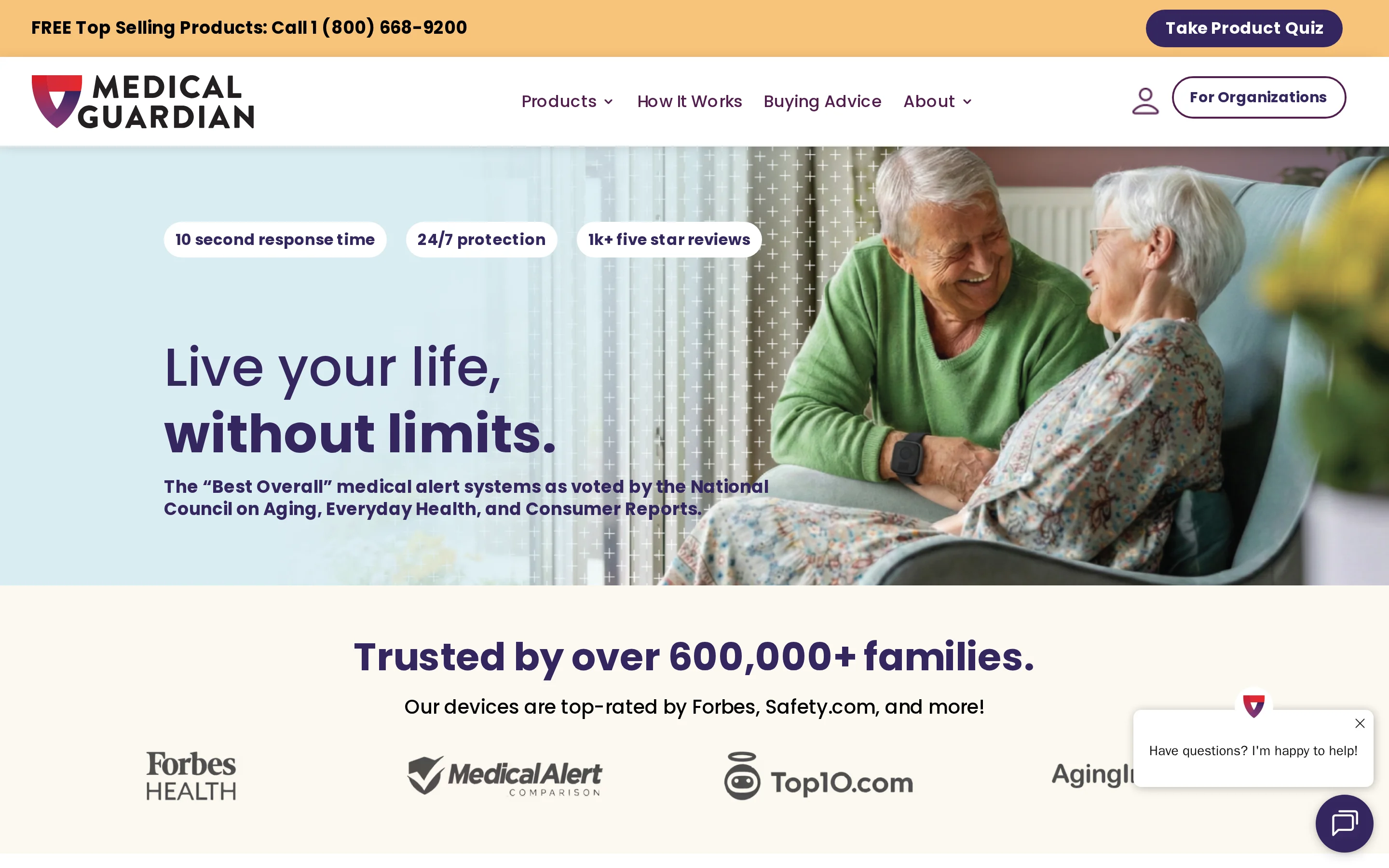
Medical Guardian offers home and mobile personal alert systems for one user. MGHome supports landline or cellular service, while MGMini adds GPS and two-way talk away from home.
Caregiver access: MyGuardian provides a portal and app for system status, account management, and safety information.
Published cost: MGHome starts at $34.95/month and MGMini at $39.95/month. Customers can pay monthly, quarterly, or annually.
Service terms: Medical Guardian states that it has no long-term contracts, activation fees, or cancellation fees. Unused service receives a prorated refund.
Operational tradeoff: Consumer devices follow one wearer’s emergency plan. They do not provide a live view across residents, rooms, and staff response records.
2. Bay Alarm Medical
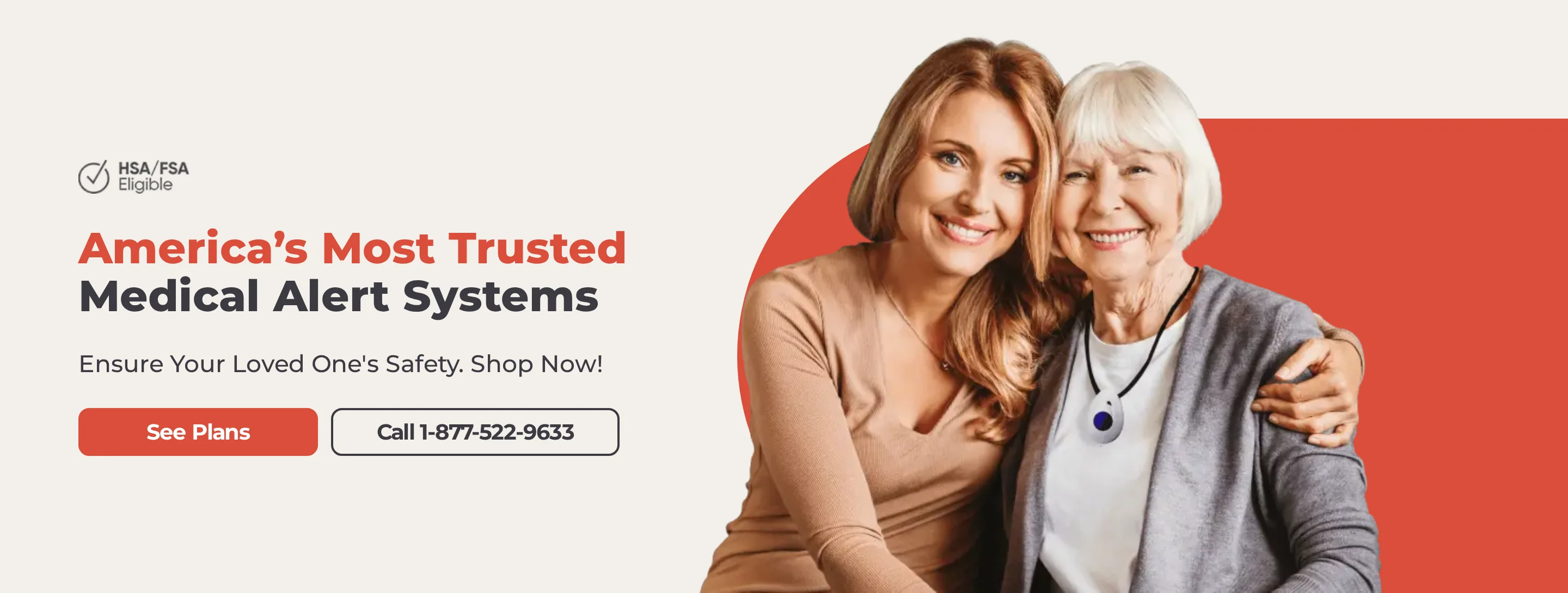
Bay Alarm Medical offers landline and cellular home systems plus GPS-enabled mobile devices. The SOS Micro caregiver app shows current location, location history, and low-battery notices.
Home coverage: SOS Home uses a leased base unit that must be returned when service ends.
Mobile coverage: SOS Micro combines two-way talk with GPS-based caregiver tracking.
Monitoring: Current plans connect to U.S. monitoring centers in Utah and Idaho.
Tradeoff: Fall detection raises the monthly fee, and SOS Micro requires a device purchase in addition to monitoring.
Bay Alarm Medical plan | Published starting rate | Coverage |
|---|---|---|
SOS Home | $24.95/month | In-home monitoring |
SOS Mobile | $29.95/month | GPS mobile monitoring |
SOS All-In-One | $39.95/month | Home and mobile coverage |
3. MobileHelp
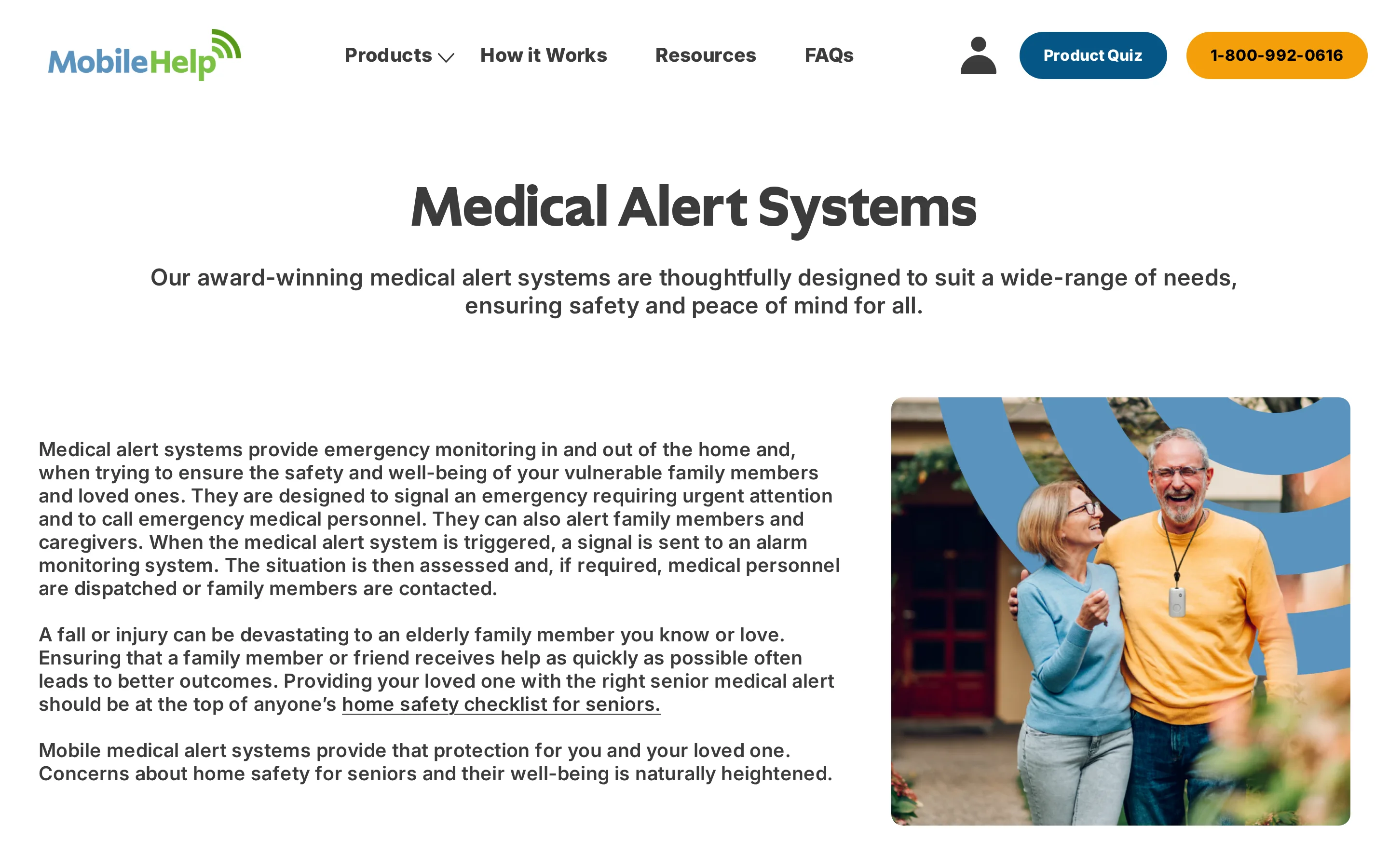
MobileHelp offers home and GPS-enabled mobile medical alert systems. MobileHelp Connect provides caregiver access alongside the monitored service.
Home use: Base-station plans suit users who remain within the tested range of the home unit.
Mobile use: GPS-enabled devices require cellular coverage and a regular charging routine.
Caregiver access: Confirm which alerts, location views, and account controls are included with the selected device.
Cost: Use the current checkout total because billing terms, equipment, fall detection, and promotions can change the advertised starting rate.
The service remains centered on one user and one emergency plan, not facility-wide response routing.
4. Medical Alert
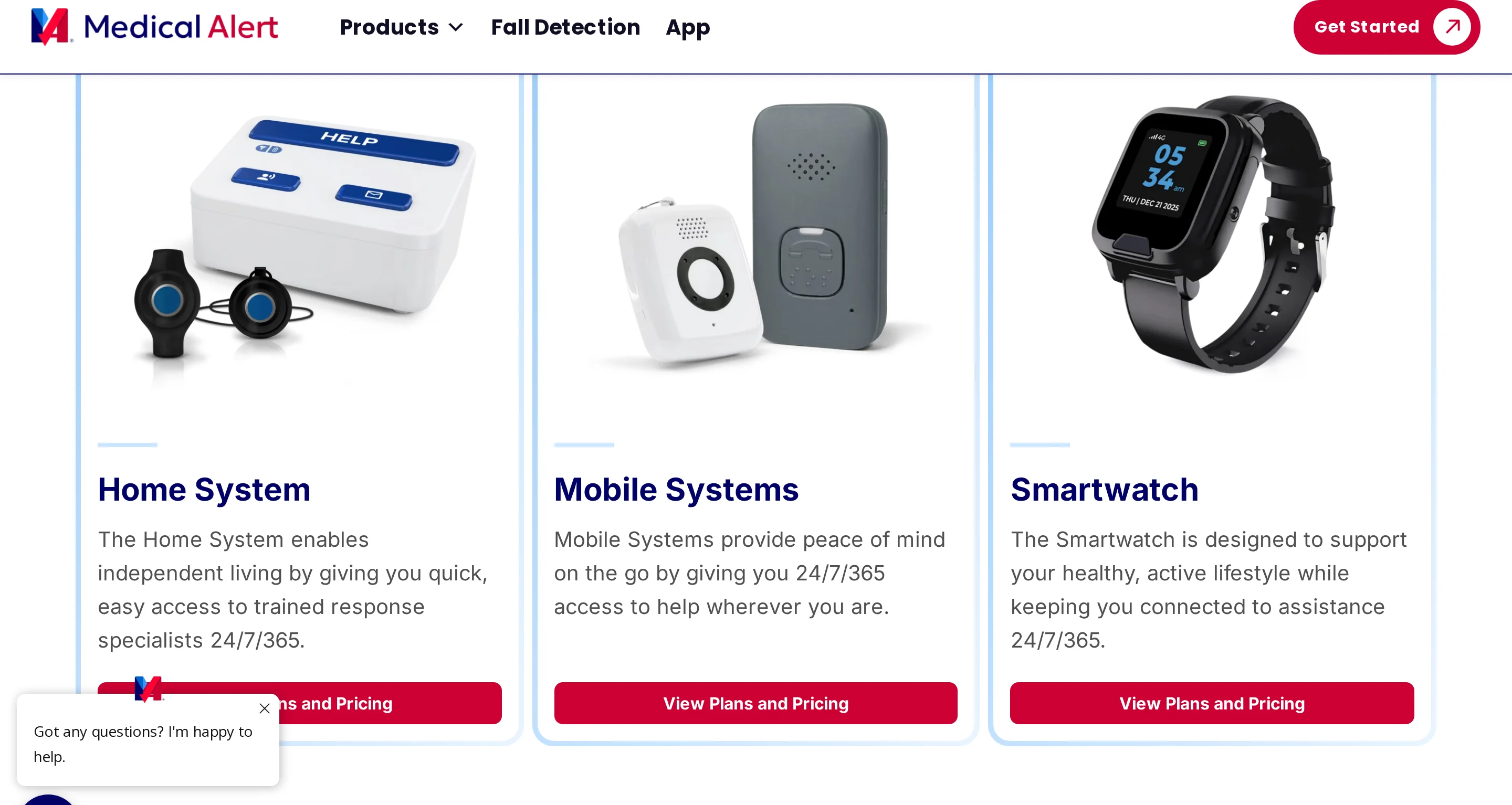
Medical Alert offers cellular home, mobile GPS, and smartwatch formats for individual users. Its Connect app provides notifications, battery status, account controls, and GPS location for eligible mobile systems.
Home use: The cellular Home System includes a base unit and wearable button with an advertised range of up to 800 feet.
Mobile use: The Mobile System combines GPS, two-way talk, and a rechargeable battery lasting up to four days.
Fall detection: Available as an optional add-on and not guaranteed to detect every fall.
Tradeoff: Coverage still depends on the selected wearable being charged, available, and used.
Published starting rates use the provider’s lowest advertised billing option. Compare the configured checkout total rather than the headline figure.
Plan type | Medical Alert | Lifeline |
|---|---|---|
Home cellular | $29.95/month | $34.95/month on annual plan |
Mobile | $39.95/month | $39.95 to $49.95/month |
5. LifeStation
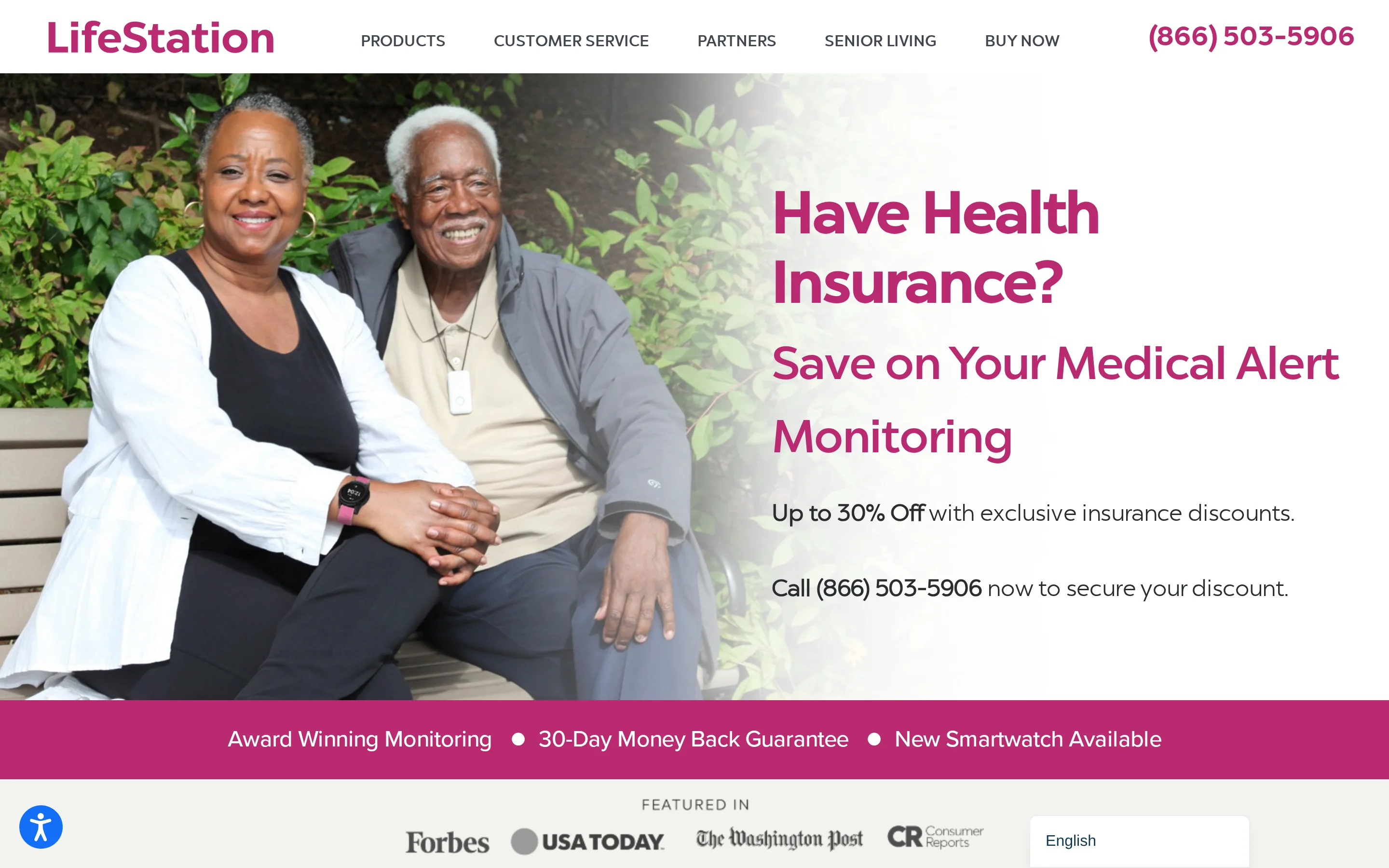
LifeStation offers Sidekick Home, the GPS-enabled Pearl mobile device, and the Sidekick Smart watch. These products support individual emergency monitoring rather than a live facility floor plan.
Caregiver access: Designated contacts receive real-time SMS alerts without an added notification fee.
Mobile coverage: Pearl adds GPS and monitored support away from home.
Monitoring: LifeStation states that it owns its monitoring centers.
Returns: New customers receive a 30-day money-back guarantee.
Cost: Current public pages emphasize insurance discounts rather than one comparable starting rate. Get the monitoring price, equipment terms, and add-ons in one written quote.
For a care home, the main limitation is scope. The system follows individual devices rather than bed, door, motion, and staff-response events across a ward.
6. LifeFone

LifeFone offers landline and cellular home systems plus mobile GPS devices. The current VIPx2 page lists monitoring from $39.95/month on an annual plan.
Mobile coverage: VIPx2 uses cellular, Wi-Fi, and GPS location technology across supported U.S. networks.
Caregiver access: Phone, email, and text notifications are included. The optional VIPx2 caregiver app costs $8/month.
Fall detection: Optional fall detection costs $5/month on VIPx2 and can reduce battery life.
Fees and returns: LifeFone lists no activation or equipment fees, a 30-day money-back guarantee, and a subscriber price guarantee.
Tradeoff: The caregiver app follows one mobile device. It does not provide room-level sensor coverage or staff-response records across a facility.
Battery claims vary within LifeFone’s current product page, so test the selected unit’s charging routine during the return period rather than relying on a single headline figure.
Which type of system fits your setting?
Start with who needs coverage and where the response happens. A personal alert can suit one user, while a staffed setting needs routing and records across several people and locations.
Main need | Direction |
|---|---|
Simple home emergency button | Compare Lifeline with home-based personal alert services |
Coverage outside the home | Compare mobile plans with cellular service and GPS |
Caregiver notifications | Confirm the app, portal, or SMS features included with each device |
Multi-resident operational visibility | Look beyond personal pendants to a facility monitoring platform |
How to calculate the first-year cost
First-year cost = 12 months of monitoring + equipment + activation + programming + shipping + paid add-ons. Use the same plan type and billing period for every provider.
A small monthly saving can disappear once fall detection, caregiver access, or device charges are added. Record renewal, cancellation, return, and replacement terms at the same time.
Cost factor | What to confirm |
|---|---|
Monthly monitoring | Billing term, renewal price, and required plan |
Upfront charges | Equipment, activation, programming, and shipping |
Safety add-ons | Fall detection and damage protection |
Caregiver tools | App, portal, SMS, and extra-contact charges |
Exit costs | Cancellation, returns, and replacement equipment |
For a professional care setting, include staff time. A low subscription can still carry a high operating cost when each shift must reconcile alerts, visits, and reports manually.
What care homes need beyond a pendant
A pendant can work for one person who wears it and can press it. It leaves gaps when the device is forgotten, removed, out of charge, or impossible to activate.
A staffed care setting needs a wider response chain:
Passive detection when nobody presses a button
Room or bed location attached to every alert
Staff routing based on who is on shift
Acknowledgement and response-time records after the alert
One live view across residents, rooms, devices, and incidents
Approach | Trigger | Response context |
|---|---|---|
Personal pendant | Button press or supported wearable event | Individual emergency signal |
Pendant plus passive sensors | Wearable, motion, bed, or door event | Room-level context for staff response |
Facility monitoring | Multiple sensor and SOS inputs | Live operational view with automatic records |
Test the full response chain before rollout. The pilot should show who received each alert, when it was acknowledged, when staff arrived, and what record remained afterward.
See the whole care operation with Guardian
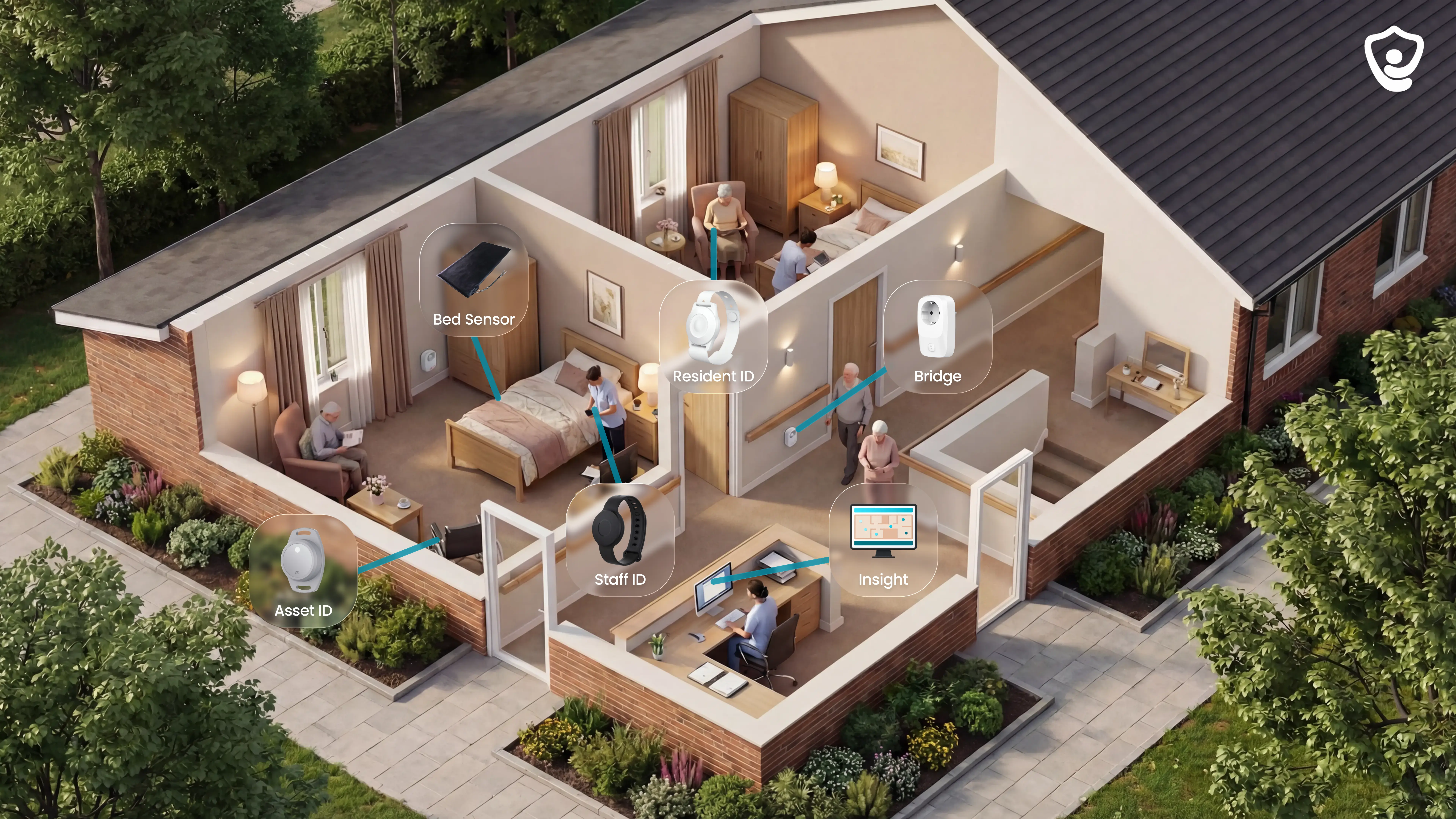
Guardian serves professional care operations rather than individual consumer subscriptions. It gives care homes and home care providers a live, camera-free operations view.
See where help is needed: Alerts identify the resident and room on a digitized floor plan.
Cover residents without relying on a wearable: Bed, motion, door, fridge, and stove sensors work alongside optional wristbands.
Keep clean records: Guardian records visits, shift timing, alerts, acknowledgements, and response times in the background.
Staff can use phones, tablets, or nurse station computers they already carry. Configurable rules filter routine activity, such as only alerting when someone remains out of bed beyond a set period.
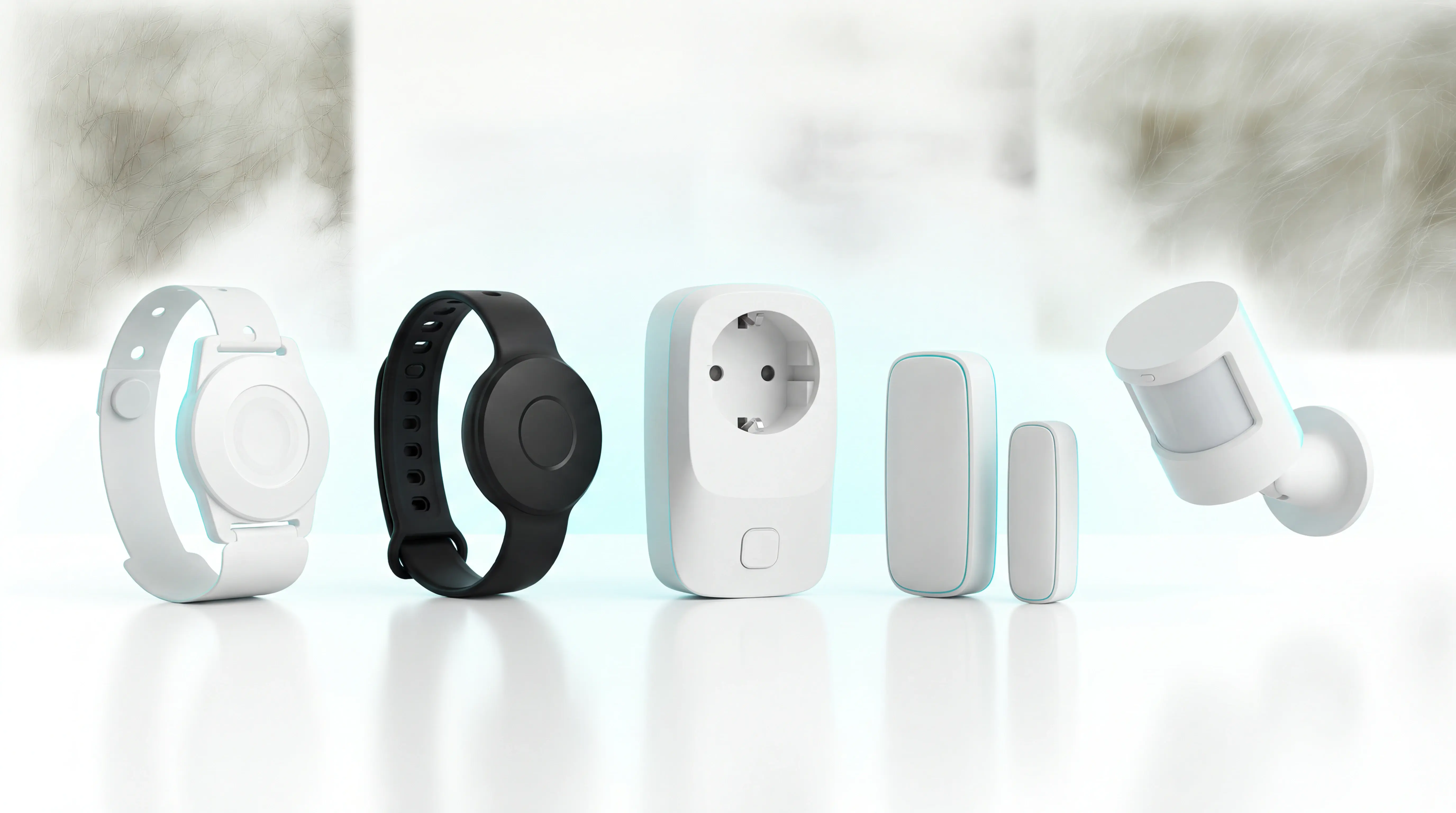
Operational need | Guardian approach |
|---|---|
Coverage without a button press | Passive room and bed sensors work alongside optional wearables |
Location-aware response | Alerts identify the resident and room on a digitised floor plan |
Fewer unnecessary alerts | Teams configure rules around routines and inactivity |
Verifiable service | Visits, shift timing, alerts, and response times become automatic records |
Privacy | Camera-free wireless sensors monitor events without video surveillance |
Guardian installs without drilling, cabling, pagers, or a new IT project. A ward can go live in about a week.
During a 6–8 week pilot, use your own ward data to measure:
Alert-to-arrival response times
Detected events, acknowledged alerts, and attended alerts
Daily alert volume and staff feedback
Time saved on visit and shift reporting
The pilot ends with a written impact and ROI report. Use the results to decide whether to roll out further.
There is no single best provider for every user. Compare home base-station plans for someone who stays in, mobile GPS plans for regular travel, and the exact caregiver notifications included.
For a staffed care setting, personal alert devices cover only part of the job. Room-level routing, passive sensors, and response records require a facility monitoring platform.
It can support selected residents, but it does not provide one operational view across rooms, staff, sensors, acknowledgements, and response times. Care homes need a platform designed for multi-resident workflows.
Original Medicare generally does not pay for personal medical alert subscriptions. Some Medicare Advantage plans may include a home-safety, wellness, or over-the-counter allowance.
Review the plan’s current Evidence of Coverage and Medicare’s coverage information before buying a device.
Yes. Some unmonitored devices call selected contacts, while others can dial emergency services.
No monitoring agent assesses the event, speaks with the user, or follows a stored escalation plan. Check exactly who receives the call and what happens when nobody answers.
Usually not. Home systems commonly use a landline or built-in cellular connection, while mobile devices use cellular service and GPS.
Check local cellular coverage and backup power for the specific device before committing.

Author
Aleks Timm
Aleks Timm leads Guardian and builds privacy-first operations technology for care homes and home care providers. Teams get location-aware alerts they can act on, clearer situational awareness, and measured insight into how care work actually runs.
Read MoreRecommended reads
Keep reading

Remote patient monitoring: a complete guide
Remote patient monitoring: the complete guide to sensors, benefits, and buying tips for safer care homes and better resident...
Read more
Wireless Patient Monitoring Systems for Care Homes
A complete guide to wireless patient monitoring systems, connected sensors, alert logic, care-home deployment, privacy, and...
Read more
Indoor positioning systems for care homes
Indoor positioning systems for care homes help staff locate falls, exits, and nurse calls by room or bed, improving response,...
Read more