

Sensio RoomMate Review: Features, Costs and Care Home Fit
In this article
Sensio RoomMate is an infrared safety sensor for digital supervision in resident rooms. It sends automatic alerts and lets staff view an infrared room image before deciding whether to check in person.
This review uses public sources checked on 19 July 2026. RoomMate has not been tested directly for this review.
The wider Sensio platform is noted only where it connects to RoomMate. Pricing, installation, support, and contract terms still need confirmation in a current proposal.
The documented proposition: RoomMate provides continuous room-level awareness, passive alerts, and infrared digital checks without requiring the resident to press a button.
The decision depends on fit. Confirm the RoomMate model, installation work, alert workflow, wider Sensio products, support terms, and total rollout cost for the ward.
Quick verdict
RoomMate fits care homes that want passive room supervision, automatic notifications, and infrared digital checks. The public evidence does not settle site-specific installation, support, pricing, or contract terms.
Documented scope: Sensio's RoomMate page describes an infrared sensor for room activity, potential-fall events, passive alerts, and digital checks.
Deployment: Confirm the installed model, power, network, mounting, commissioning, and staff workflow before signing.
Commercial terms: No reusable public price was verified. Request itemised hardware, software, installation, support, replacement, and expansion costs.
Wider scope: RoomMate connects with Sensio 365, Insight, Pocket, and Vista. This review does not assess those products as a complete platform.
Scope: Sensio RoomMate
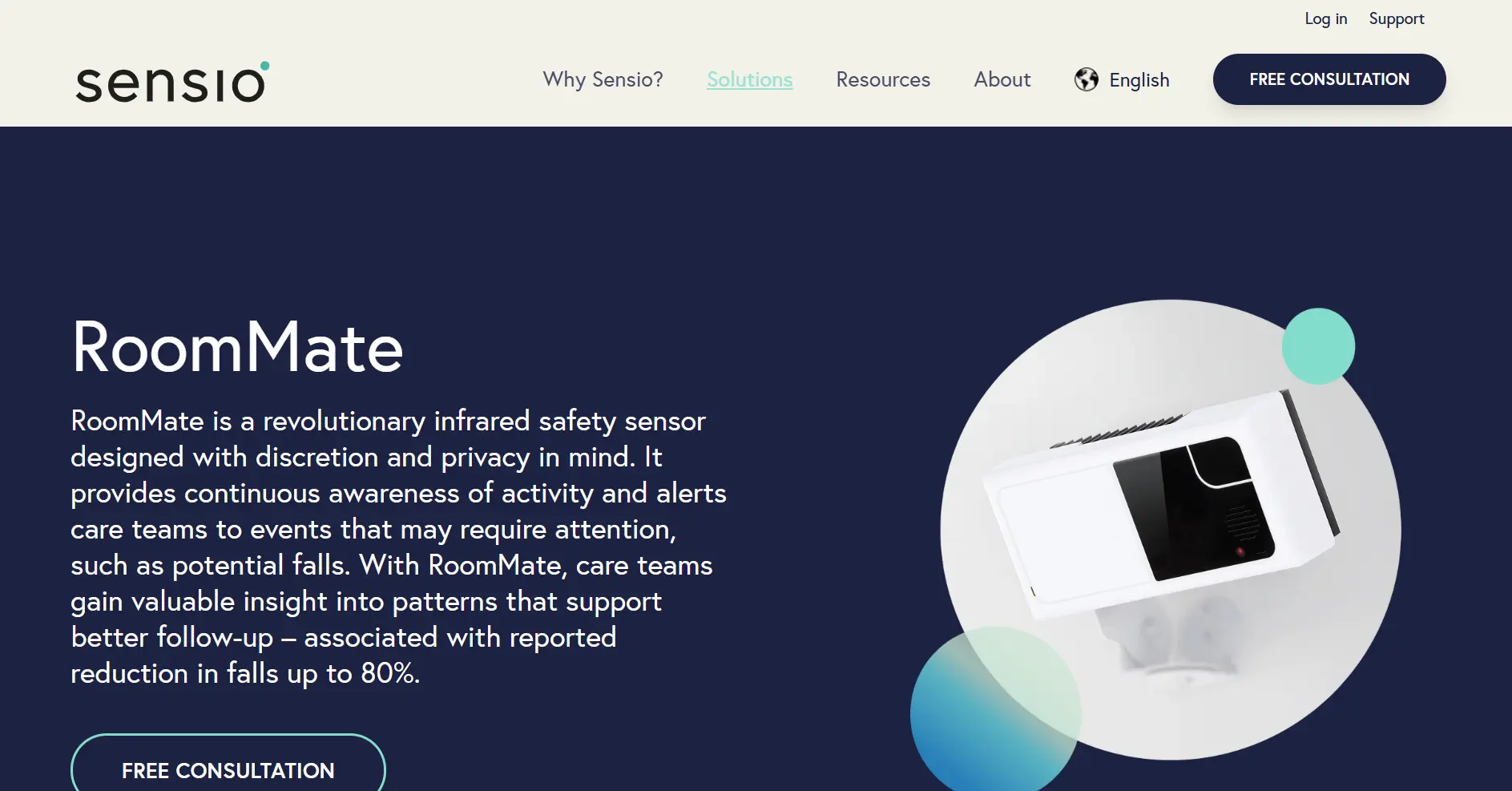
This review covers the product described on Sensio's current RoomMate page. It does not assume every installation uses RoomMate 2.0 or assess Sensio's full product estate.
Sensio 365, Insight, Pocket, and Vista are mentioned only where Sensio documents a RoomMate connection. Unrelated lighting, appliance, and consumer brands named Sensio are outside the review.
How this review was researched
Sources were checked on 19 July 2026. The review uses public material only, and Guardian has not installed or tested RoomMate.
Current product description: Sensio's RoomMate page was used for sensing, digital checks, alerts, and product connections.
Wider product context: Sensio's product index was used to identify Sensio 365, Insight, Pocket, and Vista. Those products were not reviewed in depth.
Evidence limits: Sensio customer stories and its RoomMate report are vendor-published evidence. Public, product-matched customer reviews were too limited for broad satisfaction or reliability claims.
What official RoomMate material confirms
Sensio's current product material confirms RoomMate's core functions. It does not, by itself, establish satisfaction, reliability, or results across every care setting.
Infrared digital supervision: Staff can view an infrared image of a resident's room on a phone, tablet, or computer before deciding whether a physical check is needed.
Passive alerts: RoomMate can identify situations that may need attention and notify care teams without requiring the resident to activate an alarm.
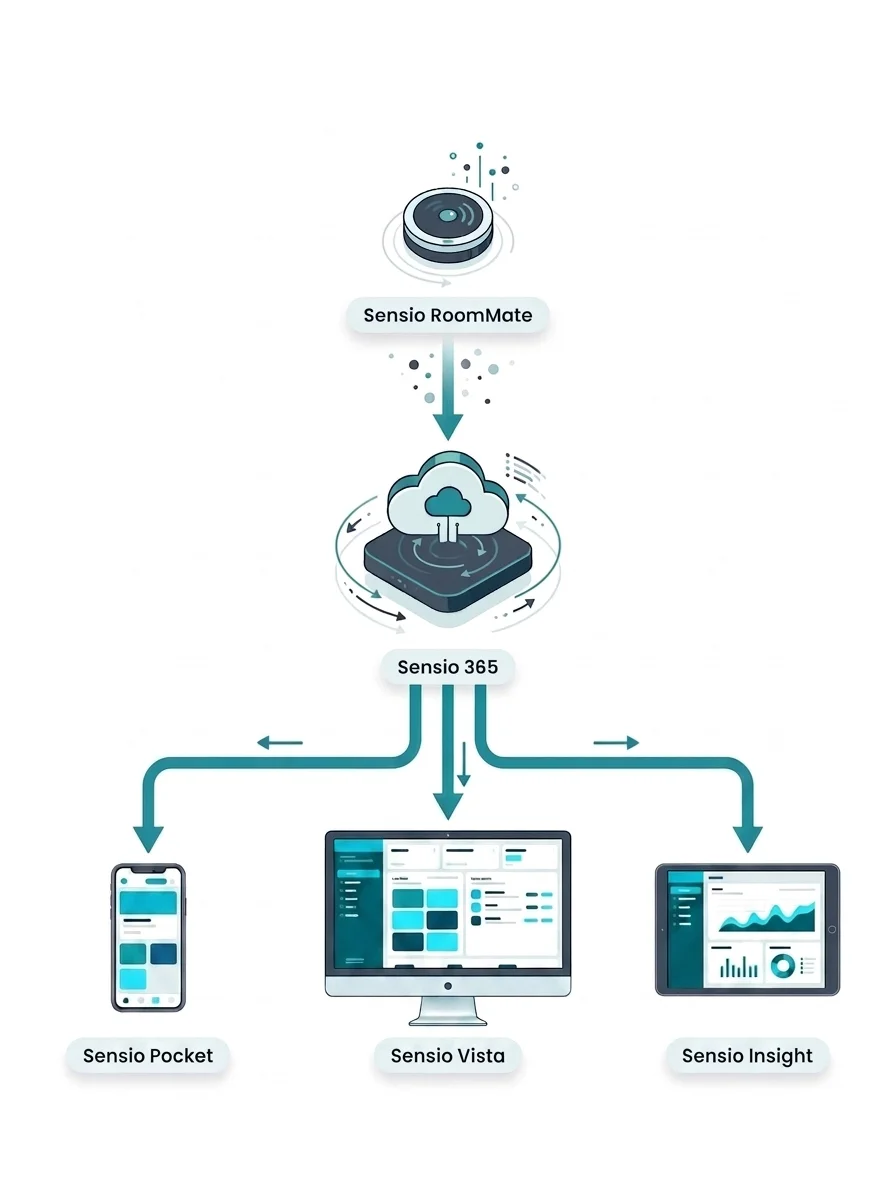
Product connections: Sensio says RoomMate works with Sensio 365 and can be managed through Sensio Pocket or Vista, with activity information available through Sensio Insight.
Questions to settle before a RoomMate rollout
Public material explains RoomMate's main functions, but it does not settle a specific ward's installation, commercial terms, support model, or operational results.
Version and installation: Confirm the RoomMate model, sensor placement, power, network, mounting, commissioning, and work required in occupied rooms.
Alert workflow: Test who receives each alert, what information they see, how staff escalate it, and what happens during a network or device outage.
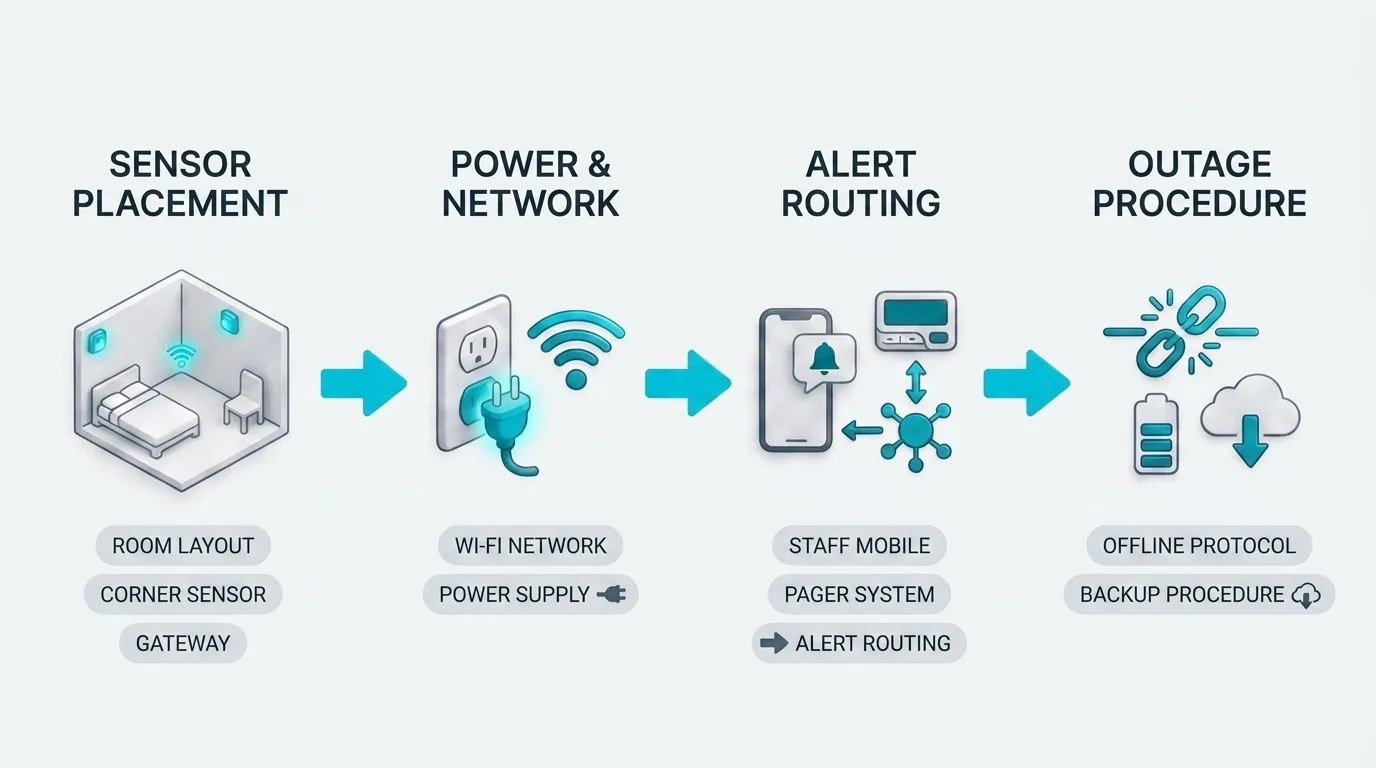
Commercial terms: Confirm hardware, software, installation, support, replacement, renewal, cancellation, and expansion costs in one itemised proposal.
Local evidence: Set response, alert-quality, staff-adoption, and reporting measures before the pilot. Public reviews are too limited to replace a ward test.
Pricing evidence and total cost
No reusable public RoomMate price was verified for this review. Procurement totals can depend on configuration and contract scope, so they should not be presented as a standard product price.
Request a current, itemised proposal. Compare the full rollout cost with the operational result you expect, such as fewer routine checks, faster response, or clearer records.
Status | Cost area | Request in writing |
|---|---|---|
Known | Norway price evidence | No verified figure found |
Verify | Hardware scope | Devices, gateways, accessories |
Verify | PoE and installation | Cabling, switches, labour, commissioning |
Not public | Software or service fees | Recurring fees and annual indexation |
Not public | Contract length | Minimum term, renewal, cancellation |
Not public | Support | Hours, response times, escalation |
Not public | Replacements | Coverage, exclusions, spare-part prices |
Not public | Expansion | Another ward or site cost |
Contract, support, and replacement terms
No RoomMate-specific warranty length, service window, or replacement deadline was verified for this review. Put each operational commitment in the facility agreement.
Delivery and acceptance: Define inspection, testing, commissioning, defect handling, and the point when the ward accepts the installation.
Warranty and replacement: State coverage, exclusions, replacement turnaround, spare equipment, and who pays for removal and reinstallation.
Support: Name the support hours, contact channels, response targets, escalation route, and responsibilities outside normal hours.
Maintenance and parts: Record planned maintenance, software support periods, spare-part prices, availability, and end-of-life notice.
Outage and exit: Define offline procedures, data access, data export, equipment removal, and handover when the agreement ends.
Where RoomMate fits, and where to compare wider options
RoomMate's documented scope centres on infrared room supervision, passive alerts, and digital checks. Requirements beyond that scope should be compared against Sensio's wider platform and other care-operations systems.
Room-level supervision: RoomMate fits a brief centred on infrared digital checks, room activity, and automatic notifications.
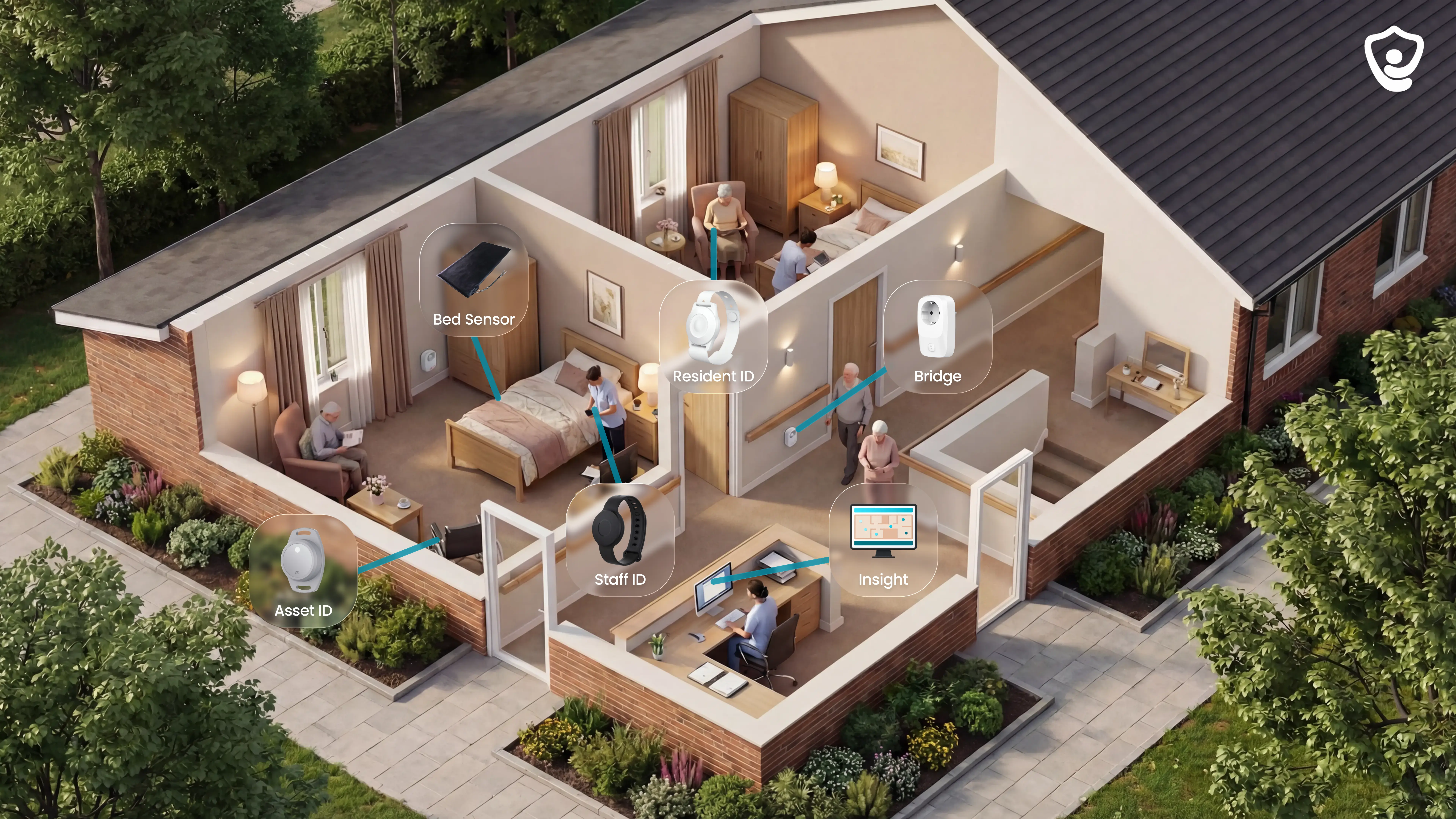
Camera-free operations: Guardian fits a brief covering room-level alerts, live location, visits, shifts, vehicles, assets, and response records without staff viewing room images.
Wider Sensio requirements: Verify the exact roles, licences, integrations, and reporting scope of Sensio 365, Insight, Pocket, and Vista in the proposed deployment.
Final decision: Test the shortlist on one ward using the same baseline, measures, and success thresholds.
Where generic reviews stop helping
A review cannot show how a system will perform on your ward. Replace general impressions with a fixed pilot scorecard.
Replace star ratings with a five-part pilot scorecard built from your own records.
Record the current ward baseline before installation and agree what success means. Keep the same definitions throughout the pilot.
Set the response-time baseline: Record the median and the time within which nine out of ten responses occur, split by shift. Repeat the measure during the pilot.
Classify alert quality: Ask staff to mark each reviewed alert as true, nuisance, or repeated. This shows whether noise is slowing the response.
Compare incidents: Match every detected event and escalation with the ward incident log. Record events the system or existing process missed.
Measure staff adoption: Track acknowledgements, actual use, and reasons staff bypass the system. Low uptake can distort the result.
Test reporting: Time how long managers need to retrieve a complete event timeline. Use the record in a handover or incident review.
Metric | What to record | Why it matters |
|---|---|---|
Response time | Median and 90th percentile by shift | Exposes delays averages hide |
Alert accuracy | True, nuisance, and repeated alerts | Measures noise and staff burden |
Incident capture | Events detected, escalated, or missed | Tests safety coverage |
Staff adoption | Acknowledgement, use, and bypass reasons | Separates performance from uptake |
Reporting quality | Record completeness and retrieval time | Tests handover and review usefulness |
Agree every threshold before installation. Changing a measure after results arrive makes the comparison unreliable.
See how Guardian's camera-free care operations view performs over 6-8 weeks on one ward. Request a ward pilot using the same baseline and scorecard.
Compare RoomMate with Guardian's camera-free operations view
RoomMate's official material focuses on infrared room supervision, automatic notifications, and links to Sensio's wider platform. This review does not assess that full platform.
Decision area | RoomMate | Guardian |
|---|---|---|
Room supervision | Infrared room view and passive alerts | Camera-free sensors and optional wearables |
Resident action | Not required for automatic notifications | Not required for configured sensor alerts |
Wider operations | Connects with Sensio 365, Insight, Pocket, and Vista | Residents, caregivers, vehicles, assets, and alerts in one live view |
Operational records | Verify the exact scope in the proposed Sensio setup | Automatic visits, shifts, and response-time records |
Evaluation | Confirm scope, installation, measures, and terms with Sensio | Run a 6–8 week pilot on one ward |
Guardian uses a different model. It is camera-free and combines room-level alerts with live location and automatic operational records across a ward or fleet.
Prove it before you roll it out
Start with one workflow. Measure what changes before committing to a wider rollout.
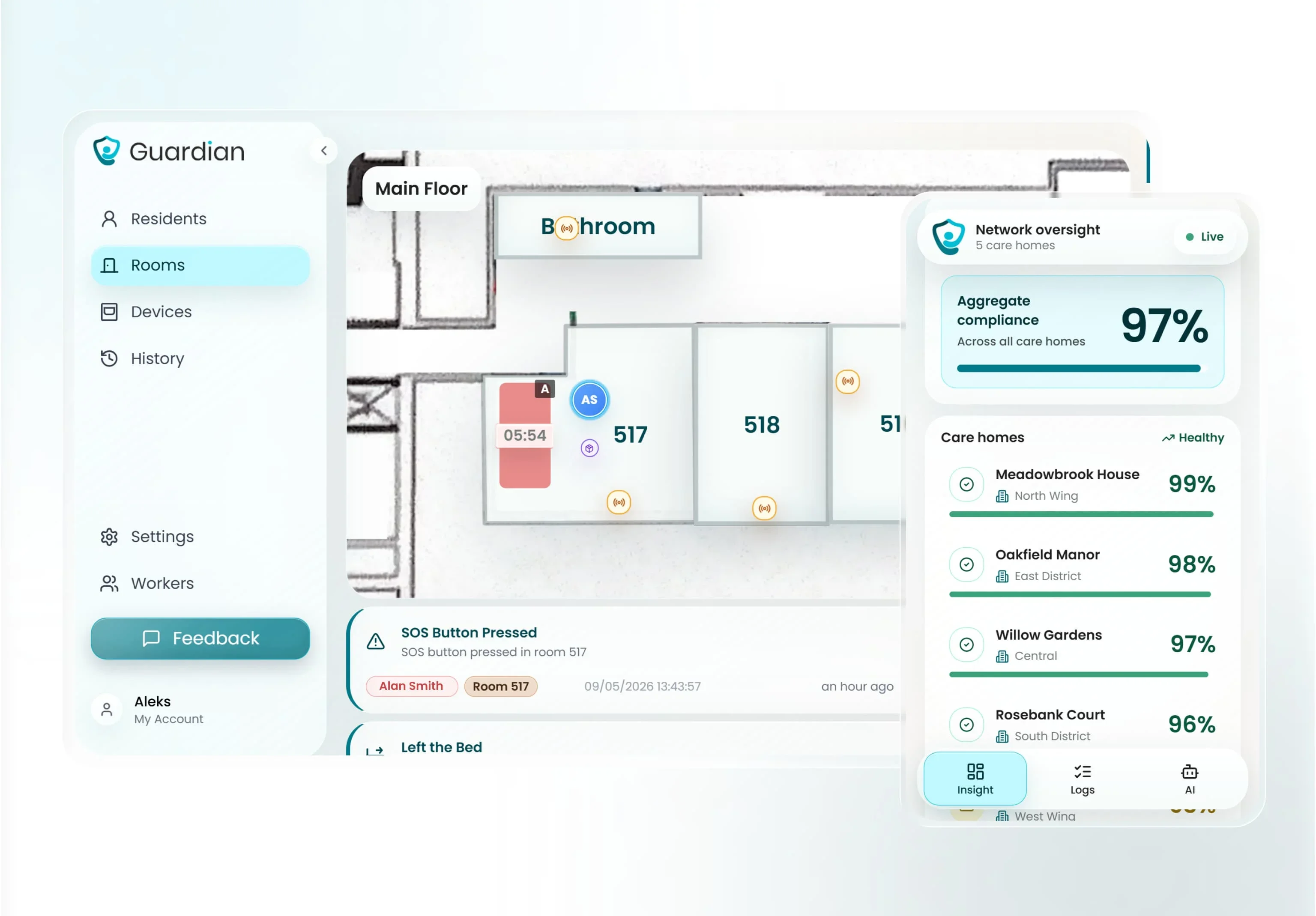
Map the workflow: We define the priority use case for one ward, site, or home care fleet and configure the relevant floor plan, devices, and alert rules.
Go live in about a week: We set up the wireless system around existing routines, with no drilling, cabling, new pagers, or EMR integration.
Measure for 6–8 weeks: You receive your own response-time, visit-verification, and ROI evidence, plus a practical rollout recommendation.
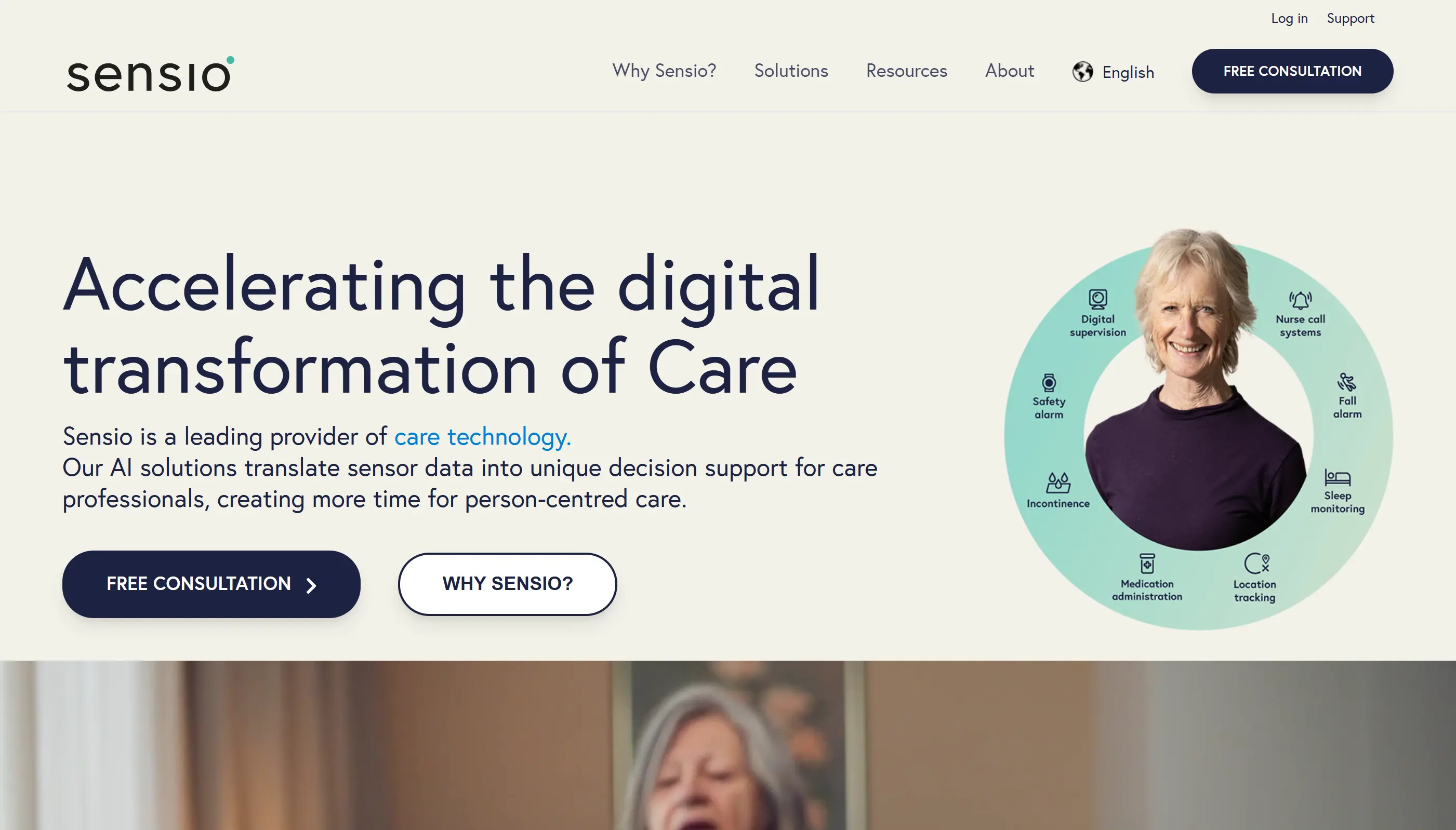
Sensio calls RoomMate an infrared safety sensor. Its product page says authorised staff can view an infrared image of a resident's room, so buyers should not describe it simply as camera-free.
No resident action is required for RoomMate's automatic notifications. The room sensor identifies situations that may need attention and alerts the care team.
Sensio describes RoomMate as reducing and detecting falls, while the product page says it highlights events such as potential falls. This review did not independently validate detection or prediction performance.
No reusable public price was verified for this review. Ask for an itemised quote covering hardware, software, installation, support, replacement, contract changes, and expansion.
Public product material does not settle every site requirement. Confirm the sensor model, mounting, power, network, commissioning, occupied-room work, and outage procedure before signing.
Sensio says RoomMate connects with Sensio 365, Sensio Insight, Sensio Pocket, and Sensio Vista. Confirm which products, licences, integrations, and reports are included in the proposed setup.
Sensio says RoomMate has qualified to use the Made in Norway label, a trademark administered by Innovation Norway.

Author
Aleks Timm
Aleks Timm leads Guardian and builds privacy-first operations technology for care homes and home care providers. Teams get location-aware alerts they can act on, clearer situational awareness, and measured insight into how care work actually runs.
Read MoreRecommended reads
Keep reading
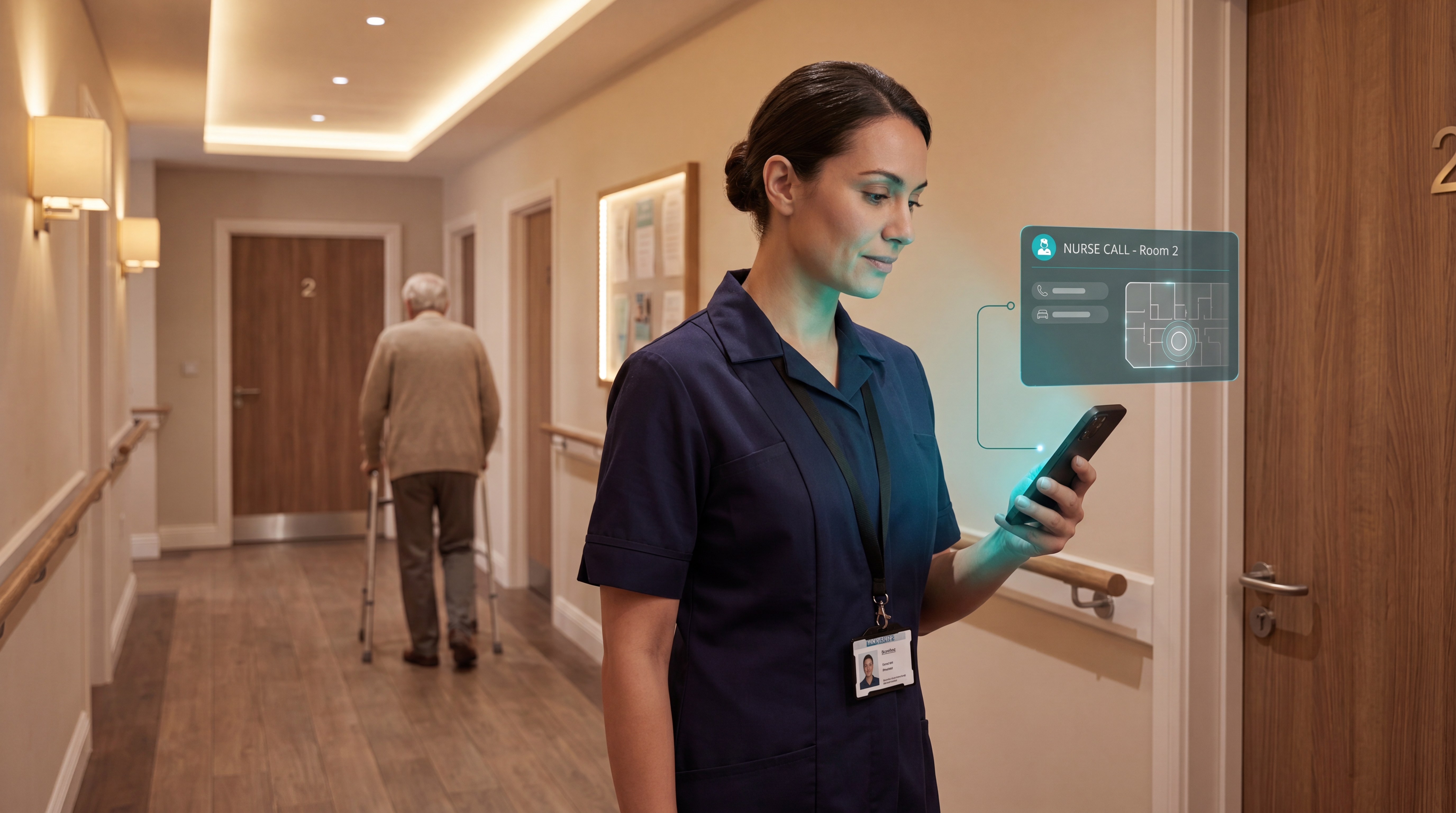
Smart Nurse Call Systems for Care Homes and Home Care Providers
Smart nurse call systems for care homes and home care providers: compare features, improve response times, and choose the right...
Read more
WiFi nurse call system guide for care homes
WiFi nurse call systems explained: alerts, clean records, and no wiring—compare options and choose the right setup for your care...
Read more
Patient bed alarms for elderly & hospital care
Patient bed alarms help prevent falls in elderly and hospital care. Compare alarm types, choose the right sensor, and protect...
Read more